Presettings
Operating instructions GLP
3 -- 101
6.562.98.5.01.18
3.5.5 Print channel control
The ”Print chan. control” table editor replaces the two previous selection menus
for ”Criteria altern. label” and “Channel for altern. label”! The presettings for
the A--G print channels can also be made under the PLU data and thus be auto-
matically called up with it by a PLU change! In the case of double and multiple la-
beling systems a preset can be entered here for when the relevant channel should
be activated in the case of double labelers. This is done by the presettings for the
relevant pair x.
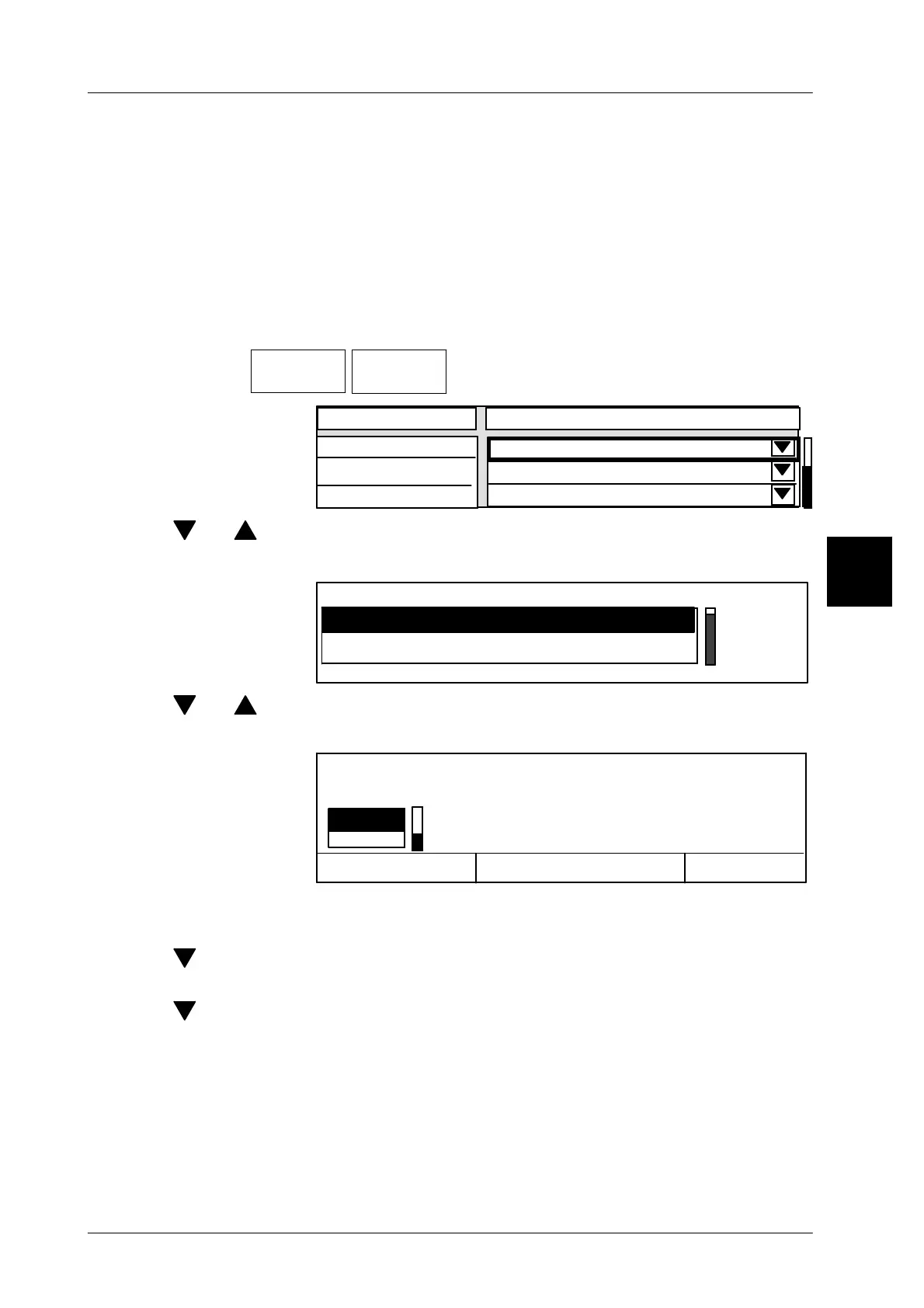
Operating sequence: Description
------------------------------------------------------------------------------------------------------------------------------------------------------
[MODE] 2
Labe--
ling
PrintChan.
control
-- Call table editor.
Character
not active
PrintChan. control
PrintChan. internal
Print Channel A
Print Channel B
always active
always active
[ ] , [ ] -- Select relevant channel
[SELECT] -- Open selection menu for properties
not active
PrintChan. internal
always active
[ ] , [ ] -- Select presettings (description see next page).
[ENTER] [ENTER]--Acknowledge selection and exit selection menu.
Cancel <ESC>
OK <ENTER>
no
Editor being exited.
yes
Save data?
[ENTER] -- Acknowledge ”yes” if you want to save the data and exit the
editor ....
[ ] [ENTER] -- or select ”no” and acknowledge if you want to exit the editor
without saving the data .....
[ ] [ENTER] -- or select ”Return” and acknowledge if you want to return to
the editor.
3



 To Next Page