Presettings
Operating instructions GLP
3 -- 111
6.562.98.5.01.18
3.5.10 Calculate formula
Formulae can be saved under text numbers, which carry out specific, presettable
calculations. The relevant requirements and examples for this are contained in
the description ”Formula interpreter for the GX automatic price--weigh labe-
lers”, which can be requested from Bizerba if required.
Example:
Calculate current batch number from date and other factors and save the appro-
priate formula for it under text number xx.
Operating sequence: Description
------------------------------------------------------------------------------------------------------------------------------------------------------
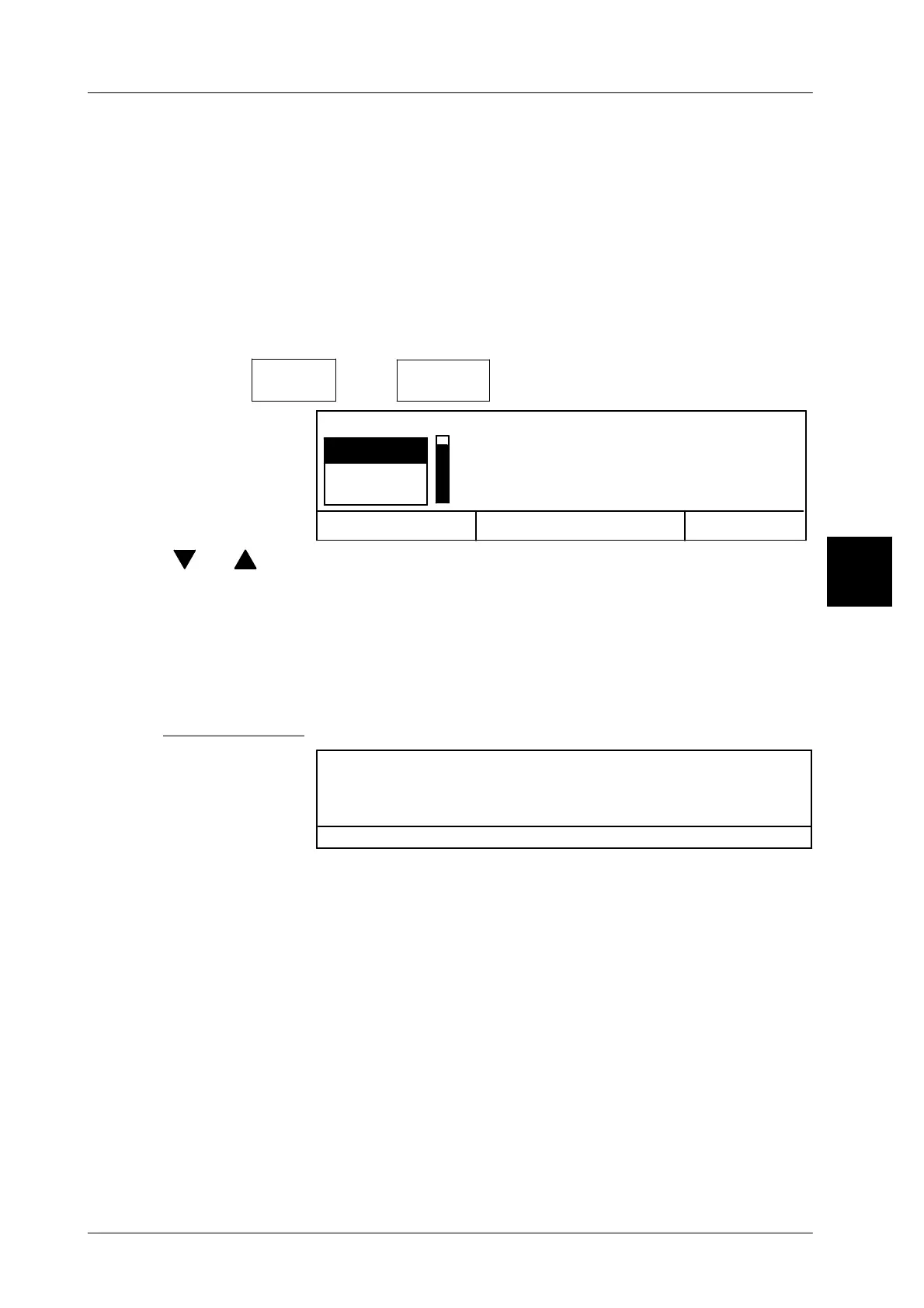
[MODE] 2
Labe--
ling
[ETC]
Calculate
formula
-- Call up selection menu
Cancel <ESC>
OK <ENTER>
Text 1
Text 2
Text 3
Calculata formulara
[ ] , [ ] -- Select the relevant text number.
[ENTER] -- Activate calculation of the formula called up via the text
number.
In accordance with the example mentioned above the current
batch number is explicitly recalculated before the start of a
new batch and printed on all subsequent labels.
Error messages
No formula existing
Exit via <ENTER>
-- If this error message appears, no formula, or an invalid one,
is saved under the given text field number. Then select
another text number once more.
3



 To Next Page