Presettings
Operating instructions GLP
3 -- 110
6.562.98.5.01.18
Storing templates
As soon as the relevant PLU data or texts are entered into all cells of the template,
the template may be stored and the values and texts adopted for the relevant
PLU.
[ENTER] -- Store the template.
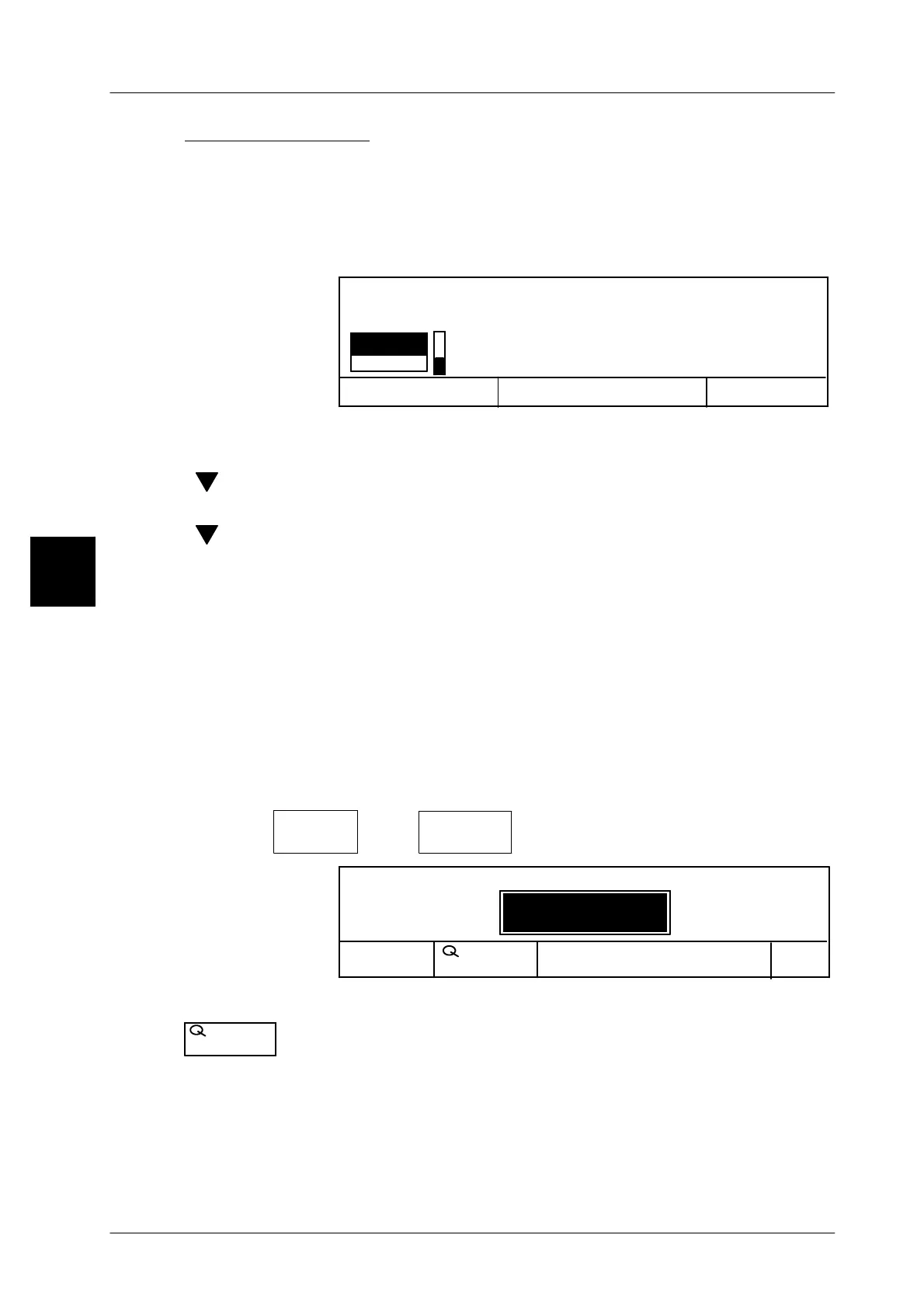
The following message appears:
Cancel <ESC>
OK <ENTER>
no
Editor being quit!
Save data?
yes
[ENTER] -- Select ”yes” and acknowledge if the preset data or modifica-
tions are to be stored in the template
[ ] [ENTER] -- or select ”no” and acknowledge, if the preset data is not to be
stored. The preset data or modification will then be lost.
[ ] [ENTER] -- If the template editor is to be reassessed, select ”Return” and
acknowledge.
3.5.9 Calling up templates via the template number
If PLU data templates have been created at mode level 3 or 4, in which the values
and texts are already preset and marked as default values, then after calling up
the PLU data you can call up the relevant form for the article via its form number
and automatically insert the relevant PLU data.
If additional data also have to be entered manually, then you must call up the form
as described on page 3 -- 108 and enter the remaining missing values by hand.
Operating sequence: Description
------------------------------------------------------------------------------------------------------------------------------------------------------
[MODE] 2
Labe--
ling
[ETC]
Template
No.
-- Call up the template.
No. Template
1
Cancel
OK
Load record: Templates
No.
Template
xx [ENTER] -- Enter the relevant template number and acknowledge.
--
When accessing
this
function the template no. can be selec-
ted.
The created template is called up and the PLU data set to-
gether with the relevant default values in relation to the tem-
plate content.
3
No.
Template



 To Next Page