Presettings
Operating instructions GLP
3 -- 130
6.562.98.5.01.18
3.7.1.3 Special labels*
The customer--specific special labels are permanently stored in the unit.
Operating sequence: Description
------------------------------------------------------------------------------------------------------------------------------------------------------
[MODE] 2 [ETC]
Labels Label
type
-- Call up the selection menu
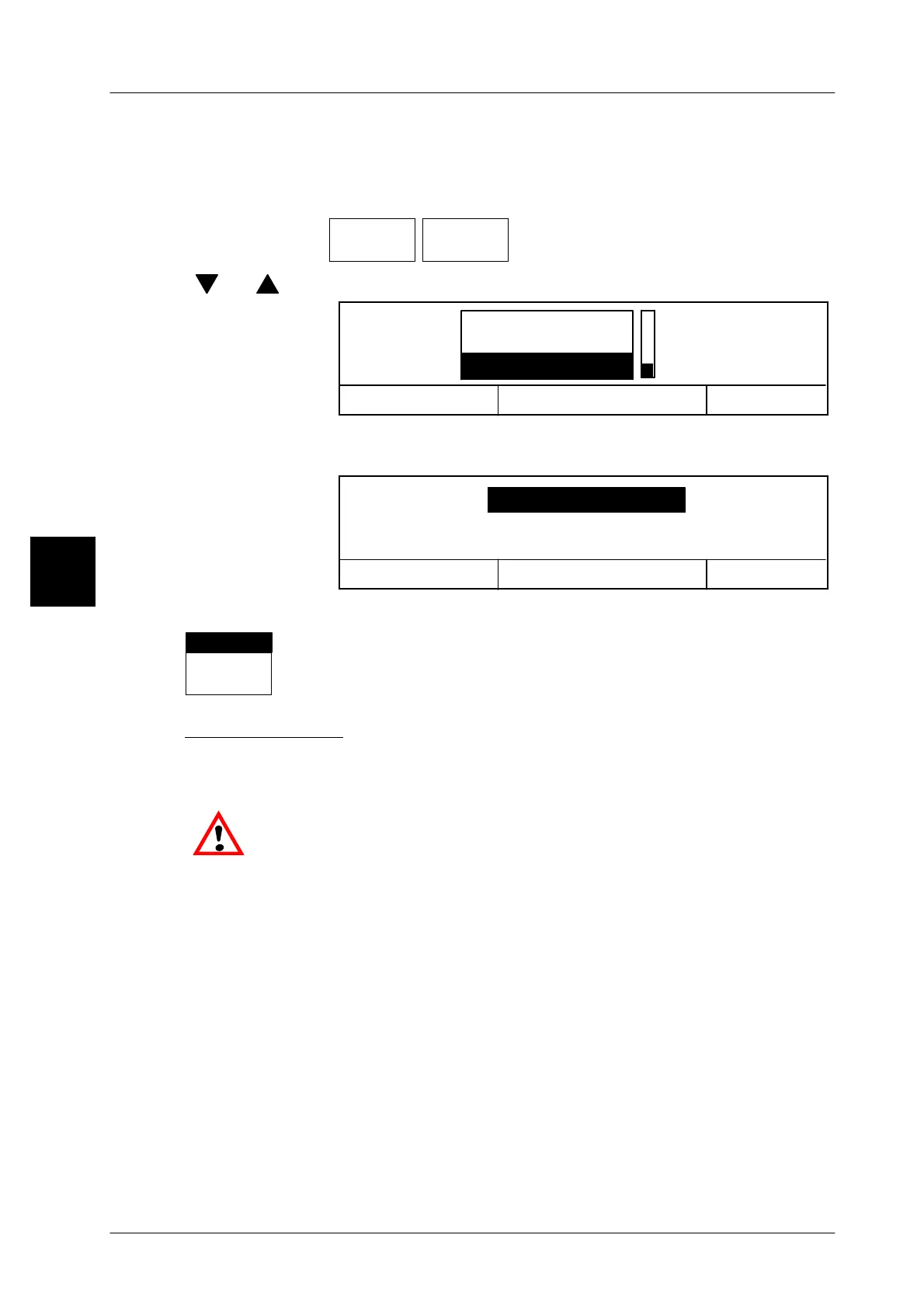
[ ] , [ ] -- Using the cursor keys, select ”Special labels”.
Cancel <ESC>
OK <ENTER>
Label type
Standard labels
Customer label
Special labels
[ENTER] -- Acknowledge the ”Special labels” selection.
The system advances automatically to label selection.
Cancel <ESC>
OK <ENTER>
Special labels
preprinted label
[ENTER] -- Store the presetting.
Label
types
prepr.lab
The selected label is displayed above the softkey.
Preprinted labels:
Select ”preprinted label” if decorative or reference labels, for example, are only
to be affixed to the packages and are not to be printed.
Insert the respective label roll into the labeler.
3



 To Next Page