Presettings
Operating instructions GLP
3 -- 168
6.562.98.5.01.18
3.12 Display
3.12.1 Text display
The presettings for the text display are described on page 3 -- 40.
3.12.2 History of messages
All important status messages are stored in a memory and may be displayed by
the operator or customer service. In this way, an easy error detection or error anal-
ysis is possible. The memory is capable of storing up to 10 messages. If this num-
ber is exceeded, the first message will be deleted and the last one stored. A maxi-
mum of 7 status messages may be displayed at the same time. The last status
message usually appears at the top. If the above number of status messages is
exceeded, a scrollbar is displayed and all further messages may be selected by
means of the cursor keys. In the mode level 5 service menu the history of the
messages can also be printed out under ”System services/Service printouts/
Print int. dev. state”.
Operating sequence: Description
------------------------------------------------------------------------------------------------------------------------------------------------------
[MODE] 2 [ETC]
Display History
of mess.
-- Call up the display.
The adjacent status message briefly appearing after
a call indicates that the status messages have not yet
been entered into the memory.
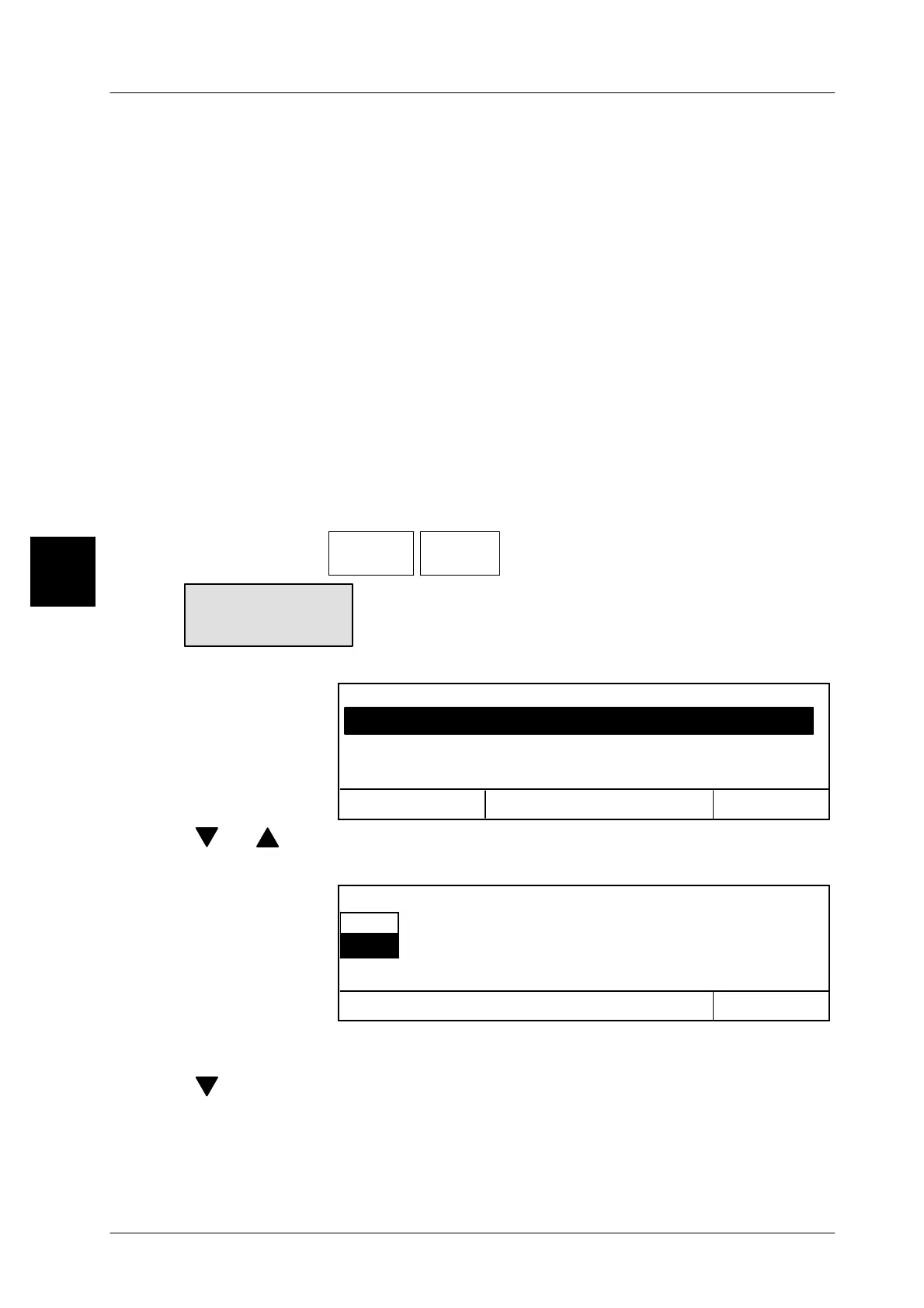
Available status messages are displayed as follows:
Cancel <ESC>
OK <ENTER>
27.10.2000 15;20--> No formula existing
27.10.2000 17.20--> Data error Code fld1
History of mess.
27.10.2000 15;20--> Caution! Num. field in header
[ ] , [ ] -- Other status messages may be displayed via the cursor keys.
[ENTER] -- Exit the display. This causes the following display to appear:
OK <ENTER>
yes
no
Delete display history ?
[ENTER] -- Select ”no” and acknowledge if the messages are not to be
cleared or
[ ] [ENTER] -- select ”yes” and acknowledge if the messages are to be clea-
red.
3
Text not
available



 To Next Page