Presettings
Operating instructions GLP
3 -- 170
6.562.98.5.01.18
3.12.3.2
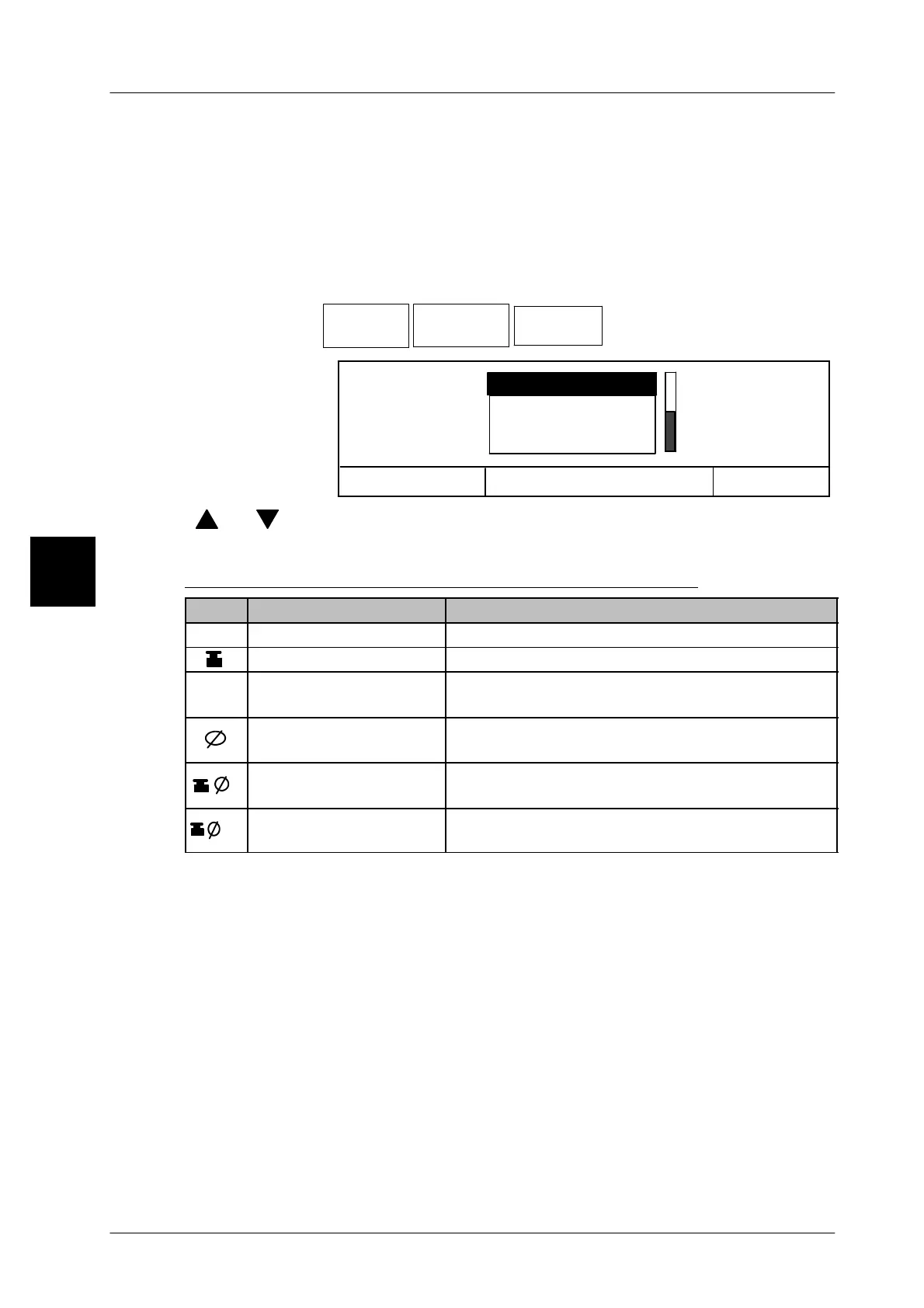
Enlarged view
Several weights or ID addresses and the device number in enlarged view can be
displayed in a separate window in the display text field (see page 1 -- 45). In addi-
tion to the different weight values an icon is displayed before the weight value. In
the overview below are shown the displayable weights with the corresponding
icons.
Operating sequence: Description
------------------------------------------------------------------------------------------------------------------------------------------------------
[MODE] 2 [ETC]
Display Display
GT240Only
Enlarged
view
-- Call up the selection menu.
Cancel <ESC>
OK <ENTER>
Device name
Enlarged view
No display
Weight display
[ ] , [ ] -- Select required display.
[ENTER] -- Confirm selection.
Description of the possible displays in a separate window
Icon Display selection Description
No display No separate window
Weight display Article weight is displayed in enlarged view
Device name
ID address and device name are displayed in
enlarged view
Mean value from n
weight values
The mean value of the weight value calculated
from n packages is displayed in enlarged view.
Mean value of chek-
ked packages X--p
The mean value of the statistically assessed
packages X--p is displayed in enlarged view.
_ok
Mean value of accep-
ted packages X--a
The mean value of the statistically accepted
packages X--a is displayed in enlarged view.
3



 To Next Page