Status messages
Operating instructions GLP
4 -- 2
6.562.98.5.01.18
4.1.1 Status messages on PLU change
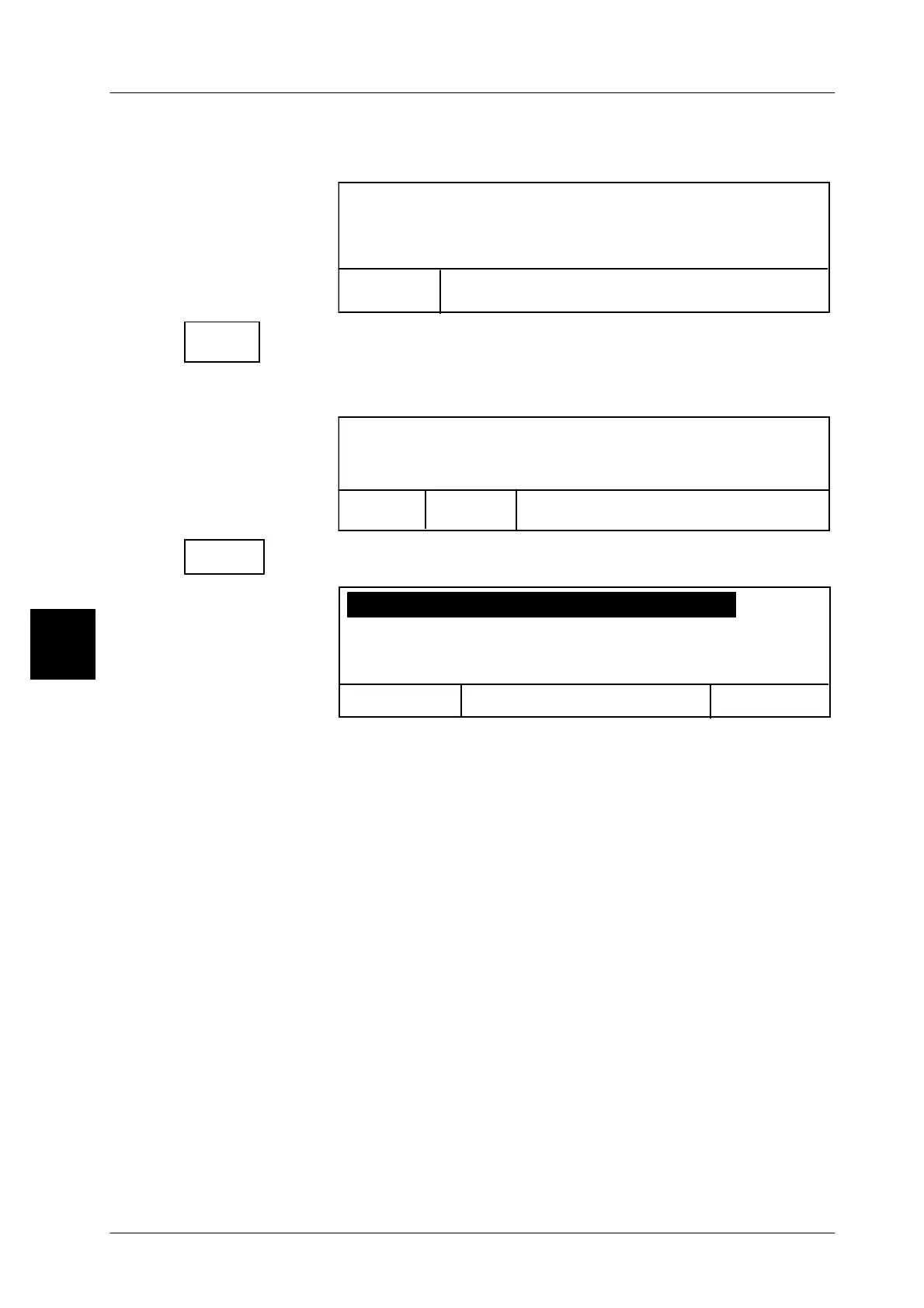
Calling up a not available PLU:
P L U: PLU not available
Process blocked:
Close
window
Delete message by closing the window. Re--enter valid PLU
number otherwise the edit function remains locked (Lock).
Calling up PLU with missing PLU data:
Error during laoading of PLU data record
Close
Process blocked:
window
Error list
Call up display error list.
The respective error list is displayed.
Text1: Text1 not available
Back <ESC>
OK <ENTER>
[ENTER] Clear display. Re--enter valid PLU number. If not, processing
remains disabled.
4.1.2 Status message in the printer test mode
Labeling is not possible if a printer test mode is activated at mode level 5. This
is indicated in the verification display of mode level 1 as follows:
GLP: The weight symbol in the weight display does not appear.
4.1
Close
window
Error list



 To Next Page