Status messages
Operating instructions GLP
4 -- 5
6.562.98.5.01.18
4.1.5 Scale status messages
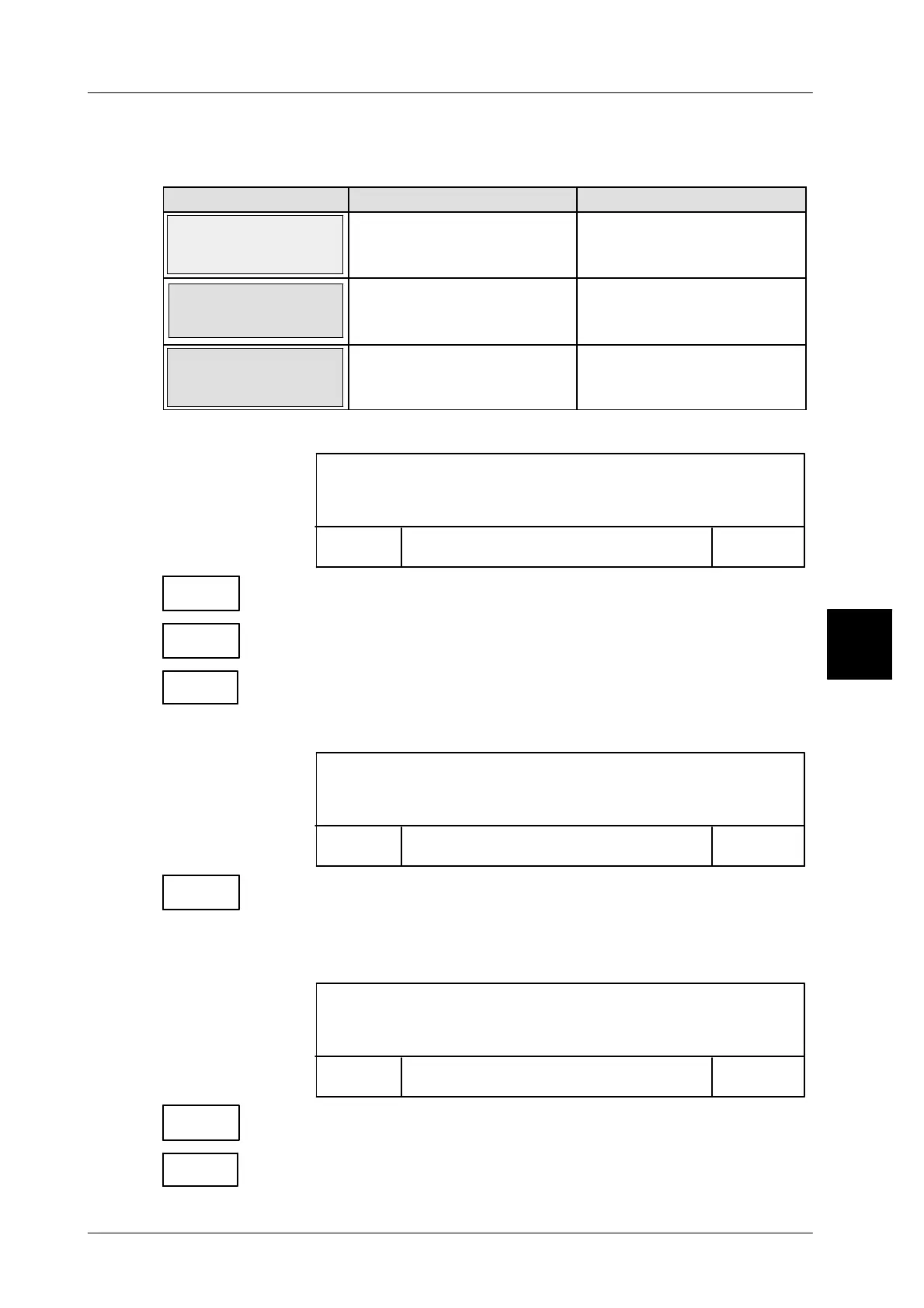
Weight display status messages
MESSAGE CAUSE REMEDIAL ACTION
Scale type?
The type of the connected
load receptor is not yet ent-
ered.
Enter the scale type of the
connected load receptor in
the scale menu.
Scale out of
range
-- Scale loaded on startup.
-- Goods applied to scale
exceed weighing range.
-- Unload scale.
-- Goods cannot be
weighed.
Scale not
connected
Scale not or incorrectly in-
stalled.
Check plug connections
on scale. Restart automa-
tic labeler.
Zero setting of the scale not possible due to tare value:
For zerosetting: Delete tare
Process blocked:
Close
Accept
window
Use “Close window”, if only the display is to be deleted. Processing
remains locked (Lock)!
Use “Accept”, if the display is to be deleted and the processing is
to be enabled! Cancel tare weight then!
Tare
[CLEAR] [ENTER] -- Delete tare weight.
Zero setting of the scale not possible due to application of too heavy weight::
Process blocked:
Close
Accept
window
Scale outside range
Use “Accept” if the display is to be cleared and the processing is
to be enabled! Remove the weight from the scale then!
Taring not possible, because the entered tare value exceeds the weighing
range of the scale.
Process blocked:
Close
Accept
window
Taring error
Use “Accept”, if the display is to be cleared and the processing
is to be enabled!
Tare
x,xxx [ENTER] -- Enter smaller tare weight
4.1
Close
window
Accept
Accept
Accept



 To Next Page