Maintenance
Operating instructions GLP
4 -- 18
6.562.98.5.01.18
4.2.8.3 ”Memory card” service functions
After selecting the ”Memory card” service function (see page 2 -- 9) the Memo-
card menu is called up from mode level 5.
There are various functions there for formatting the memocard and for saving and
loading data to and from the memocard. The storage and loading of setups to and
from the memory card is described in the following section. All other functions of
the memory card are described in greater detail in section 4.2 of the programming
instructions.
Storing the Setup on the memory card
If the labeler is equipped with a memory card, up to three setups backed up in the
device may be stored on a memory card in addition.
Operating sequence: Description
------------------------------------------------------------------------------------------------------------------------------------------------------
---
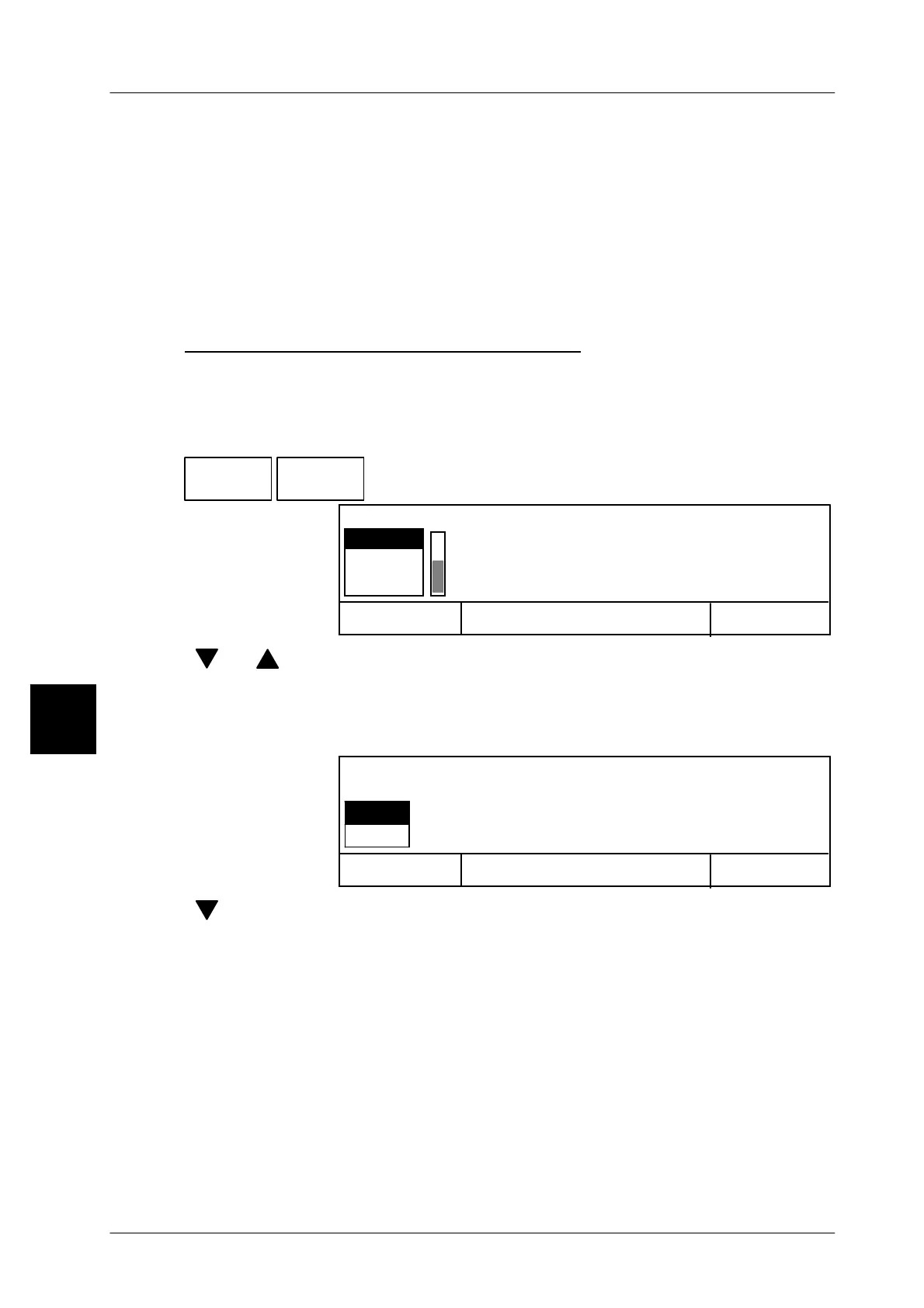
Call up ’MC: Store setup
’.
Successively select the name of the relevant setup.
Cancel <ESC>
OK <ENTER>
Select data backup! (SETUP)
SET1
SET2
SET2
[ ] , [ ] -- Select the setup name.
[ENTER] -- Acknowledge the selection.
If a setup is already stored under the name selected, the follo-
wing display will appear:
Cancel <ESC>
OK <ENTER>
Overwrite current data on
memocard? (SETUP)
yes
no
[ ] [ENTER] -- Select ’no’ and acknowledge if data is not to be overwritten.
or [ENTER] -- Select ’yes’ and acknowledge if data is to be overwritten.
[ENTER] -- Activate as often as necessray to return to the basic display.
4.2
MC: Store
setup
Memocd.
setup



 To Next Page