Maintenance
Operating instructions GLP
4 -- 19
6.562.98.5.01.18
Loading setup data from the memocard
The setups stored on the memocard may be loaded back at any time.
Operating sequence: Description
------------------------------------------------------------------------------------------------------------------------------------------------------
Memocard
setup
Mc: Load
setup
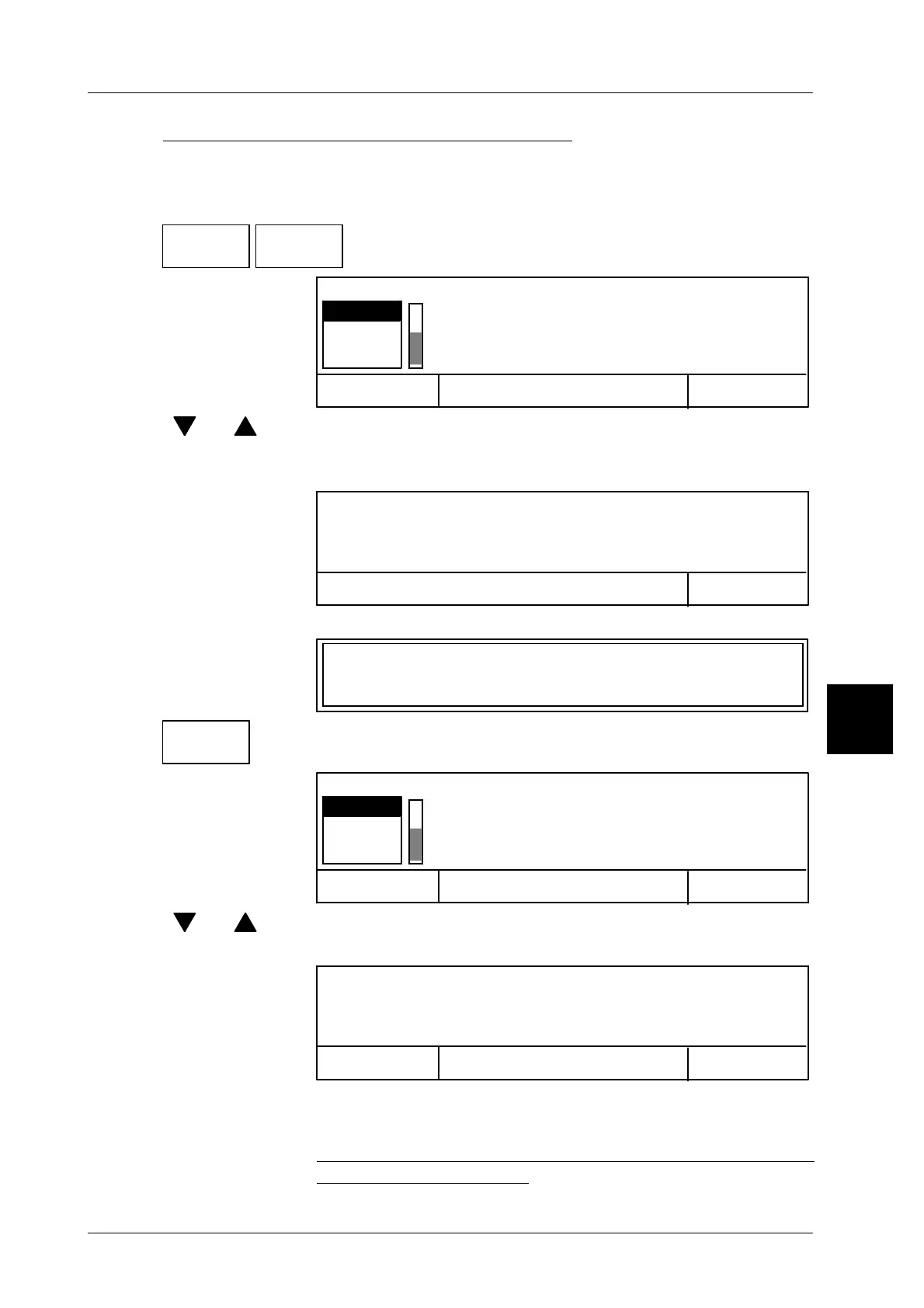
-- Call ”Mc. Load setup”.
Cancel <ESC>
OK <ENTER>
Select data backup! (SETUP)
SET1
SET2
SET2
[ ] , [ ] -- Select the desired setup.
[ENTER] -- Acknowledge the selection. The relevant setup is loaded and
the following display appears:
OK <ENTER>
Data loaded (SETUP)
[ENTER] -- Acknowledge the selection. The following display appears:
Activate the setup. (SETUP)
Activate
setup
-- Call ”Activate setup”.
Cancel <ESC>
OK <ENTER>
Select data backup! (SETUP)
SET1
SET2
SET2
[ ] , [ ] -- Select the desired setup using the cursor keys.
[ENTER] -- Acknowledge the selection. The following display appears:
Cancel <ESC>
OK <ENTER>
Important data modification: Labeling can only
be done after switch on/off of unit! (SETUP)
[ESC] -- “Cancel”, if the ”Setup” is not to be loaded.
[ENTER] -- Confirm OK , if the ”Setup” is to be loaded and successively
switch the labeler off and back on in order to ensure that
labeling is not disabled.
4.2



 To Next Page