Maintenance
Operating instructions GLP
4 -- 17
6.562.98.5.01.18
4.2.8.2 ”Service menu” service functions
After selecting the ”Service menu” service function (see page 2 -- 9), the ”Sy-
stem services” menu is called up from the service menu from mode level 5
Operating sequence: Description
------------------------------------------------------------------------------------------------------------------------------------------------------
Overview of various service functions:
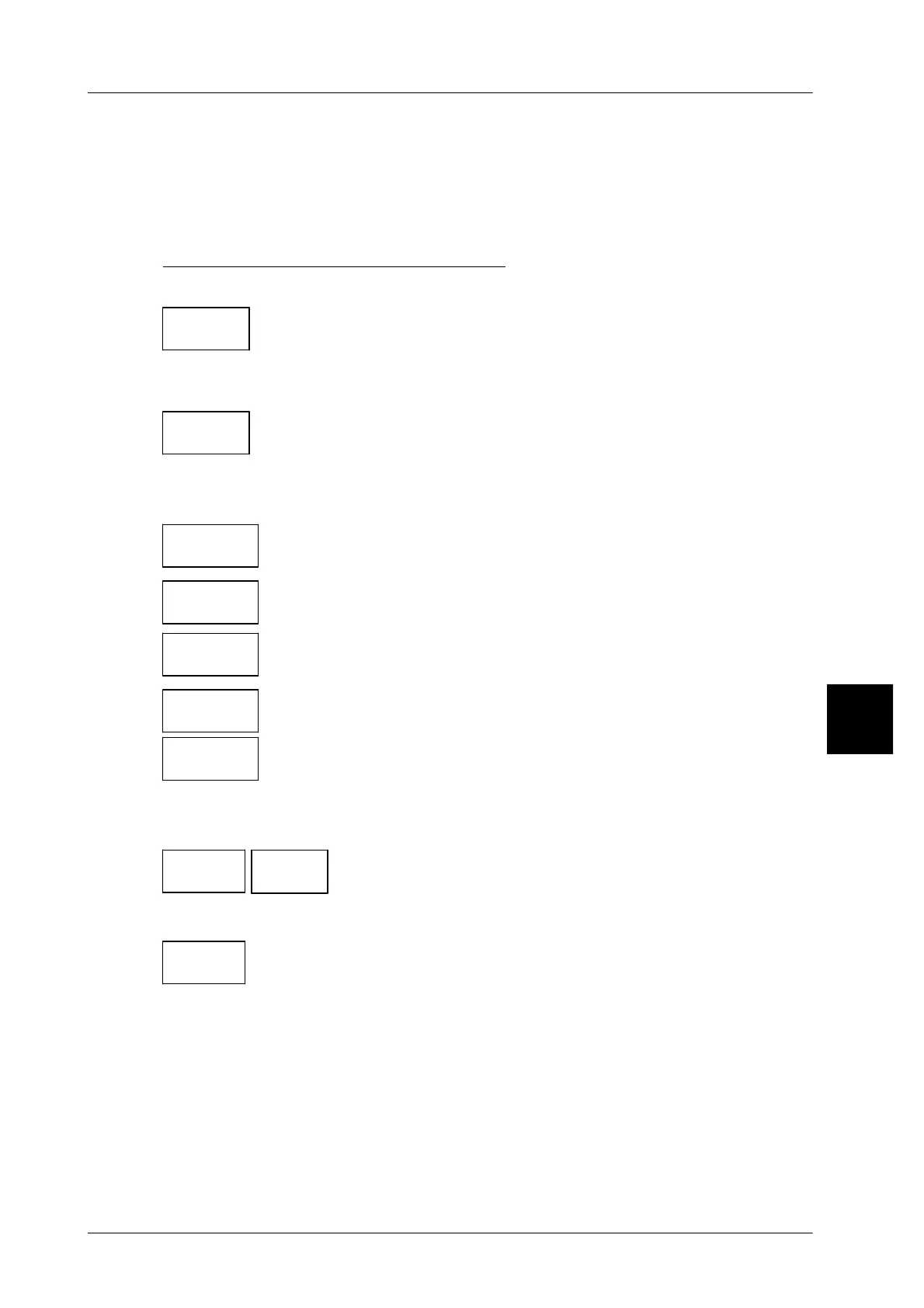
Device selection:
-- As regards labelers connected to a network the user may
select whether the printout of the diagnosis data is to be
effected from a specific labeler or from all labelers.
Licenses:
-- This menu point permits, for example, to activate the
printout of a licence list in the called up selection menu
or to activate or deactivate demolicences etc.
Service printouts
Service
printouts
Call up the selection menu for the various service printouts.
-- The selection menu ’Diagnostics tool’ permits further
diagnosis printouts to be selected.
-- The selection menu ’Print device set.’ offers the possi-
bility of selecting printouts of various device settings.
-- In the selection menu ’Print int. device state’, printouts
of various device states are selectable.
-- In the seletion menu ’Menu tree/ Fix param.’, the com-
plete menu tree or only that of mode level T and addi-
tional preset data may be selected for the printout.
Software info
Software
info
Software
version
-- Show the current software version.
Device name:
Device
name
xxx [ENTER] -- Enter other device names if necessary
4.2
Device
select.
Licences
Diagn.
tool
Print
dev.set.
Print int.
dev.state
Menu tree
Fix. para.


 To Next Page
 Loading...

