Maintenance
Operating instructions GLP
4 -- 16
6.562.98.5.01.18
4.2.8 ”Service--Key” Service Functions
4.2.8.1 Service function “Setup”
After selecting the ”Setup” service function (see page 2 -- 9), the ”Load Setup”
function is called up from the setup menu from mode level 5
Operating sequence: Description
------------------------------------------------------------------------------------------------------------------------------------------------------
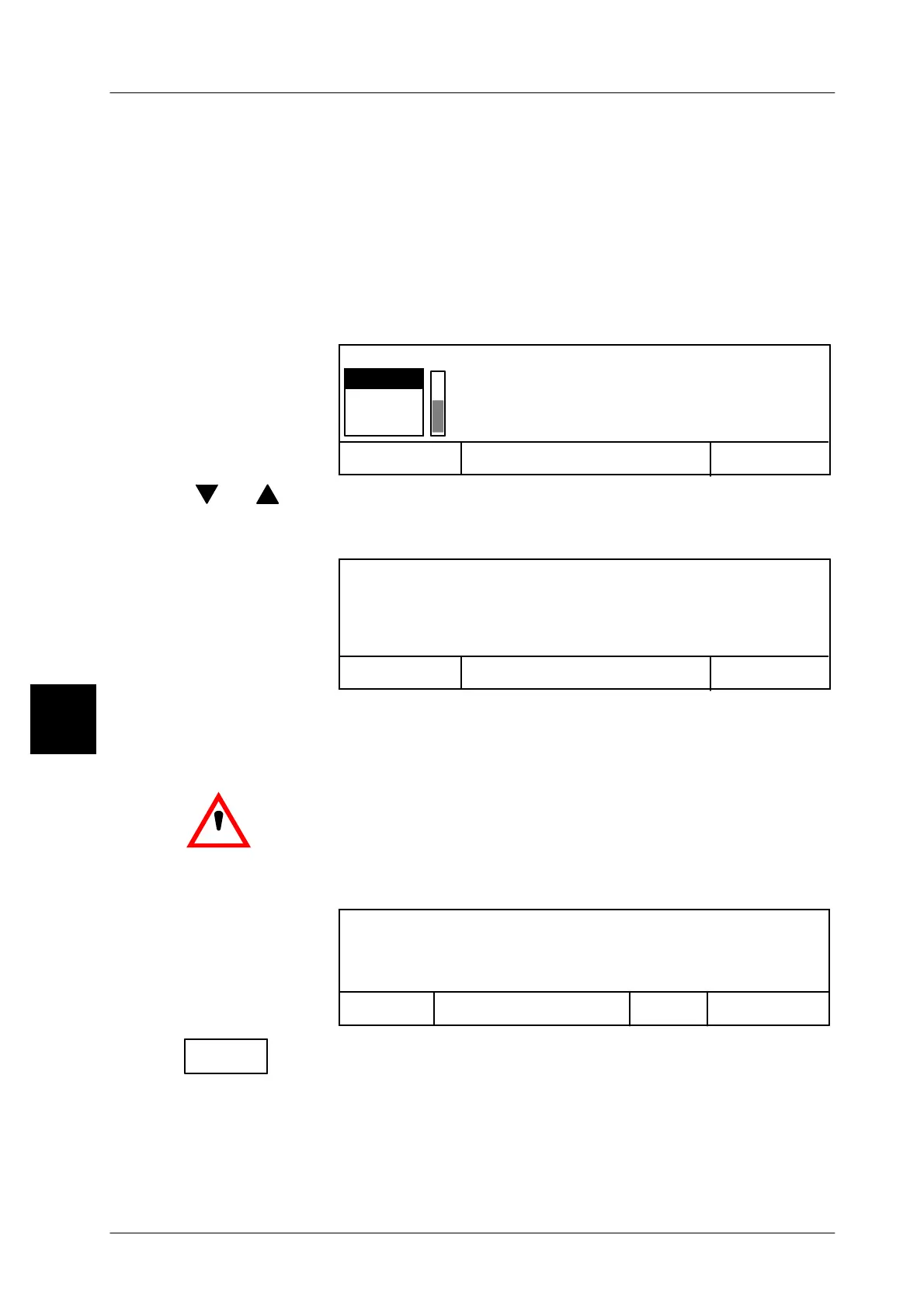
-- After being called, the secured setups are displayed in a selec-
tion menu. The relevant setup can be selected and loaded into
the device.
Cancel <ESC>
OK <ENTER>
Select data backup! (SETUP)
SET1
SET2
SET2
[ ] , [ ] -- Select the required Setup.
[ENTER] -- Acknowledge the selection.
This causes the following selection menu to appear:
Cancel <ESC>
OK <ENTER>
Important data modification: Labeling can only
be done after switch on/off of device. (SETUP)
[ESC] -- Confirm key [ESC], if the selected ”Setup” is to be loaded and
the current data overwritten in the labeler
[ENTER -- Confirm key [ENTER], if the ”Setup” is not to be loaded and
data is not to be overwritten.
.
After that, switch the labeler off and back on. The new
’Setup’ is only adopted when the labeler is restarted.
Continuing labeling without switching the labeler off and back
on causes the following status message to appear:
Close
Next
window
message
Labeling disabled:
Setup activated. Switch on/off device!
Close
window
-- Confirm message and
switch the labeler off and back on.
4.2


 To Next Page
 Loading...

