Options
Operating instructions GLP
5 -- 1
6.562.98.5.01.18
5 OPTIONS
5.1 Ticket cutting device
5.1.1 Description
If a printer is installed in the ticket cutting device, either ticket stripes or backing
paper between the labels may be cut. It is not possible to cut self--adhesive labels.
The knifes would be soiled.
If the cutting device of a GLP 160 is equipped with a 168 mm wide thermal
strip, the print image is to be moved to the right (--) by 32 dots (4mm). For
the relevant presetting, see page 3 -- 147.
5.1.2 Activating or deactivating the cutting device
As described on page 3 -- 146, the cutting device may be activated or deactivated.
There is the possibility of dismounting the cutting device if its use is not required
over a longer period of time. A front panel supplied with the device may be built--in
instead.
5.1.3 Operating mode
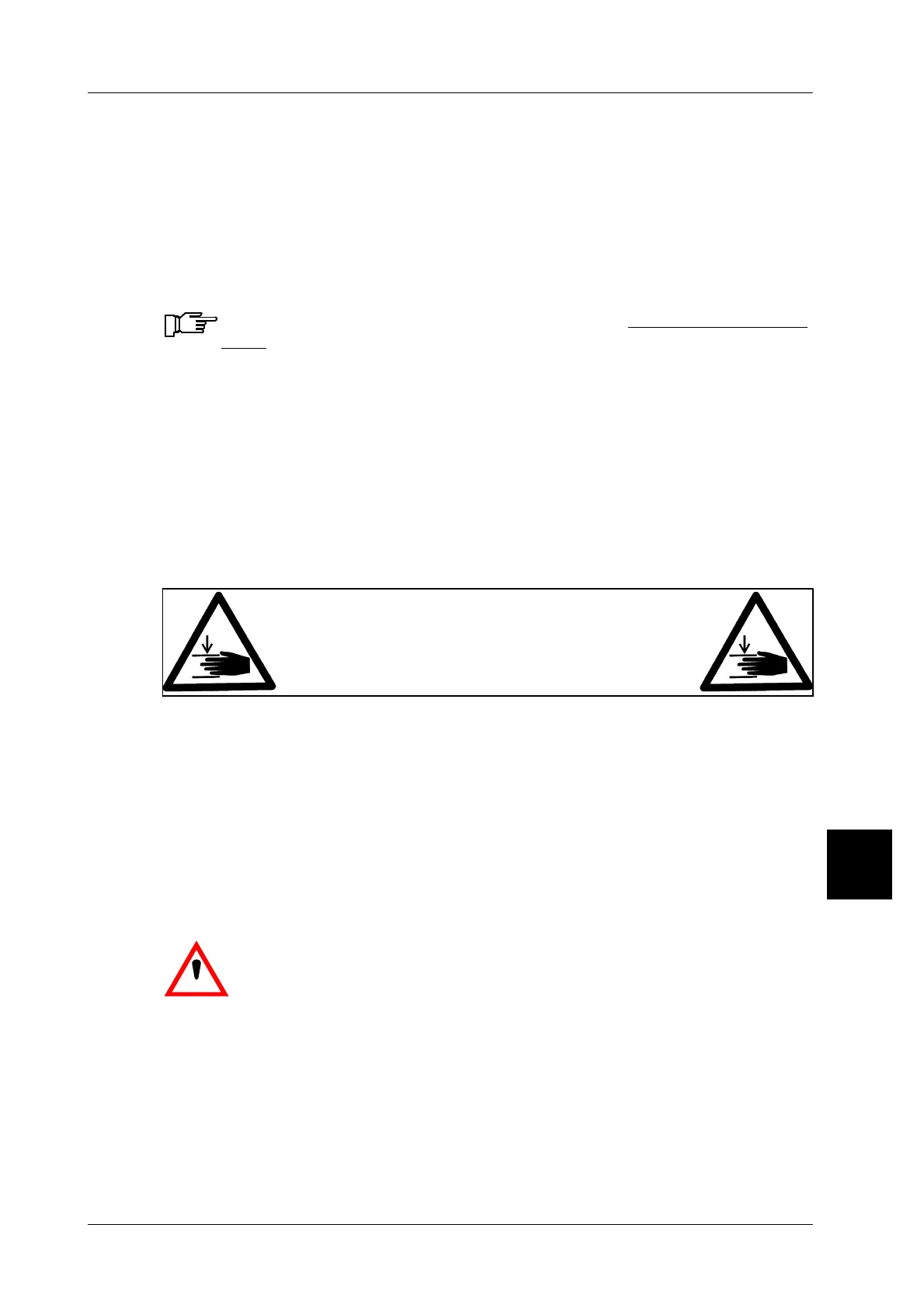
Do not touch the cutting device while in operation.
Rotating knife
Risk of bodily injury
Do not interfere with the cutting device using foreign objects while the de-
vice is in use. You may damage the rotating knife.
5.1.4 Moving the roll leading end through the cutting device
After change of the ticket roll, move the leading end of roll through the cutting de-
vice until it protrudes by about 10 mm.
5.1.5 Cleaning the cutting device
Heavily soiled cutting devices are to be cleaned by an expert.
.
Warning. Cleaning the rotating knife involves the risk of
injury.
To clean the cutting device, proceed as follows:
-- Switch off the printer and disconnect the power cable.
-- For cleaning purposes, the cutting device is easy to dismantle. To do this,
loosen the knurled--head screw on the front side underneath the cutting device
and remove the cutting device from the printer (see drawing).
5



 To Next Page