Options
Operating instructions GLP
5 -- 9
6.562.98.5.01.18
5.5 List printer
.
The list printer may only be operated on the labeler with the
licence ”LINE_PRINTER” activated.
There is the possibility of connecting an OKI 520, an EPSON LX--300 or a com-
patible list printer as a protocol printer to the EDP1A or EDP3 interface of the la-
beler. Depending on the list type selected (see page 5 -- 13), the list printer allows
the weight of the weighed package to be printed on a weighing list in parallel with
each labeling procedure or the item weights to be recorded on a item list simulta-
neously with the printout of total label *1. It is also possible to print a total list of
all articles labeled at the end of the day or after completion of labeling. Prior to
printing this list, activate the EDP1A or EDP3 interface for the list printer, select
the respective printer driver and set the necessary hardware parameters at mode
level 5.
5.5.1 Connecting the list printer
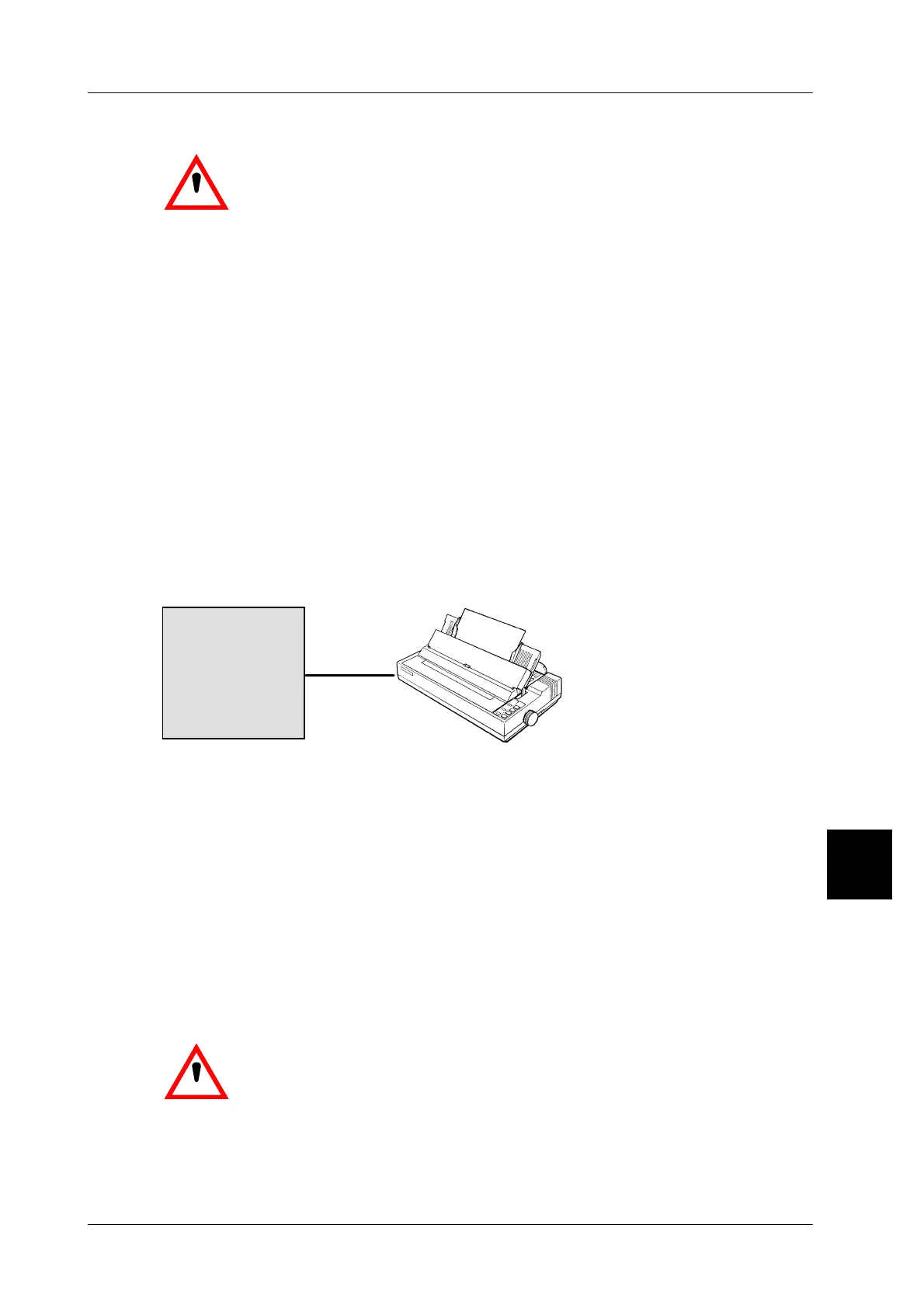
Connect the printer by means of the printer cable supplied with the unit (the printer
cables for OKI 520 and LX 300 printers are not the same). Connect the 25--pin
SUB--D plug to the printer and the 9--pin plug to the EDP1A or EDP 3 interface
of GX.
Labeler
EDP1
Connection plan
List printer
or EDP3
5.5.2 Print instructions
Manually switch EPSON printer LX 300 once to the draft mode via its operating
keyboard after initial startup.
After startup and prior to commencing labeling, insert continuous forms or single
sheets into the printer and switch to online by pressing the ONLINE key.
Depending on the application, call the list type required by entering the respective
list number (see page 5 -- 13).
The data format on the list is identical to that of the label.
If the printer list is required in a different language, select the language desired
at mode level 5.
.
If the printer has run out of paper, do not switch it off to ensure
that print data already stored in the printer is retained.
5



 To Next Page