Display and operation
Operating instructions GLP
1 -- 26
6.562.98.5.01.18
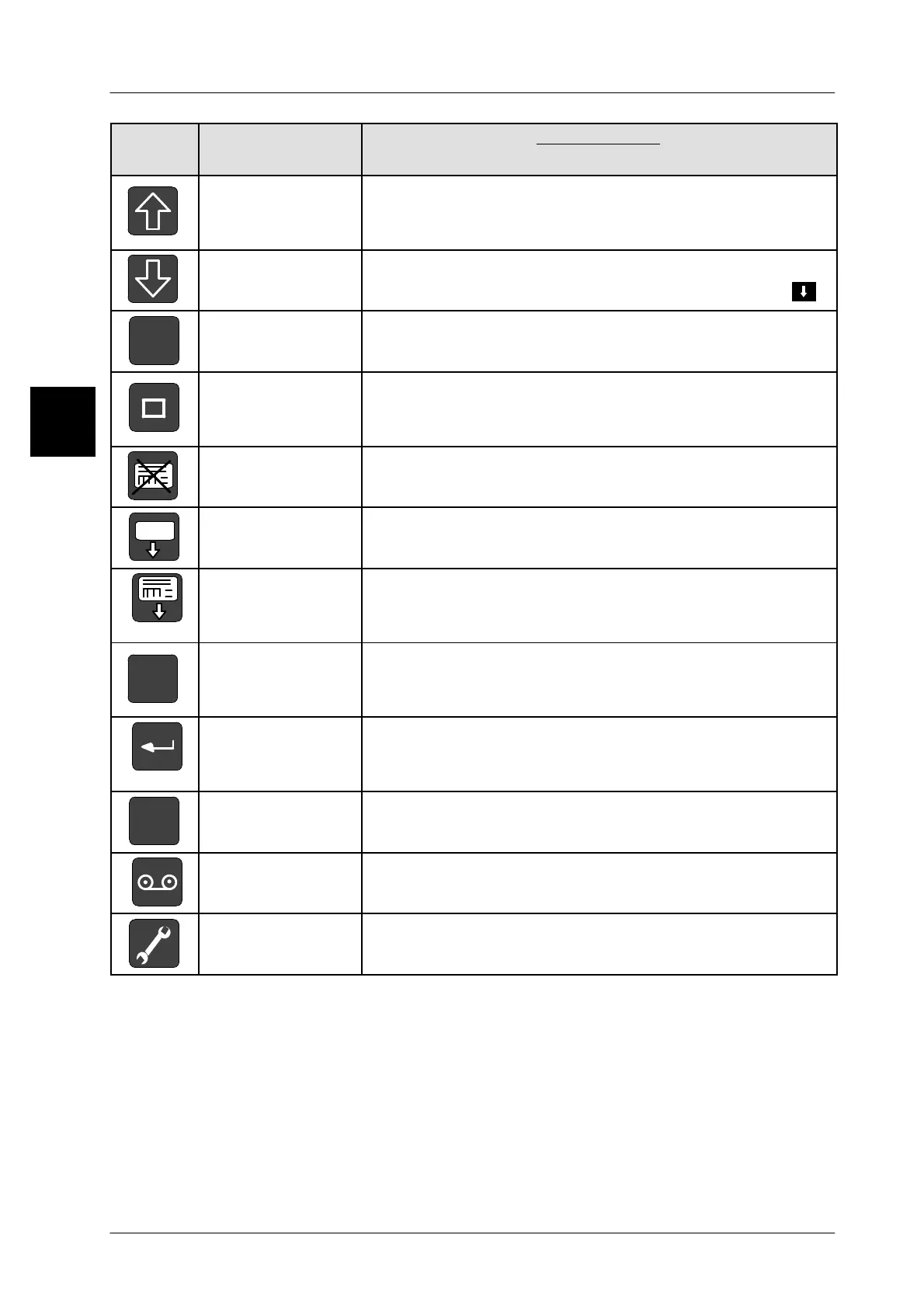
Keys
Text from key in
the instructions
Key functions
[SHIFT]
Use the [SHIFT] key and another key to call up additional
functions or to activate the capitalization of characters in
the text editors
[CAPS]
Use the [CAPS] key to switch back and forth between upper
and lower case letters during text inputs. Display via .
ALT
[ALT]
Use the [ALT] key followed by a 3--digit integer to enter
various characters in the text editor.
[PAUSE]
Use the [PAUSE] key to interrupt the printout of a preset
number of labels a
nd to continue the printout after using
again [PAUSE].
[STOP]
Use the [STOP] key to stop the printout of a preset num-
ber of labels before the number preset is reached.
[FEED]
Use the [FEED] key to output a blank label.
[PRINT]
Use the [PRINT] key to print out a label manually with the
release mode set to ’manual’ or to start the printout of a
preset number of labels.
C
[CLEAR]
Use the [CLEAR] key to delete the entries in the input
field, characters in the editor or string contents in the
code.
[ENTER]
Use the [ENTER] key to acknowledge each input or se-
lection and to close the input or selection menu after-
wards.
+/--
[TOGGLE]
Use the [TOGGLE] key to select or deselect the plus/mi-
nus sign or to switch on/off a function in the table editor.
[RECORD]
Use the [RECORD] key tho restart macros or using the
shortcut [SHIFT] [RECORD] to record macros.
[SERVICE]
Use the [SERVICE] key to call up various service func-
tions
(see page 2 -- 9).
1.4



 To Next Page