Display and operation
Operating instructions GLP
1 -- 32
6.562.98.5.01.18
1.4.3.3 Storing the entered value for current labeling
Cancel <ESC>
OK <ENTER>
Save in database <ETC>
Tare
0.02LB
[ENTER] If the entered value is to be stored only for the current labeling, then
store
with [ENTER]
. After a PLU change, the changed value will be
lost.
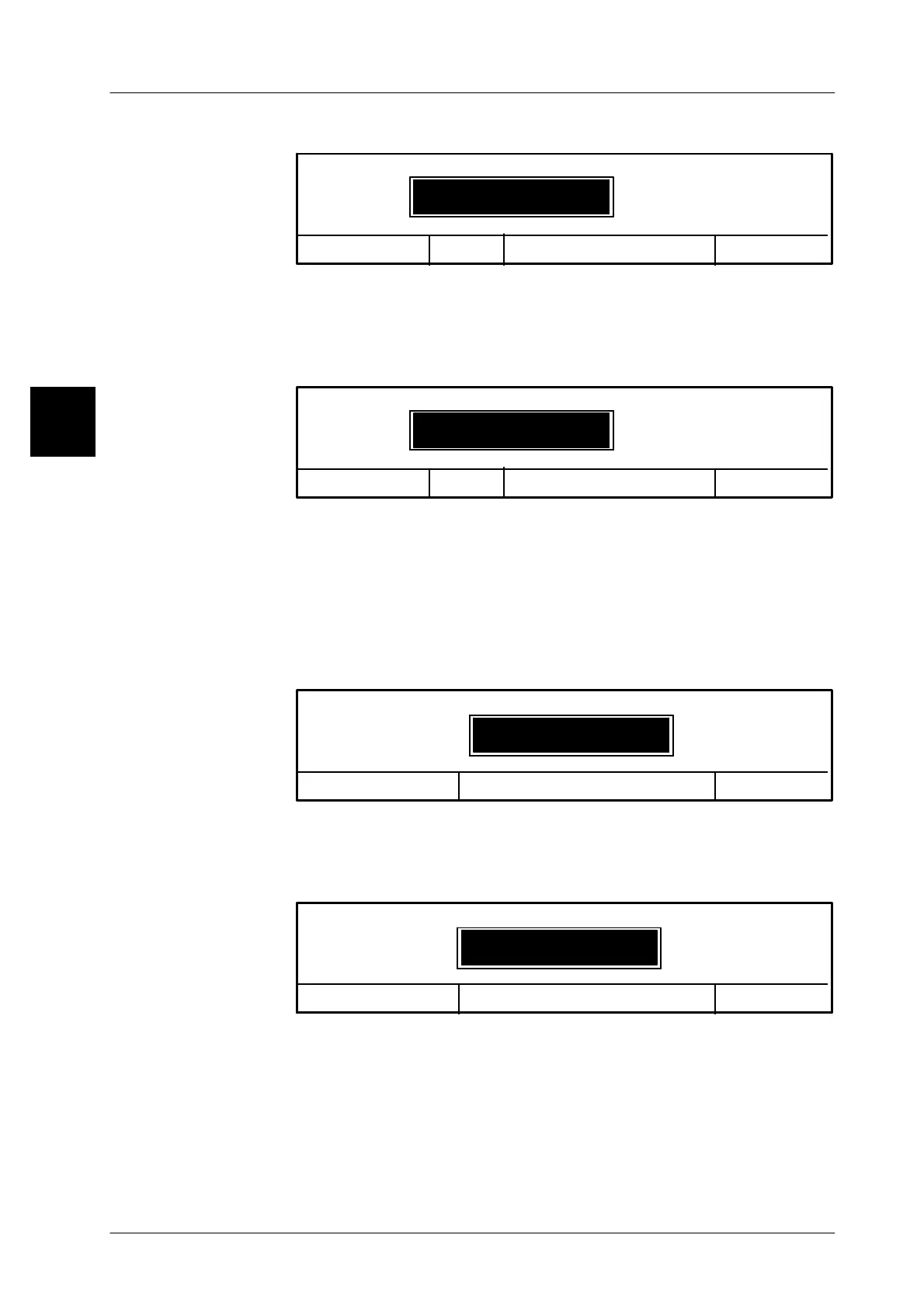
1.4.3.4 Storing the entered value in the database
Cancel <ESC>
OK <ENTER>
Save in database <ETC>
Tare
0.02LB
[ETC] -- As soon as the message ’Save in database <ETC>’ appears in the
input menu, the new value can be permanently stored in the data-
base. When making a new PLU call, the changed value will be cal-
led up. The storage of the value can only be done by a person ha-
ving the necessary authorization and knowledge of the agreed
password.
Acknowledging the procedure causes the following input menu to
appear:
Cancel <ESC>
OK <ENTER>
Enter password
Save in database: global
x x x x x -- Enter the password for mode level 3.
The password entered is not displayed. The display shows only the
symbol * for each character input. This allows the number of cha-
racters entered to be checked.
Cancel <ESC>
OK <ENTER>
Enter password
Save in database: global
******
[ENTER] -- Store the password entered.
The value entered is stored in the database.
When the entered password is incorrect, the value which has been
input will not be stored in the database, but error message “Entered
password incorrect” appears.
[ENTER] -- Confirm message and repeat saving by entering the right password.
1.4



 To Next Page