Display and operation
Operating instructions GLP
1 -- 31
6.562.98.5.01.18
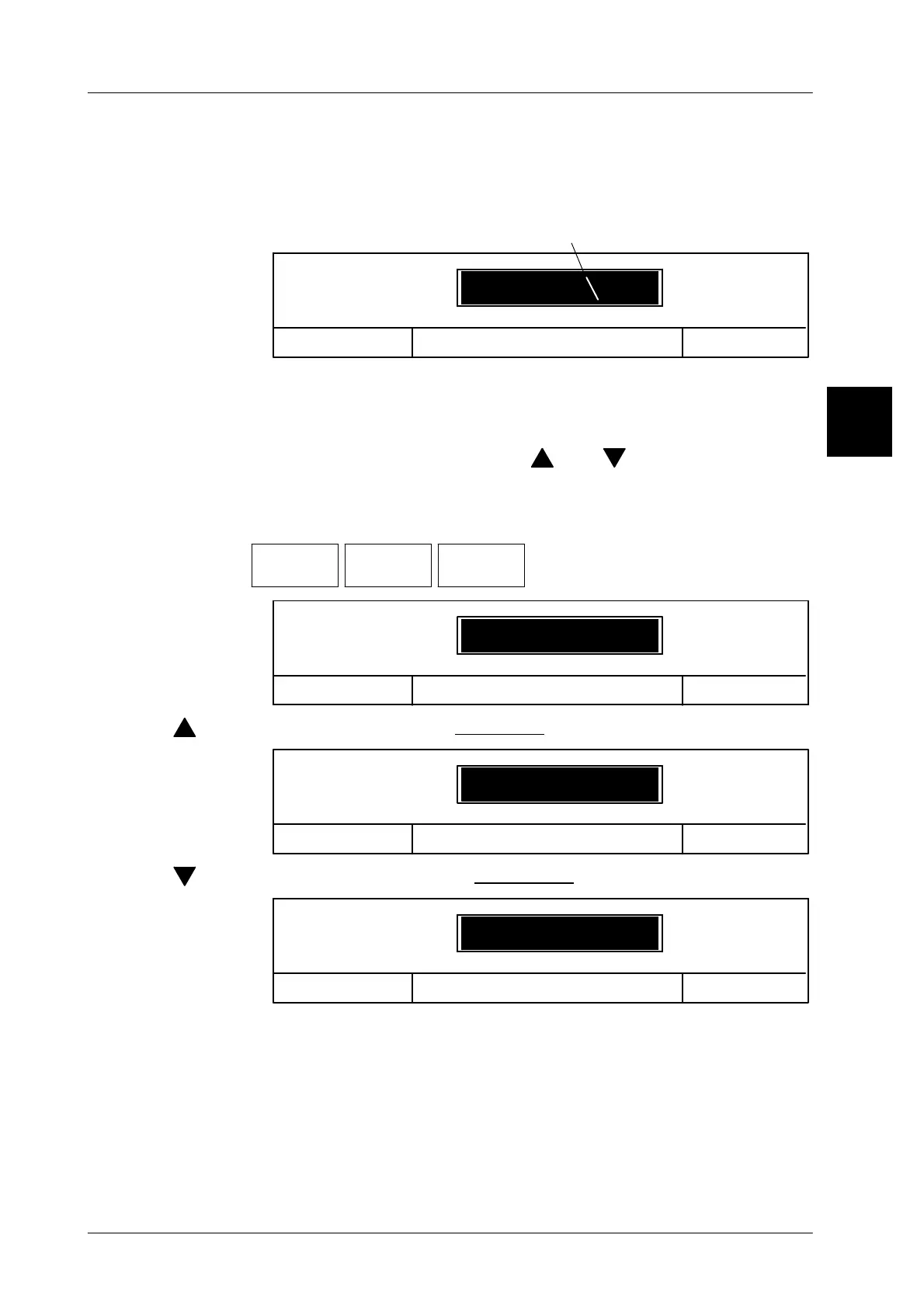
1.4.3.1 Display of the number of digits to be entered in the input window
After input of the first number, the number of digits which can still be entered is
indicated to the left of value by means of line segments. The example shows a
remainder of 6 digits the user may enter (total number of digits: 9).
OK <ENTER>
_ _ _ _ _ _ 123
Cancel <ESC>
Lot number
Line segments for number of digits
1.4.3.2 Incrementing or decrementing the value in the input window
If a called up value is only to be increased or reduced, this value may be easily
and quickly changed using the cursor keys [ ] or [ ].
Example: increasing the lot number by 1 after each batch
Operating sequence: Description
------------------------------------------------------------------------------------------------------------------------------------------------------
[MODE] 2
Article
data
Numbers
& values
Lot
number
-- Call up the input menu.
OK <ENTER>
_ _ _ _ _ _ 123
Cancel <ESC>
Lot number
[ ] -- Use the cursor key to
increment
the numeric value (+1)
OK <ENTER>
_ _ _ _ _ _ 124
Cancel <ESC>
Lot number
[ ] --
o
r use the cursor key to
decrement
the numeric value (--1).
OK <ENTER>
_ _ _ _ _ _ 122
Cancel <ESC>
Lot number
[ENTER] -- Store the input. The input menu will be cleared.
A typical application of this function is the automatic incrementing or decremen-
ting of numbers by means of a macro.
1.4



 To Next Page