Display and operation
Operating instructions GLP
1 -- 30
6.562.98.5.01.18
1.4.3
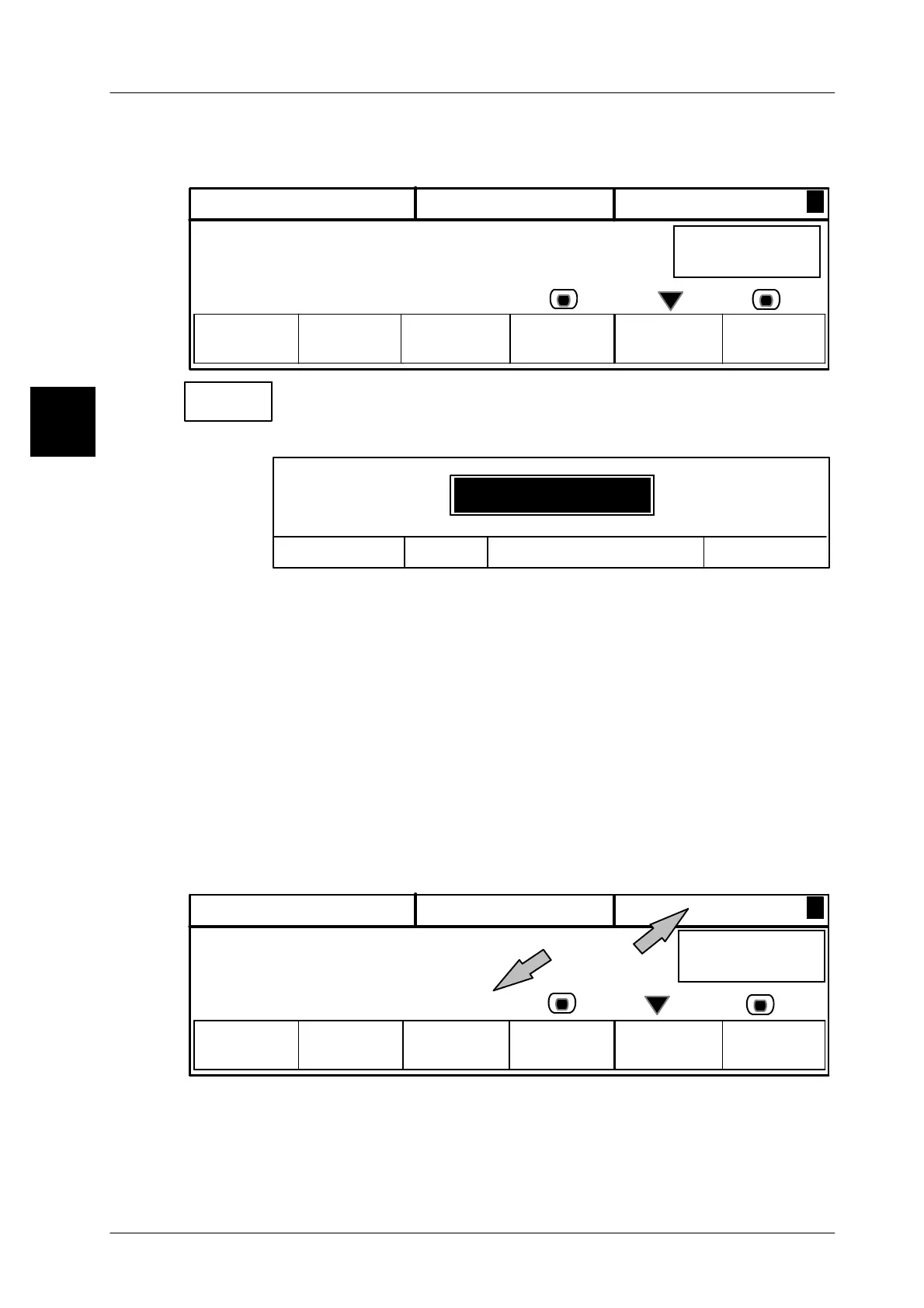
Calling up the input function, entering and storing value
All numeric values are input as shown in the following example.
P L U
>
NET
--> 0 <--
9.90 $/LB
0.25LB 0.01LB
Unit
price
Set date/
Total 1
time
*1: 10
LB 2.25
0123
9.90 LB 0.02LB
Tare
Tare
-- Call up the tare by means of key [ F3 ] .
The input menu is displayes with input field highlighted in black.
Tare
Save in database <ETC>Cancel <ESC>
OK <ENTER>
0.02LB
2 Enter the new tare via the keyboard, e. g. 0.02LB
The first number entered deletes the old value. Special characters like
leading zeros, commas or periods do not have to be entered. Each key
activation is automatically acknowledged by an audible signal.
[CLEAR] Delete an incorrect entry or an old value if necessary.
[ESC] Press the [ESC] key to cancel any function!
[ETC] Press the [ETC] key to store the value in the database (see also page
1 -- 32).
[ENTER] Press the [ENTER] key to store the value temporarily (see also page
1 -- 32).
Entered values are displayed above the relevant softkeys. The entered tare value
is also shown in the verification display.
P L U Unit
price
Tare
>NET
--> 0 <--
0123
9.90 LB 0.02LB
9.90 $/LB
0.24LB 0.02LB
Set date/ Total 1
time
*1: 10
LB 2.25
Other keys to acknowledge an input:
When entering further values, an input may also be ack-
nowledged during the next function call or on change of the
menu or the mode level.
1.4
[ETC], [HOME],
[MODE]



 To Next Page