Display and operation
Operating instructions GLP
1 -- 29
6.562.98.5.01.18
1.4.2 Display and operating instructions
The basics of operation are described on the following pages. The display and
operating instructions refer to the display and operating terminal GT 240. If the
display and operating terminal GT--CT is connected, the instructions on page
1 -- 38 are to be observed.
1.4.2.1 Basic display (mode level 1)
Switching on the unit causes the basic display, as shown on page 1 -- 23, to ap-
pear.
The functions indicated by the softkeys are called up via the function keys
arranged
below
the softkeys.
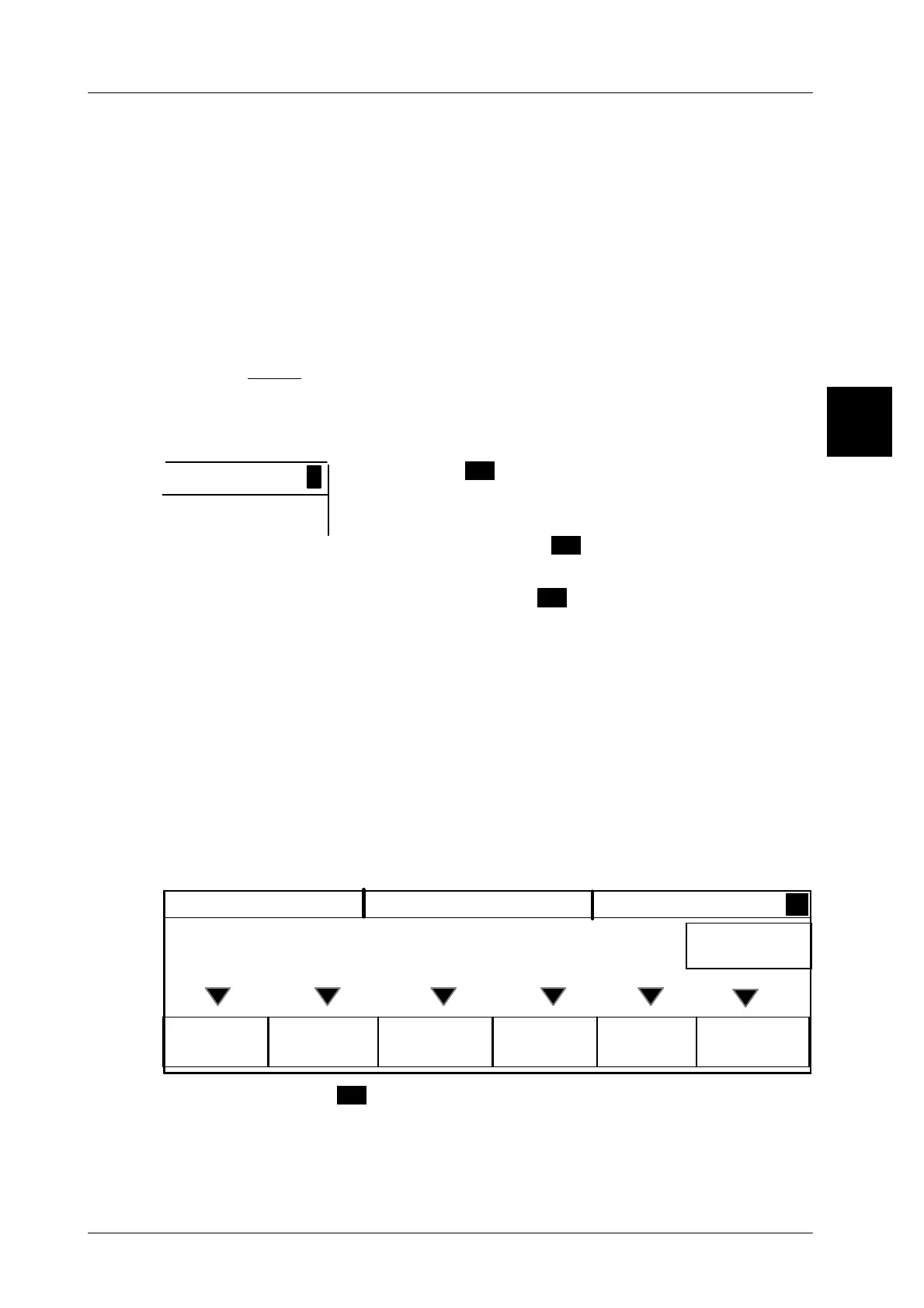
1.4.2.2 Additional menu
If the character
>
appears at
the right bottom of the GT
240 display
, an additional menu is provided which offers
further functions.
Call the additional menu
>
by pressing the [ETC] key.
This causes the display to indicate further functions.
Exit the additional menu
<
and return to the basic display
by pressing the [ETC] key.
1.4.2.3 Functions at mode level 2
In mode level 2 the full range relevant to verification is displayed!.
Mode level 2 provides a diversity of functions for data inputs, presettings for la-
bels, numerators, total printout etc.
Call up mode level 2 via the key sequence [MODE] 2. To return to the basic dis-
play (mode level 1), activate the key sequence [MODE] 1. If a password is preset
for mode level 2, enter the same immediately after activation of the key sequence
[MODE] 2.
Article Config.
total
Release
total
Texts
data
Date Labe--
ling
Roasted beef
>
*1: 19
LB 15.25
0.78LB
0.02LB
NET
9.90 $/LB
The additional menu
>
offers further functions.
1.4
>
0,000kg
PT



 To Next Page