Display and operation
Operating instructions GLP
1 -- 34
6.562.98.5.01.18
1.4.4.2 Changing the mode level
To change the mode level, call up the mode level desired via the mode level num-
ber and enter a password if necessary. The input of the password is not separa-
tely indicated for the relevant function call in the instructions. If the input of a pass-
word is necessary to call up a mode level, this will be indicated when making the
call. To enter the password, proceed as follows:
Operating sequence: Description
------------------------------------------------------------------------------------------------------------------------------------------------------
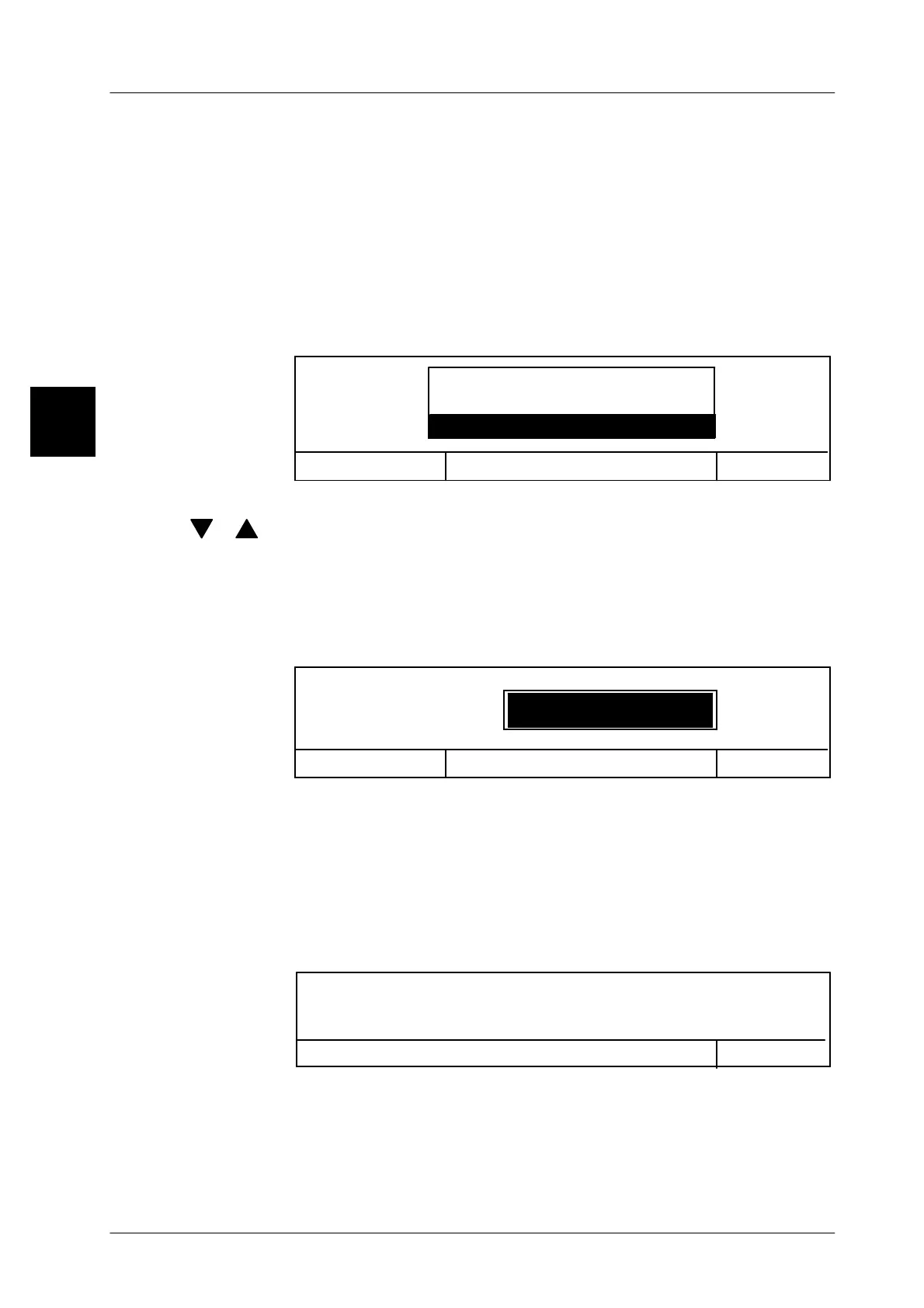
[MODE] -- Call the mode level change.
The input menu for the mode level number appears.
OK <ENTER>
Cancel <ESC>
0 Standby
T: Adapted operation
1: Standard operation
Mode level
x -- Enter the desired mode level, e. g. 3.
[ ], [ ] -- or select the desired mode level by using the cursor keys and con-
firm with [ENTER].
If the mode level desired is not protected by a password, the new
mode level is immediately called up and displayed.
In the event that the desired mode level is protected by a password,
the input menu for the password will appear.
OK <ENTER>
Mode level 3
Enter password
Cancel <ESC>
x x x x -- Enter the password for the relevant mode level.
Because of the hidden input, the symbol * appears in the input field
for each character entered.
[ENTER] -- Acknowledge input.
The mode level selected is called up and displayed.
The input of an incorrect password causes the following display to
appear:
Entered password incorrect.
Procedure cancelled.
OK <ENTER>
[ENTER] -- Acknowledge the message.
-- Repeat the mode level call from the beginning.
1.4



 To Next Page