Display and operation
Operating instructions GLP
1 -- 35
6.562.98.5.01.18
Modestufe 0: Standby
For cleaning the display GT--CT the mode level 0: standby can be called up. Af-
ter cleaning use the [MODE] key to call up again the selection menu for the mode
levels. If a mode level not protected by password is called up, you have to enter
the number 183 as requested.
Mode
Z
Z
Z
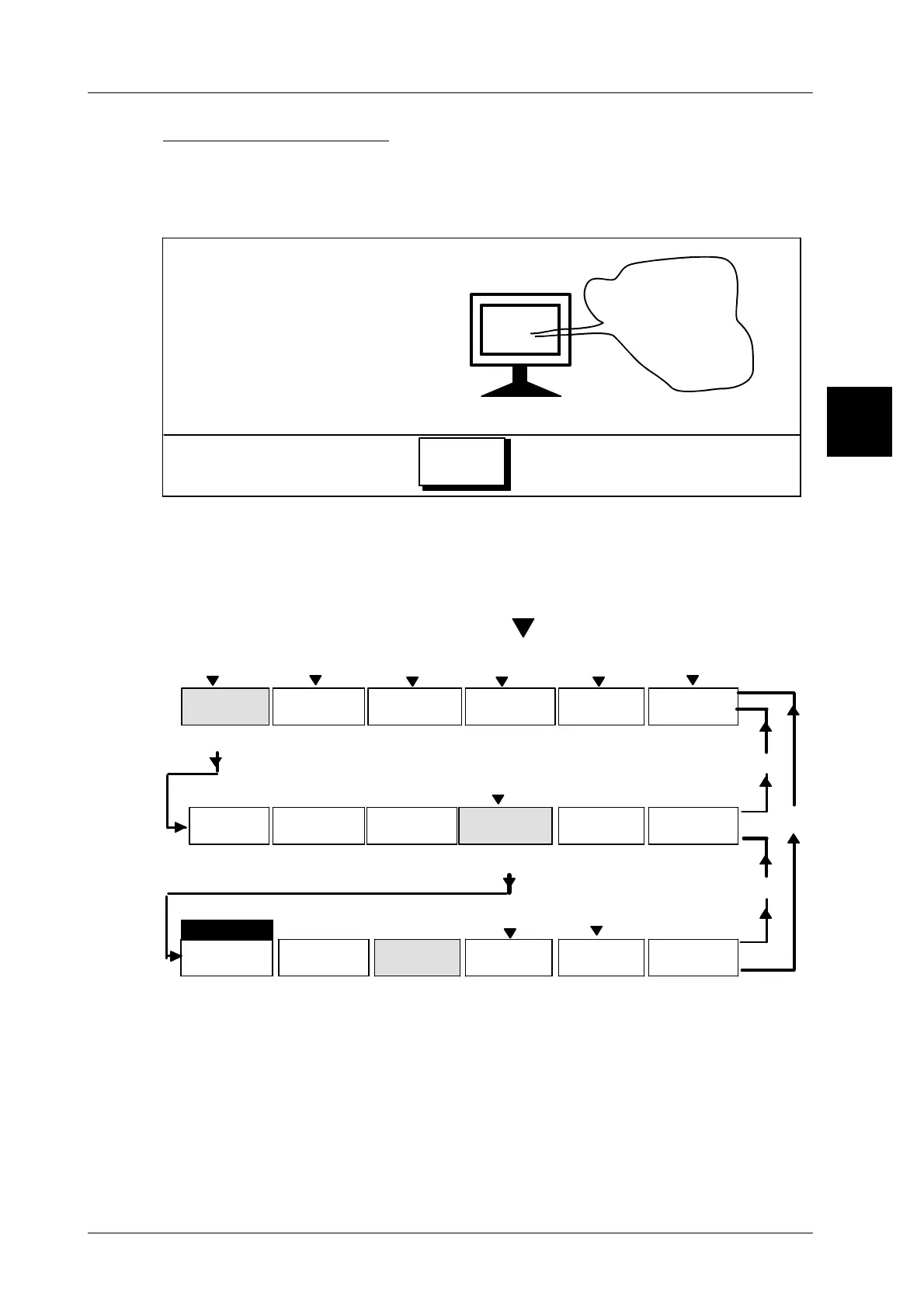
1.4.5 Menu structure
The wide variety of functions is divided into various mode levels and within the
mode levels into function paths along with further submenus and additional me-
nus. The submenus are automatically called up by the relevant functions. Func-
tions covering submenus are marked with above the softkey.
Example: tare input at mode level 2
[ F1 ]
Article
[ENTER]
[HOME]
Weight
[ F4 ]
Tare
[ENTER]
[ F3 ]
data
Texts
Date
Labe--
ling
Release
total
Config.
total
P L U
Cust.
number
Numbers
& values
Price
Code
Select.
ingred.
Ingred.
proport.
Print
weight
0 %0,000 kg
Fixed
weight
0,000kg
Weight
types
kg, 001
Call up each function by activating the relevant softkey.
[ENTER] -- press the ENTER key to return to the previous menu
[HOME] -- press the HOME key to return to the previous menu
[ESC] -- press the ESC key to cancel the relevant function
1.4



 To Next Page