Display and operation
Operating instructions GLP
1 -- 36
6.562.98.5.01.18
1.4.5.1 Switching over presettings
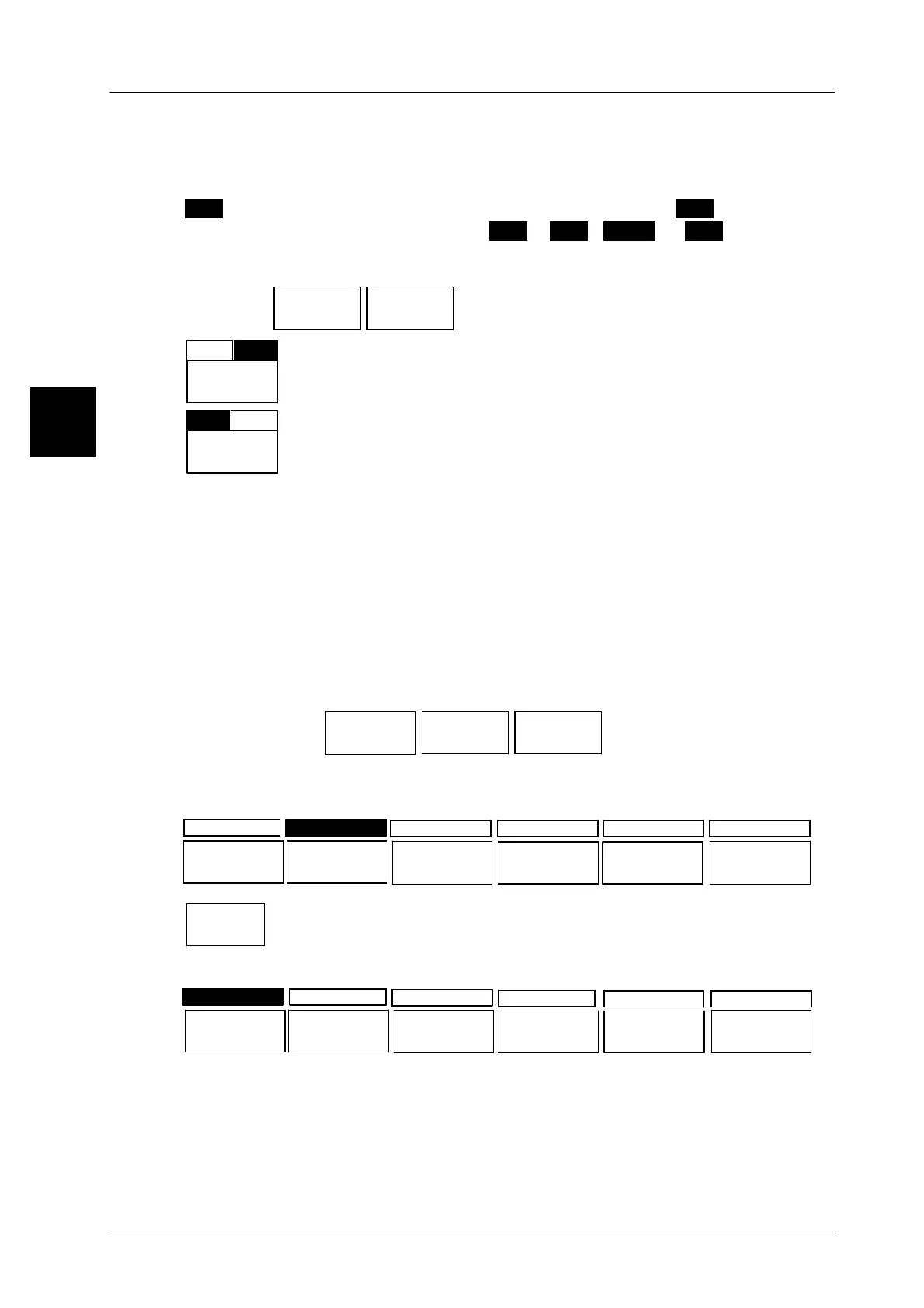
Presettings covering two statuses may be switched over directly with the alloca-
ted function key. The active status is normally represented in inverse mode, e. g.
+
. If the function is switched over to the other status, e. g.
--
, this status will
then be presented in inverse mode. (
with
=
+
,
w/o
=
--
)
Operating sequence: Description
------------------------------------------------------------------------------------------------------------------------------------------------------
[MODE] 2
Labe--
ling
Release
mode
-- Call up the preselection menu.
--
Lab.rem.
LB
+
The previous setting appears
(”with(+) light barrier”)
+
Lab.rem.
LB
--
Switch the preset data to ”w/o(--) light barrier” by means of
the function key located underneath the softkey, e. g. [ F2 ].
1.4.5.2
Selecting presettings via function keys
If there are several possibilities of selecting presettings, these are displayed next
to each other as softkeys. The black field above a softkey marks the data cur-
rently preset. Other presettings may be selected by activating the function key un-
der the desired presettings. This causes the black field to be displayed above the
selected new presettings.
Example: selecting ”English” as the operator language
Operating sequence: Description
------------------------------------------------------------------------------------------------------------------------------------------------------
[MODE] 2 [ETC]
Langu.&.
charact.
Languages Operator
language
-- Call up the selection menu
The selectable settings appear. The black field is displayed above the last set
operator language ”English”.
deutsch english
français
italiano
españolportuques
deutsch
Select the operator language ”deutsch” via the allocated
function key [ F1 ].
The black field appears above the softkey ”deutsch”.
deutsch english
français
italiano
españolportuques
1.4



 To Next Page