Display and operation
Operating instructions GLP
1 -- 64
6.562.98.5.01.18
1.4.10.5
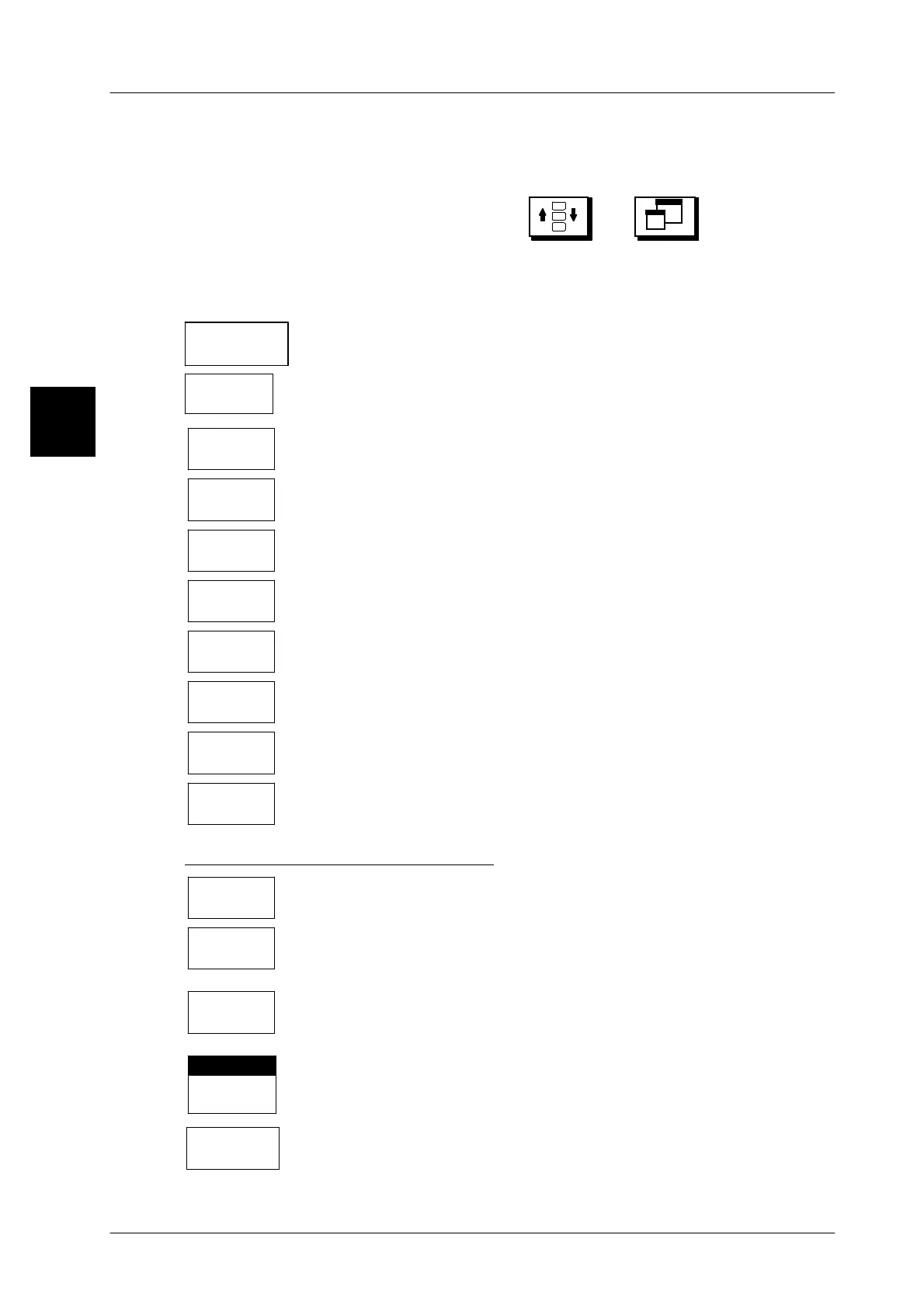
3rd total window
By selecting the total to be displayed, the 3rd total window may be activated here.
For reasons of space the 3rd total window can only be displayed if the standard
text window has been enlarged using the and keys.
Operating sequence: Description
------------------------------------------------------------------------------------------------------------------------------------------------------
[SECOND] [MODE] -- Call up the connection table
20 Operating
GT--CT
-- Call up the GT--CT operating level via softkey.
3rd total
window
-- Call up the presetting for the 3rd total window.
W/o 3rd
tot.window
Select ’W/o 3rd total window’ if the 3rd total window is not to be
displayed. Standard setting
Total 1
Display total 1 in total window 3.
Total 2
Display total 2 in total window 3.
Total 3
Display total 3 in total window 3.
Article
total
Display the article total in total window 3.
Prod.group
total
Display the product group total in total window 3.
Daily
total
Display daily total in total window 3.
Tare
total
Display the tare total in total window 3.
Preset display data in the ETC part
Remote
labels
In conjunction with multiple labelers, the remainder of labels still to
be printed may be displayed by the remote device (see below).
*1 of act.
presel.col.
If *1 is preselected for the called up PLU in the total preselection
matrix, the actual total and the preselected total may be displayed
in the total window.
*2 of act.
presel.col.
If *2 is preselected for the called up PLU in the total preselection
matrix, the actual total and the preselected total may be displayed
in the total window.
Total
display tool
With the black scroll bar on ’Total display tool’, the total defined
in the total display tool is displayed (see page 1 -- 60).
Reserve
prin./scale
Display the histogram of the evaluated throughput in the 1st total
window.
1.4



 To Next Page