Display and operation
Operating instructions GLP
1 -- 65
6.562.98.5.01.18
1.4.10.6
Languages & characters
Operator language
The display and softkey texts are stored in the device in several languages. For
operating the unit, the local language of the operator may be selected.
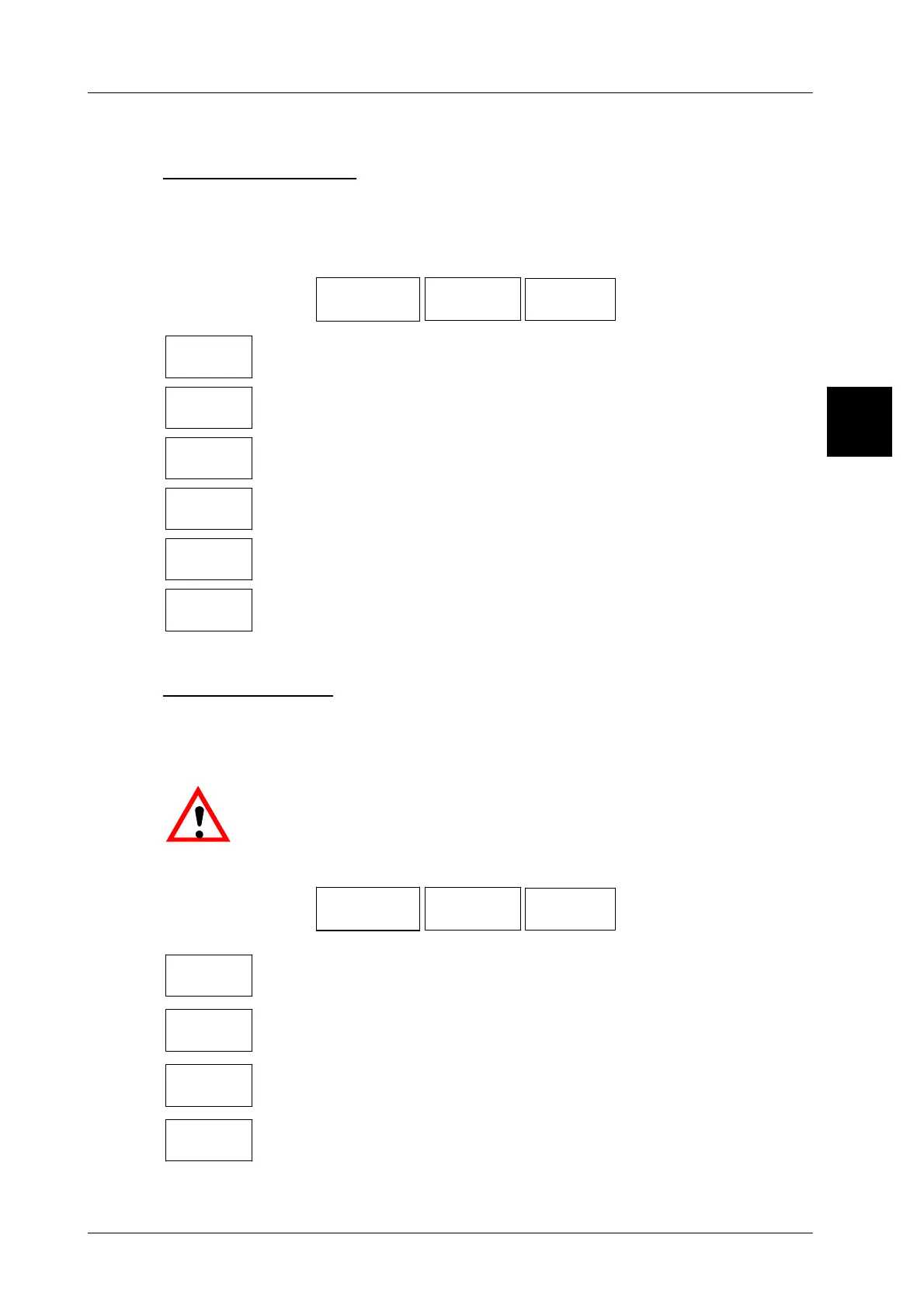
Operating sequence: Description
------------------------------------------------------------------------------------------------------------------------------------------------------
[SECOND] [MODE]
20 Operating
GT--CT
Languages+
character
Operator
language
Call up the selection menu
deutsch
Activate ’German’ as the operator language.
english
Activate ’English’ as the operator language.
français
Activate ’French’ as the operator language.
italiano
Activate ’Italian’ as the operator language.
portugues
Activate ’Portuguese’ as the operator language.
español
Activate ’Spanish’ as the operator language.
Keyboard layout
The keyboard and the keyboard layout are set in relation to the country in which
the labelers are installed. The necessary changes are usually made by the Bi-
zerba after--sales service.
.
When selecting a different keyboard layout, a different character
set must also be preset, e. g. Greek or Cyrillic (see next section).
Operating sequence: Description
------------------------------------------------------------------------------------------------------------------------------------------------------
[SECOND] [MODE]
20 Operating
GT--CT
Languages+
character
Keyboyrd
layout
Call up the selection menu
Western
Europe
Activate the keyboard layout ’Western Europe’.
Cyrillic
Activate the keyboard layout ’Cyrillic’.
Eastern
Europe
Activate the keyboard layout ’Eastern Europe’.
Greek
Activate the keyboard layout ’Greek’.
1.4



 To Next Page