EasyManua.ls Logo

Black & Decker BAPUV350 - User Manual

Black & Decker BAPUV350
48 pages
Print Icon
To Next Page IconTo Next Page
Loading...
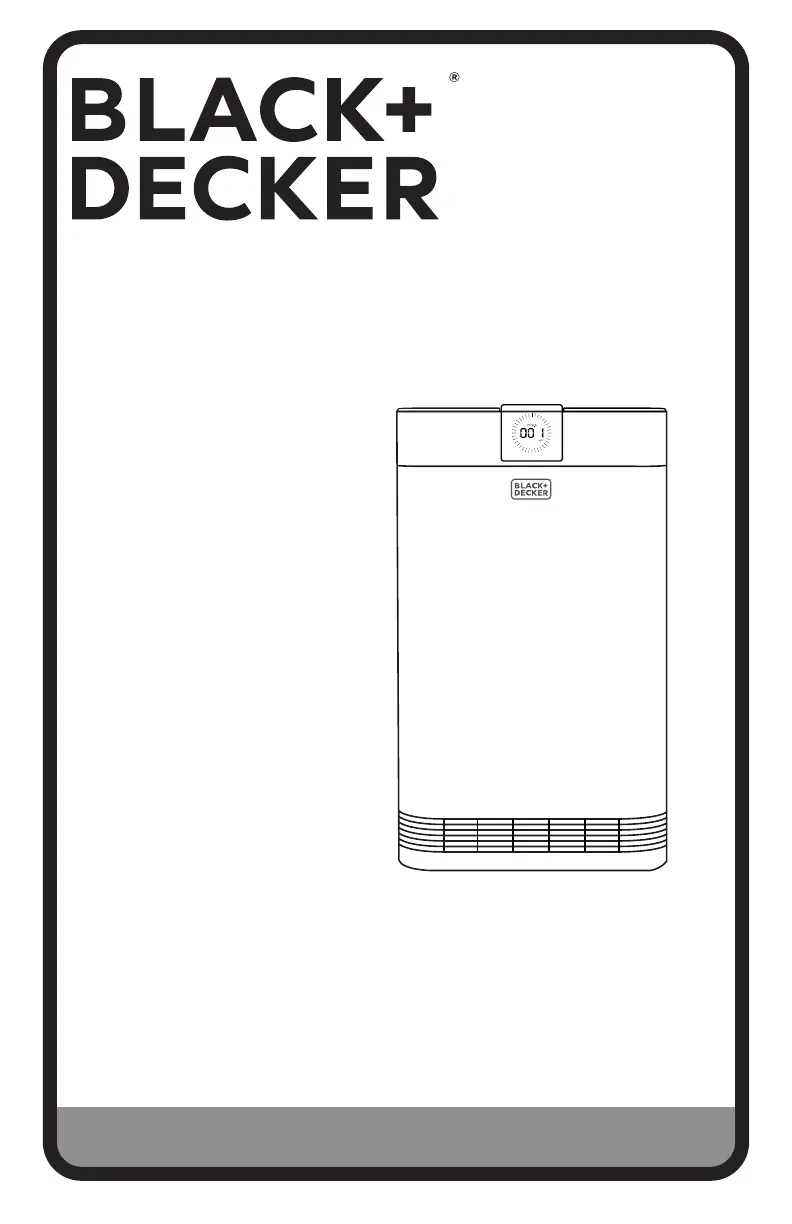
INSTRUCTION MANUAL
Thank you for choosing BLACK+DECKER!
PLEASE READ BEFORE RETURNING THIS PRODUCT FOR
ANY REASON.
If you have a question or experience a problem with your BLACK+DECKER
purchase, go to www.blackanddecker.com/instantanswers
If you can’t find the answer or do not have access to the Internet, call
844-299-0879 from 10:30 a.m. to 6:30 p.m. EST Mon. - Fri. to speak with an
agent. Please have the catalog number available when you call.
SAVE THIS MANUAL FOR FUTURE REFERENCE.
CATALOG NUMBER
BAPUV350
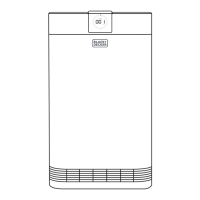
ELECTROSTATIC PRECIPITATOR
AIR PURIFIER

Questions and Answers

  • C
    Clifford BrandtAug 11, 2025
    Why is the air purification poor on my Black & Decker BAPUV350 Air Cleaner?
    • N
      Nicholas PatelAug 11, 2025
      Poor air purification in your Black & Decker Air Cleaner can occur for several reasons. Ensure nothing obstructs airflow around the unit. Try a higher speed setting. The filters may need replacement. Also, the room size could be too large for the air purifier's capacity; consider moving it to a smaller room.
  • H
    Heather MarquezAug 16, 2025
    How to fix a noisy Black & Decker BAPUV350 Air Cleaner?
    • P
      Peter JimenezAug 16, 2025
      If your Black & Decker Air Cleaner is making excessive noise, check for obstructions to the fan or foreign objects inside the unit and remove them. Also, ensure that you've removed all plastic packaging from the filters.
  • N
    Nina JensenAug 23, 2025
    What to do if my Black & Decker Air Cleaner is not operating?
    • M
      Mary KeithAug 23, 2025
      If your Black & Decker Air Cleaner isn't operating, first, ensure it's properly plugged into a working outlet to rule out connection issues. Check if the appliance is in standby mode and touch the power button. Also, verify that nothing obstructs the fan, including packing material or plastic filter bags.
  • J
    Jacqueline HarmonAug 28, 2025
    Why is the air quality indicator on my Black & Decker BAPUV350 always red?
    • R
      Robert MillerAug 28, 2025
      If the air quality indicator on your Black & Decker Air Cleaner remains red in AUTO mode, it could be due to a nearby pollution source like smoke. The indicator should turn blue as air quality improves over time. Alternatively, the sensor might be clogged with dust or debris; try wiping the sensor to clear any obstructions.
  • J
    jacksonamandaSep 4, 2025
    What to do if the REPLACE FILTER light is still on after replacing the filter on Black & Decker BAPUV350?
    • J
      jennifermendozaSep 4, 2025
      If the REPLACE FILTER light remains on after replacing the filter, ensure the filters were installed correctly, with the plastic bags removed. After installing the filters, touch and hold the button for 5 seconds to reset the filter indicator.

Black & Decker BAPUV350 Specifications

General IconGeneral
ModelBAPUV350
Product TypeAir Purifier
Filter TypeHEPA
Pre-filterYes
Activated Carbon FilterYes
Number of Fan Speeds5
Automatic ModeYes
Sleep ModeYes
TimerYes
Power SourceAC

Related product manuals