7
ENGLISH
Troubleshooting Guide
BE SURE TO FOLLOW SAFETY RULES AND INSTRUCTIONS
PROBLEM POSSIBLE CAUSE POSSIBLE SOLUTION
Unit will not start. Cord not plugged in.
Circuit fuse is blown.
Circuit breaker is tripped.
Cord or switch is damaged.
Plug tool into a working outlet.
Replace circuit fuse. (If the product repeatedly
causes the circuit fuse to blow, discontinue
use immediately and have it serviced at a
BLACK+DECKER service center or authorized
servicer.)
Reset circuit breaker. (If the product repeatedly
causes the circuit breaker to trip, discontinue
use immediately and have it serviced at a
BLACK+DECKER service center or authorized
servicer.)
Have cord or switch replaced at BLACK+DECKER
Service Center or Authorized Servicer.
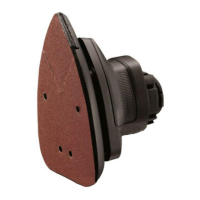
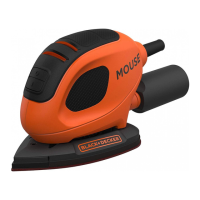
Dust is not being collected. Sandpaper holes do not align.
Dust canister is full.
Use Mouse
®
sandpaper with the appropriate hole
configuration.
Separate dust canister and gently shake or tap
to empty.



 To Previous Page
 Loading...