EasyManua.ls Logo

Black & Decker CTO4600BC - How to Use Your Oven; Getting Started and Initial Setup; Control Panel Overview

Black & Decker CTO4600BC
23 pages
Print Icon
To Next Page IconTo Next Page
To Previous Page IconTo Previous Page
Loading...
How to Use

GETTING STARTED
 

 
 


 

 
 
(C)
 

Important: The rack will not slide forward unless the rack is
inside the hooks on the door.
 

 
 
Important: This oven gets hot. When in use, always use oven
mitts or potholders when touching any outer or inner surface of
the oven (D).
Note:

Product may vary slightly from what is illustrated.
ENGLISH
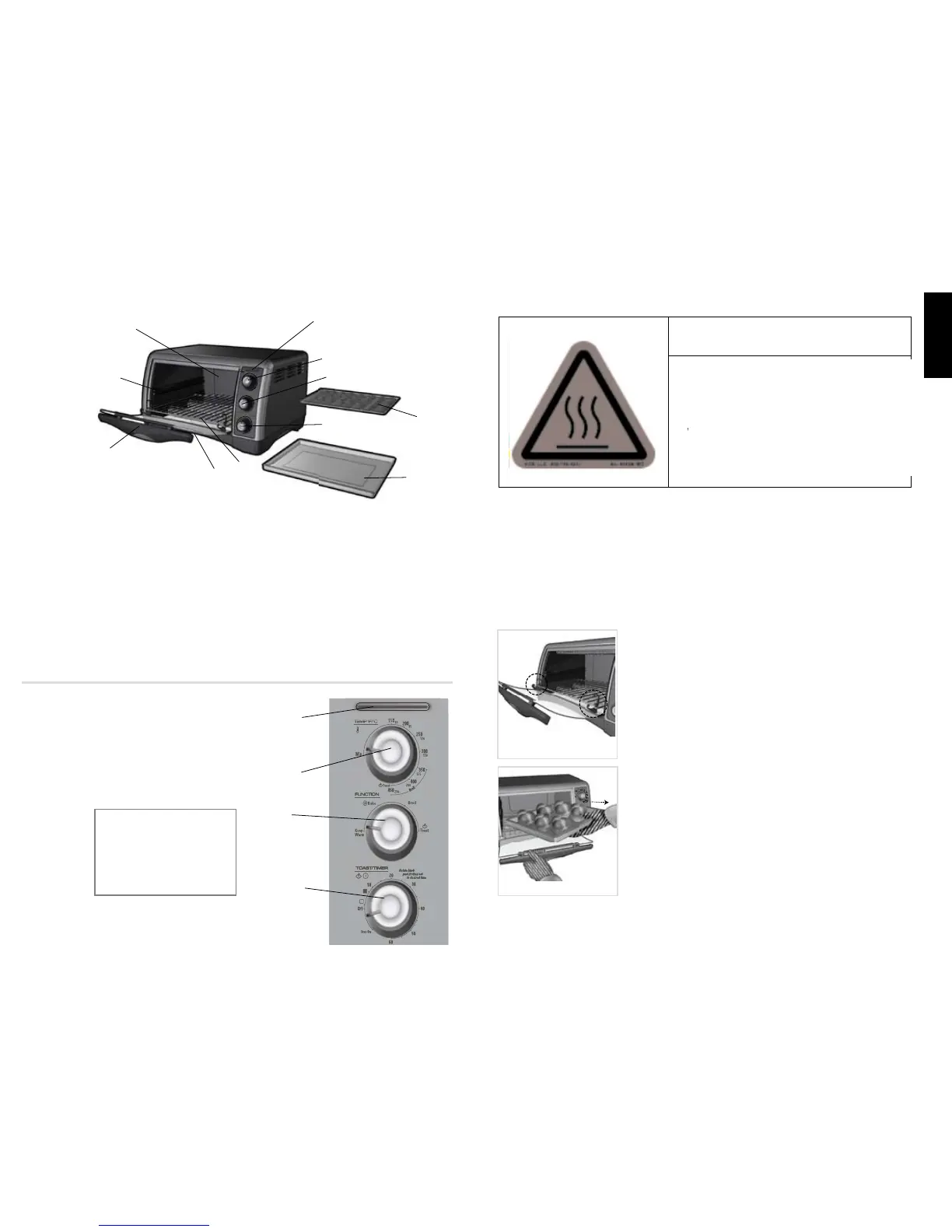
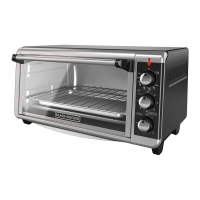
1. On indicator light
2. Bake/Broil temperature selector
(Part# 4600BC-01)
3. Cooking
FUNCTION selector
(Part# 4600BC-02)
4. 60-minute TIMER/TOAST
shade
selector (Part# 4600BC-03)
5. Slide rack (Part# 4600BC-04)
6. Slide-out crumb tray
(Part# 4600BC-05)
7. Door handle
8. Rack slot
9. Extra-deep curved interior
10. Broil rack (Part# 4600BC-06)
11. Bake pan/drip tray
(Part# 4600BC-07)
Note: † 

CONTROL PANEL
1. On indicator light
2. Temperature control
3. Cooking FUNCTION selector
4. 60-minute TIMER/TOAST shade selector
B
Important:
When making toast or
using the TIMER function,
always turn the dial past
20 and then turn back or
forward to desired setting.
A

$ " 65 *0 /
THIS OVEN GETS HOT. WHEN
IN USE, ALWAYS USE OVEN
MITTS OR POT HOLDERS
WHEN TOUCHING ANY OUTER
OR INNER SURFACE OF TH E
OVEN
THIS OVEN GETS HOT.
WHEN IN USE, ALWAYS USE OVEN
MITTS OR POT HOLDERS WHEN
TOUCHING ANY OUTER OR INNER
SURFACE OF THE OVEN.
CAUTION
C
D

Related product manuals