EasyManua.ls Logo

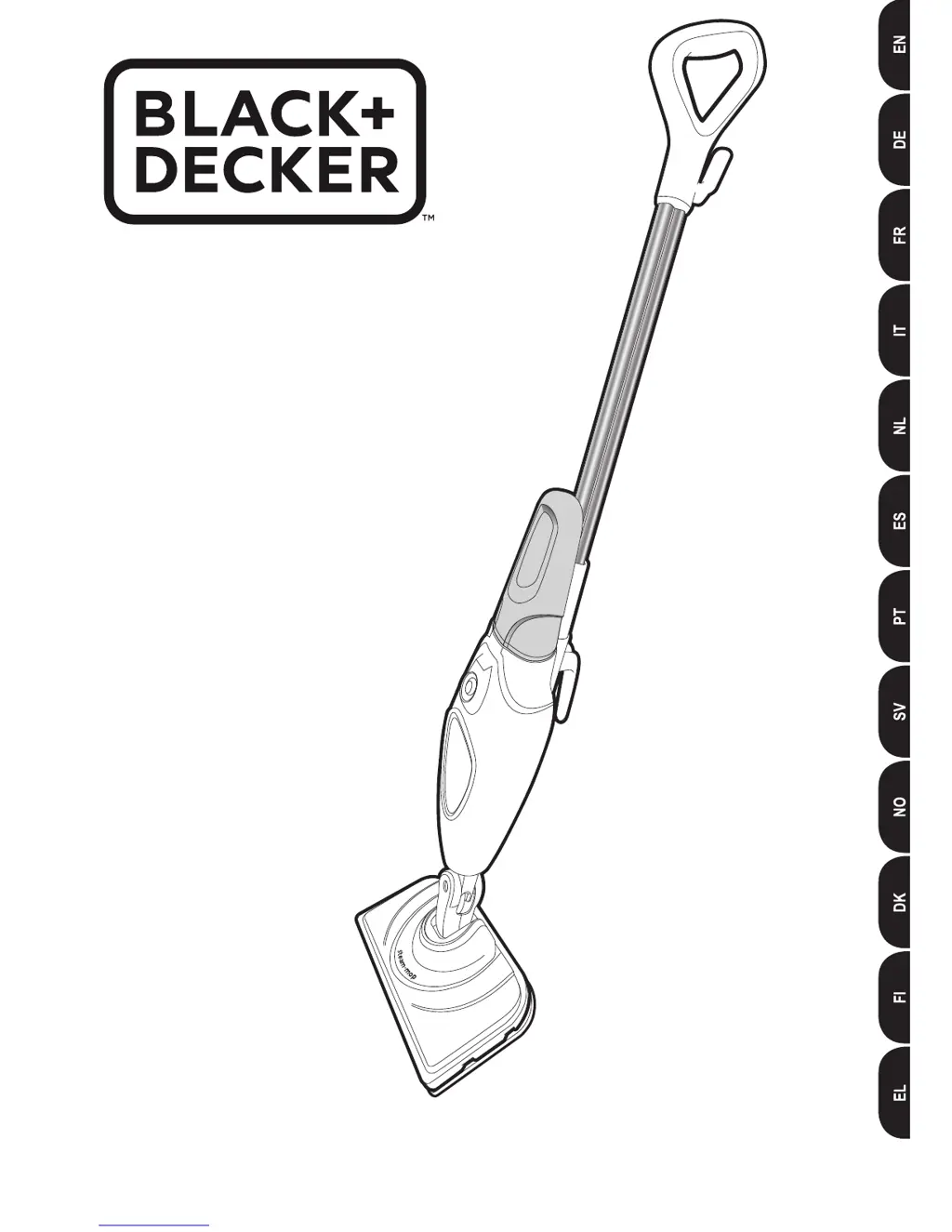
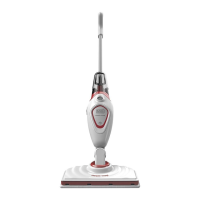
Black & Decker FSM1605R - User Manual

Black & Decker FSM1605R
44 pages
Print Icon
To Next Page IconTo Next Page
Loading...
www.blackanddecker.eu
FSM1605(R)
FSM1615

Questions and Answers

  • S
    Steven MullenAug 2, 2025
    What to do if my Black & Decker FSM1605R steam mop is not turning on?
    • A
      Ashley WilliamsAug 2, 2025
      First, make sure the unit is properly plugged into the wall socket. Next, verify that the unit is switched on using the ON/OFF switch. Finally, check the fuse in the plug.
  • J
    Jesse BarnettAug 14, 2025
    Why is my Black & Decker Vacuum Cleaner steam mop not producing steam?
    • S
      stanleyhaileyAug 14, 2025
      Ensure the water tank is full and correctly fitted. Keep in mind that when first filled or after running dry, it may take up to 45 seconds for steam to be produced. Also, check that the steam generation button is in the ON position.

Summary

Intended Use

Safety Instructions

Safety of Others

Guidelines for safe use by children and individuals with reduced capabilities, emphasizing supervision.

Labels on Appliance

Features

Assembly

Attaching the Handle

Instructions for attaching the handle to the steam mop body.

Attaching the Water Tank

Instructions for inserting the water tank into the steam mop body.

Attaching a Cleaning Pad

Steps for attaching a cleaning pad to the steam mop head.

Removing a Cleaning Pad

Filling the Water Tank

Use

Switching On and Off

Procedures for turning the steam mop on and off, including heating time.

Hints for Optimum Use

Tips for effective cleaning, including vacuuming first and slow movement.

Steam Cleaning

Detailed steps for steam cleaning, including pad placement and steam generation.

After Use

Troubleshooting

Technical Data

Black & Decker FSM1605R Specifications

General IconGeneral
ModelFSM1605R
BrandBlack & Decker
CategoryVacuum Cleaner
Wattage1600 W
Cable Length5 m
Cord Length5 m
Power SourceCorded
Voltage220-240 V

Related product manuals