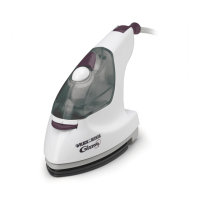
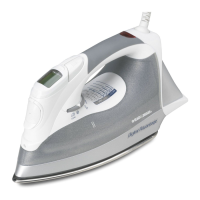
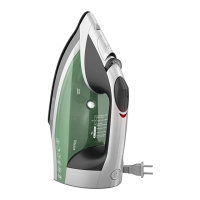
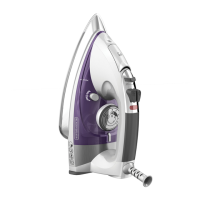
1. Using a clean cup, pour water
into the Water Fill Hole until the
water level reaches the FULL mark
next to the Water Window (Figure
A). Do not overfill. Refill as neces-
sary. Never place the iron directly
under a faucet to add water.
2. Ordinary tap water can gener-
ally be used for ironing. However,
do not use water processed
through a home softening system.
3. In extremely hard water areas,
consider using distilled or dem-
ineralized water. If using distilled
or demineralized water, tap water
should be used the first time you
use the iron and once per month
thereafter to maintain steam per-
formance.
STARTING THE IRON
1. Be sure the iron is filled with
water. Plug in the iron.
2. Press the PUSH ON Button in to
start the iron. (Figure B).
6
Figure A



 To Next Page
 Loading...