4
3
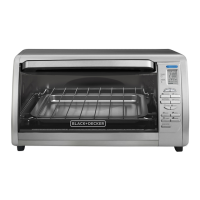
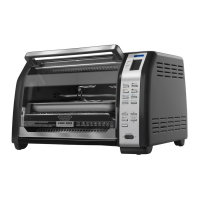
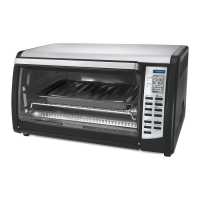
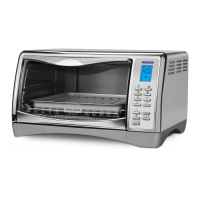
Product may vary slightly from what is illustrated.
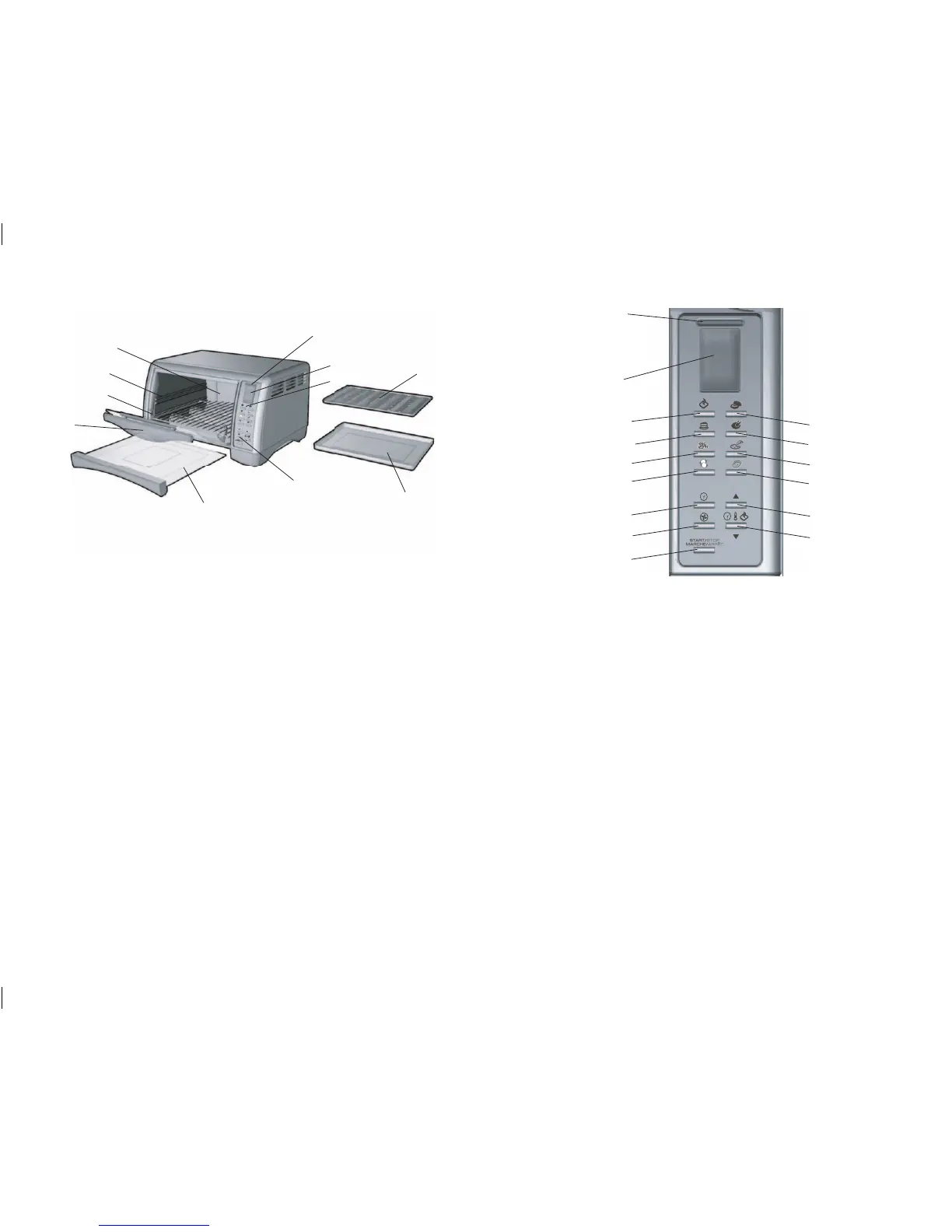
1. On indicator light
2. Digital display
3. Control panel
4. Convection cooking
† 5. Slide-out crumb tray (Part# CTO4550SD-01)
6. Door handle
† 7. Slide rack (Part# CTO4550SD-04)
8. Rack slot
9. Extra-deep curved interior
† 10. Broil rack (Part# CTO4550SD-03)
† 11. Bake pan/drip tray (Part# CTO4550SD-02)
†Consumer replaceable/removable parts
1. Indicates when a function is selected and then activated.
2. Lets you monitor cooking time, temperature and toast shade levels.
3. TOAST - Sets toast shade level (1 – 7).
4. BAGEL - Sets bagel shade level (1 – 7).
5. BAKE - Preheats and cooks to set temperature (350°F) and time (30 minutes), or you can adjust
as desired.
6. BROIL - Broils at preset temperature (450°F) and time (20 minutes), or you can adjust as desired.
7. COOKIES - Allows you to use preset temperature (350°F) and cooking time (12 minutes)
or adjust as desired.
8. PIZZA - Allows you to use preset temperature (400°F) and cooking time (20 minutes), or adjust
as desired.
9. FROZEN SNACKS - Allows you to use preset temperature (400°F) and cooking time (6 minutes),
or adjust as desired.
10. POTATO - Allows you to use preset temperature (400°F) and cooking time (45 minutes),
or adjust as desired.
11. TIMER - Sets desired cooking time up to 2 hours.
12. Increases time, temperature and toast shade level.
13. CONVECTION - Turns on the internal fan to distribute heat evenly as it cooks. Works only with
the BAKE function.
14. Decreases time, temperature and toast shade level.
15. START / STOP - Press to activate all or end all functions.
ELECTRONIC CONTROL PANEL FUNCTIONS
A
B


 To Next Page
 Loading...