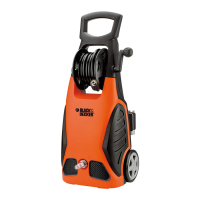
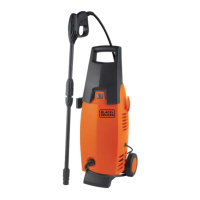
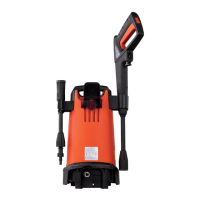
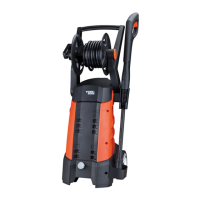
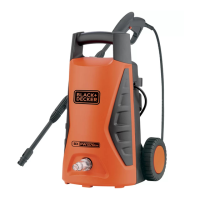
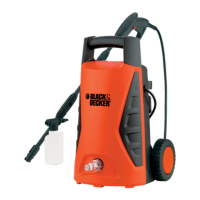
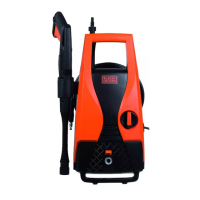
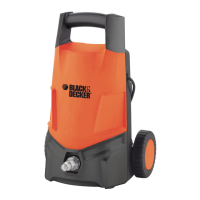
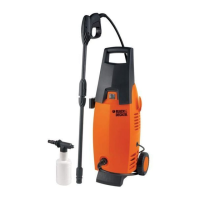
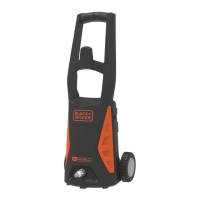
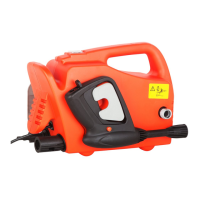
Figure11-Turnonthepressurewasher
bydepressingthetophalfoftheswitch
(L)marked'T'.Theunitwillrunforafew
secondsasitbuildsuppressure,thenwilt
shutoff.Itwiltrunondemandasthegun
triggerisdepressed.Turnoffthepressure
washerbydepressingthelowerhalfof
theswitchmarked"0".
damageandallowsforcleaninglarge
surfaceareasquickly.
3.)Toremove,pressfanwandintogun
wandandtwistasshowninFigureC.
YOUR PRESSURE WASHER IS NOW
READY TO USE - PLEASE REVIEW
THE FOLLOWING FOR DETAILS ON
ACCESSORIES APPLICATION.
z_CAUTION: Before changing
accessories, turn unit off, pull trigger
to release pressure, and activate
safety catch.
• ADJUSTABLE FAN WAND
1.) Insert the fan wand (D) into the gun
wand (H) by pushing and rotating until the
two parts are locked as shown in Figure
A.
2.) To obtain maximum pressure, rotate
the fan wand nozzle in a clockwise
direction as shown in Figure B. This
narrow stream results in deeper cleaning
in a concentrated area. For a wider fan
pattern rotate the fan wand nozzle in the
counterclockwise direction. The wider fan
pattern reduces the risk of surface
• TURBO NOZZLE
1.) Insert the turbo nozzle wand (C) into
the gun wand (H) by pushing and
rotating until the two parts are locked as
shown in Figure D.
O
2.) There is no adjustment required with
the turbo nozzle.
3.) To remove, press nozzle wand into
gun wand and twist as shown in Figure
E.
• DETERGENT APPLICATOR
Follow manufacturer's label directions for
mixing correct concentrations of soap
and detergents.
To use the applicator:
1.) Unscrew top of detergent applicator


 To Next Page
 Loading...