EasyManua.ls Logo

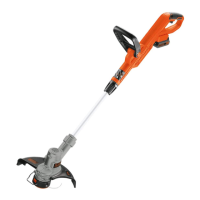
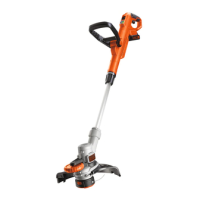
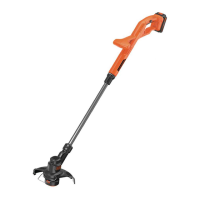
Black & Decker ST182320 - User Manual

Black & Decker ST182320
36 pages
Print Icon
To Next Page IconTo Next Page
Loading...
www.blackanddecker.eu
xxx
Переклад оригінальних інструкцій
Інструмен
т
не
призначений для
професійного
використання.
www.blackanddecker.eu
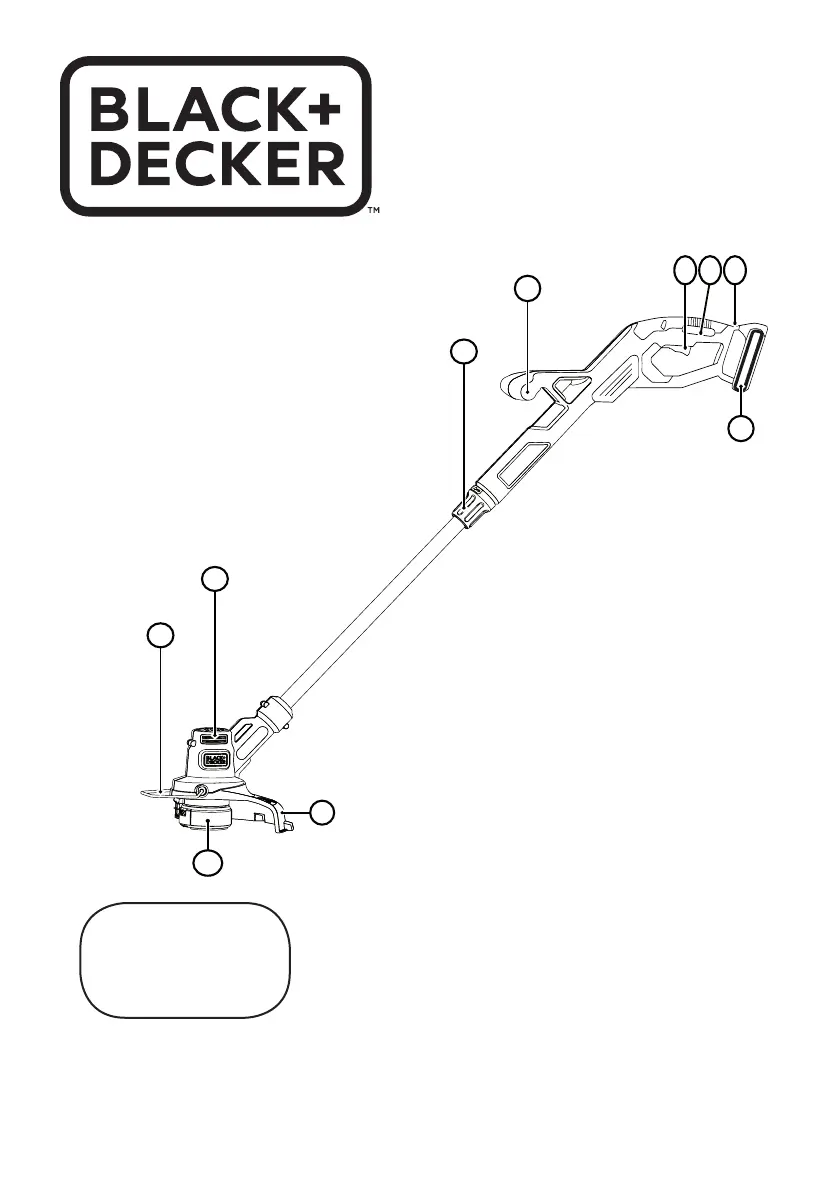
ST182320
7
6
9
5
1 32
10
4
8

Other manuals for Black & Decker ST182320

Questions and Answers

  • L
    Lisa SmithAug 10, 2025
    What to do if automatic line feed does not feed line on my Black & Decker ST182320 Trimmer?
    • A
      Angelica HaydenAug 10, 2025
      If the automatic line feed on your Black & Decker Trimmer isn't working, several factors could be at play. More line feeds when it shortens to approximately 76 mm, so let the line wear past this point. Check if the line is crisscrossed on the spool; if so, unwind and rewind it neatly. Inspect the spool for damage and replace it if needed. Ensure the cutting line protrudes approximately 122 mm from the spool; if not enough line is left, install a new spool. Also, make sure you're using the correct line size (2.00 mm), as incorrect sizes can affect the auto-feed system. Clean the spool and housing carefully, and check if the lever in the spool housing moves freely. Finally, replace the spool into the housing.
  • V
    Victoria KingAug 14, 2025
    Why is my Black & Decker Trimmer overfeeding?
    • V
      Virginia GreenAug 14, 2025
      Overfeeding on your Black & Decker Trimmer can occur if you're not cutting with the tip of the line 177 mm from the spool. Use the edge guide to maintain proper spacing. Also, ensure you're not exceeding a 10º angle during operation.
  • S
    Sandra JoyceAug 20, 2025
    What to do if line unravels when cap or spool is removed from my Black & Decker Trimmer?
    • K
      Kim MckeeAug 20, 2025
      To prevent the line from unraveling when removing the cap or spool on your Black & Decker Trimmer, make sure to park the lines in the holding slots before removing.
  • C
    Christopher AndersonAug 26, 2025
    What to do if Black & Decker ST182320 Trimmer line unravels when cap or spool is removed?
    • A
      Allison DyerAug 26, 2025
      To prevent the line from unraveling when removing the cap or spool, make sure to park the lines in holding slots before removing.
  • K
    Krystal RoweAug 30, 2025
    How to fix Black & Decker ST182320 that runs slowly?
    • M
      Maxwell ParkerAug 30, 2025
      To address a slow-running Black & Decker Trimmer: first, remove the battery. Check if the spool housing can rotate freely and clean it carefully if necessary. Also, make sure the cutting line does not stick out more than about 122 mm from the spool; if it does, cut it off so it just reaches the line trimming blade.
  • K
    kevin37Sep 3, 2025
    How to fix a Black & Decker Trimmer that runs slowly?
    • J
      Jodi SanchezSep 4, 2025
      To address a slow-running trimmer, remove the battery. Then, check that the spool housing can rotate freely, and carefully clean it if necessary. Also, ensure that the cutting line does not protrude more than approximately 122 mm from the spool; if it does, cut it off so that it just reaches the line trimming blade.

Black & Decker ST182320 Specifications

General IconGeneral
TypeString Trimmer
Voltage18V
Cutting Width30 cm
Weight2.5 kg
Power SourceBattery
Battery TypeLithium-ion
Line Diameter1.6 mm
Line Feed SystemAutomatic
Edging FacilityYes
Telescopic ShaftYes
Cutting Path30 cm

Related product manuals