EasyManua.ls Logo

Black Box AVS-HDB-TX - User Manual

Black Box AVS-HDB-TX
20 pages
Print Icon
To Next Page IconTo Next Page
Loading...
Order toll-free in the U.S. or for FREE 24/7 technical support: Call 877-877-BBOX
(outside U.S. call 724-746-5500)
www.blackbox.com • info@blackbox.com
Contact
Information
User Manual
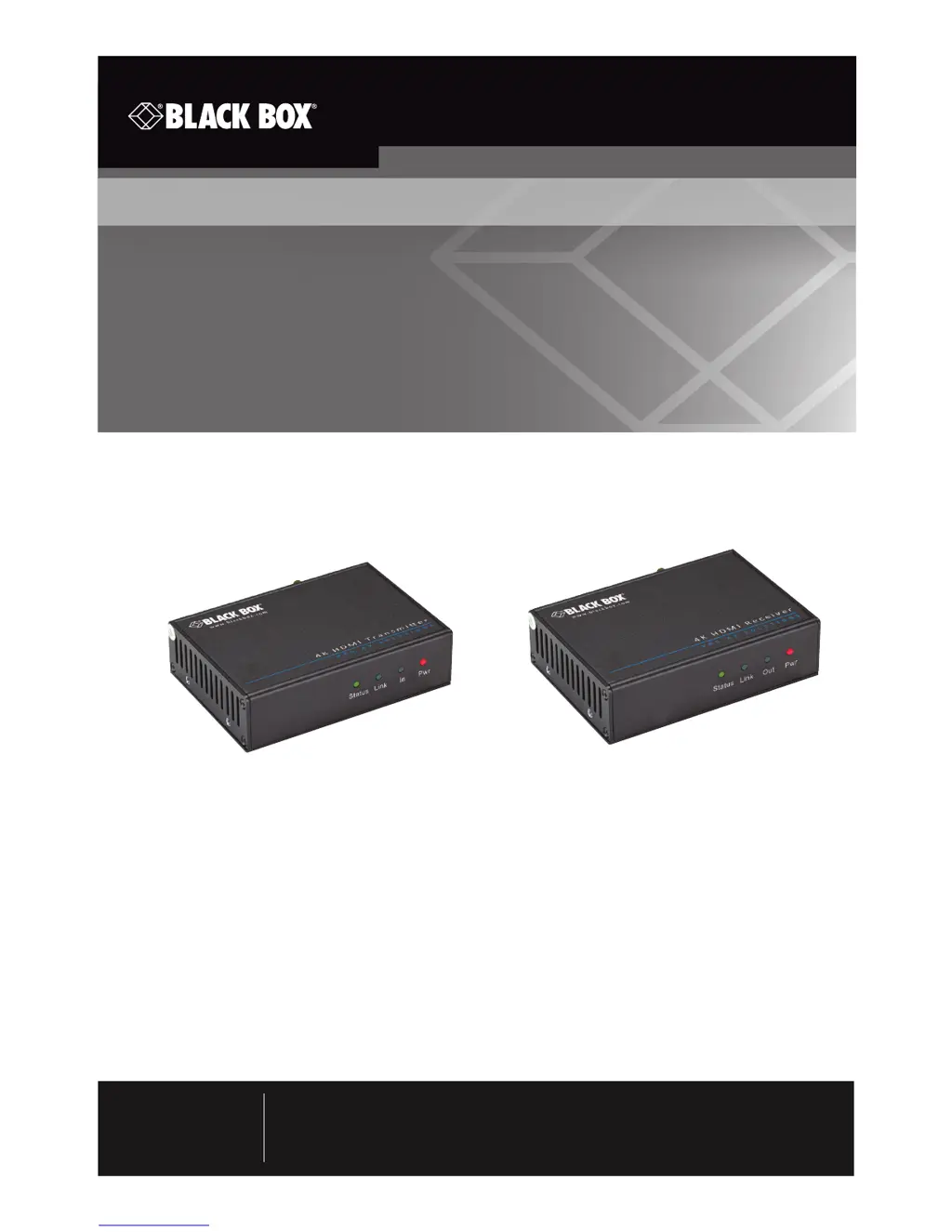
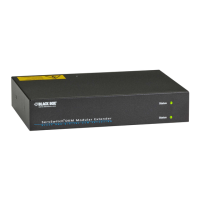
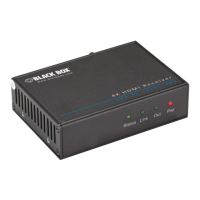
Transmit an HDMI signal up to 230 feet (70 meters)
over CAT5e/CAT6 cable.
Video Extender - 4K HDMI, IR, RS-232 Transmitter and Receiver
AVS-HDB-TX
AVS-HDB-RX

Questions and Answers

  • C
    Christine JohnsonAug 11, 2025
    What to do if there is no output image when switching Black Box AVS-HDB-TX Extender?
    • O
      Olivia BallAug 11, 2025
      If you are experiencing no output image when switching your Black Box Extender, it could be due to a few reasons. First, check the input/output end with an oscilloscope or multimeter to ensure there is a signal. Second, verify that all connections are secure and not loose. If these steps don't resolve the issue, the extender might be broken, and you should contact Black Box Technical Support.
  • B
    brandi50Aug 17, 2025
    Why do output images in display appear with ghost on Black Box Extender?
    • J
      John YorkAug 17, 2025
      Ghost images appearing on the display connected to your Black Box Extender can be due to two main reasons. First, the display settings might be incorrect, so check those settings. Second, a low-quality cable can cause this issue, so try using a high-quality connection cable instead.
  • S
    Stephanie SinghAug 25, 2025
    How to fix static becoming stronger when connecting the video connectors on Black Box AVS-HDB-TX Extender?
    • O
      omartinezAug 26, 2025
      If you notice static becoming stronger when connecting the video connectors on your Black Box Extender, it's likely due to bad grounding. Check the grounding and ensure it is well connected.
  • R
    Robert SchmidtSep 2, 2025
    What to do if I cannot control the device by a PC through the RS-232 port on Black Box AVS-HDB-TX?
    • P
      phayesSep 2, 2025
      If you cannot control the device through the RS-232 port on your Black Box Extender, first ensure that the RS-232 communication parameters are correct. If the issue persists, the extender might be broken, and you should contact Black Box Technical Support.

Summary

Safety Precautions

Specifications

Overview

Introduction

Introduction to the 4K HDMI, IR, RS-232 Transmitter and Receiver video extender.

Features

Details key features and capabilities of the video extender product.

Whats Included

Lists the items included in the package for the video extender.

Hardware Description

Description of the transmitter and receiver hardware components.

System Connection

Usage Precautions

Guidelines for installing and connecting the video extender system safely and correctly.

Connection Procedure

Step-by-step instructions for connecting the HDMI, IR, and RS-232 signals.

Application

Examples of typical use cases for the video extender system.

Twisted-Pair Cable Connection

Details on the type of twisted-pair cable and its pinout for proper connection.

Extending Transmission Distance

Information on extending the transmission distance using additional products.

Troubleshooting and Maintenance

Problems and Solutions

Common issues, their causes, and recommended solutions for the video extender.

Black Box AVS-HDB-TX Specifications

General IconGeneral
CategoryExtender
ModelAVS-HDB-TX
BrandBlack Box
InputHDMI
OutputHDBaseT
Max Distance100 m
HDCP Version2.2
Power Supply5V DC
Audio SupportYes
Connector TypeRJ45
TypeHDMI over HDBaseT Transmitter
Max Resolution4K @ 60 Hz (4:2:0)
Max Frame Rate60 Hz

Related product manuals