8-Port Value-Line Console Server Quick Start Guide
Follow the steps listed below to get started:
Step 1: Check kit contents.
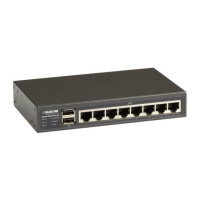
LES1508A 8-Port Value-Line Console Server with Cisco® serial pinouts
This printed quick start guide
(1) CD-ROM containing a user’s manual in PDF format
(2) UTP cables
(1) DB9F-RJ-45 adapter straight-pinned
(1) DB9F-RJ-45 adapter crossover-pinned
Universal input 12-VDC power pack
Step 2: Connect the hardware.
Plug the power pack into the AC power receptacle and connect the DC
power cable to the 12 VDC power socket on the Value-Line Console
Server.
Connect the ETH1 port to your network.
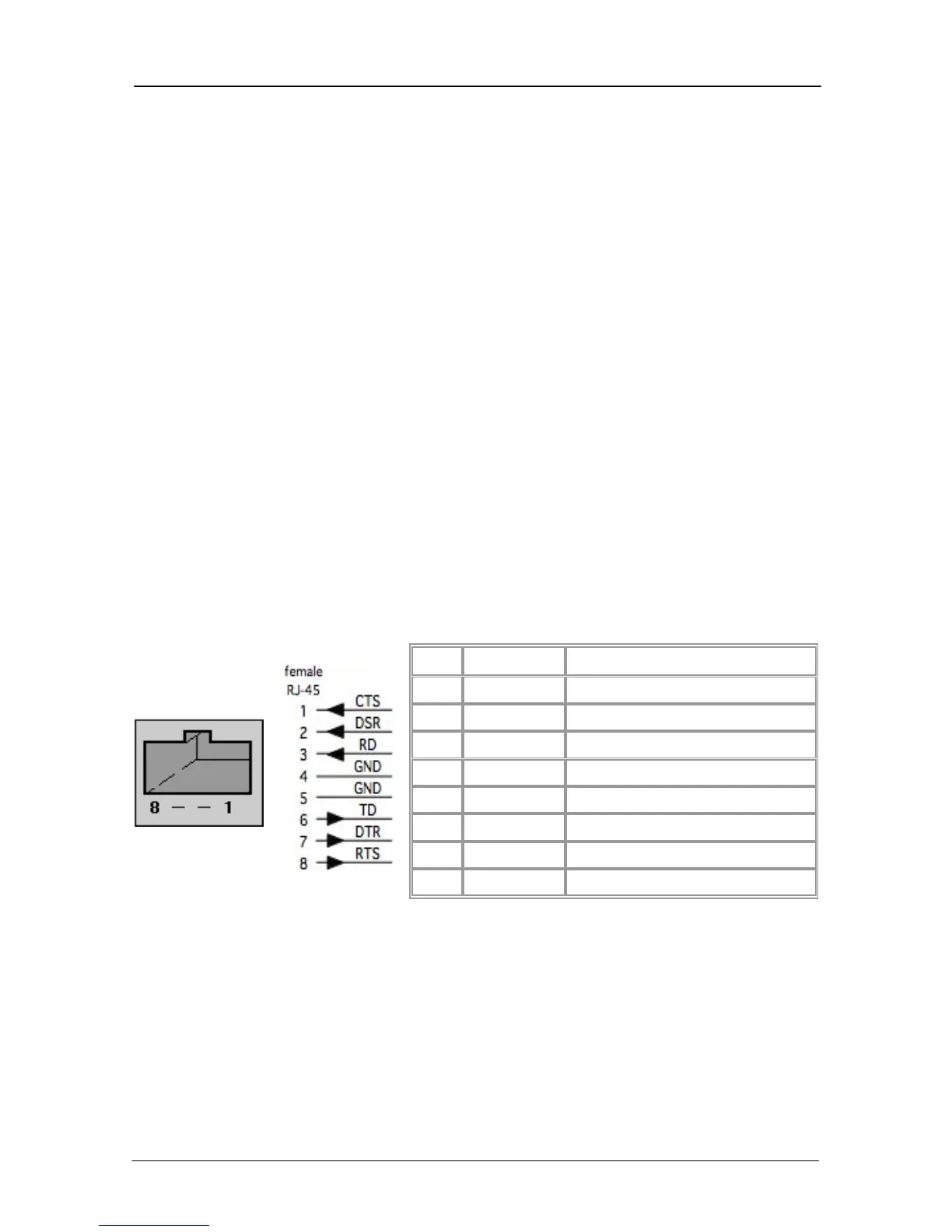
Connect your serial devices to the SERIAL ports. Your Value-Line
Console Server has eight RJ-45 serial ports. The RJ-45 serial connectors
have Cisco serial pinouts:
Figure 1. Cisco serial pinouts.
Step 3: Set up the console server.
The default Value-Line Console Server IP address is 192.168.0.1 (subnet
mask 255.255.255.0). With a Web browser on any computer that is
connected through the network to the Value-Line Console Server:
• Enter https://192.168.0.1 into the address bar.
724-746-5500 | blackbox.com Page 3



 To Next Page