724-746-5500 | blackbox.com
Page 5
LES301A quick start guide
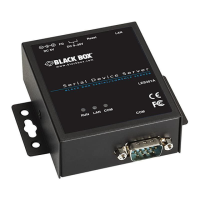
1-Port 10/100 Device Server RS-232/422/485 DB9 M Quick Start Guide
Using SerialManager.exe Utility
Use SerialManager.exe (included on the product CD) to automatically search for all LES301A units connected to your local area
network. Then select the desired LES301A to configure the network setting individually.
Using Web Browser
1. Make sure your PC is located on the same network subnet as LES301A.
2. Open a Web browser, then type in the IP address of the LES301A to be configured. The default user name is “admin” and the
default password is null (leave it blank).
3. The LES301A’s network, link mode, and COM ports settings can be configured in different Web pages.
4. Click on “Save Configuration” to save settings.
5. Click on the ”Restart” button to make the change effective if necessary.
QS.5 Pin Assignments
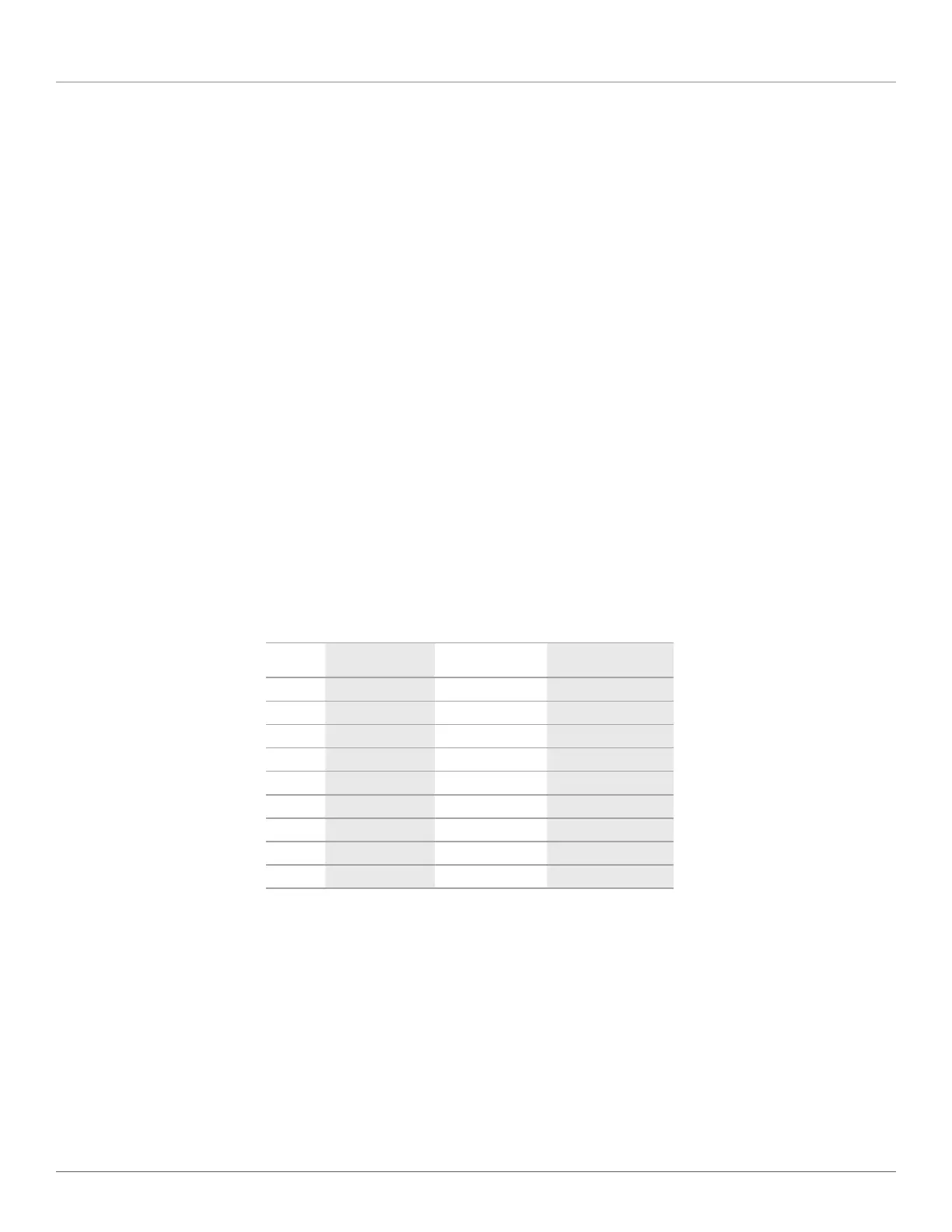
The pin assignments of the DB9 connector on LES301A are shown in the following table:
Table QS-3. DB9 connector pin assignments.
Pin
Number RS-232 Full-Duplex
2-Wire RS-485
Half-Duplex
RS-422/4-Wire RS-485
Full Duplex
1 DCD N/A N/A
2 RXD N/A (reserved) TXD+
3 TXD DATA+ RXD+
4 DTR N/A N/A
5 SG (Signal Ground) SG (Signal Ground) SG (Signal Ground)
6 DSR N/A N/A
7 RTS DATA- RXD-
8 CTS N/A (reserved) TXD-
9 N/A N/A N/A
NOTE: Use an LES30X-TB5 adapter for RS-485 to RS-422 applications.



 To Next Page