Page 12
724-746-5500 | blackbox.com
Chapter 3: System Installation
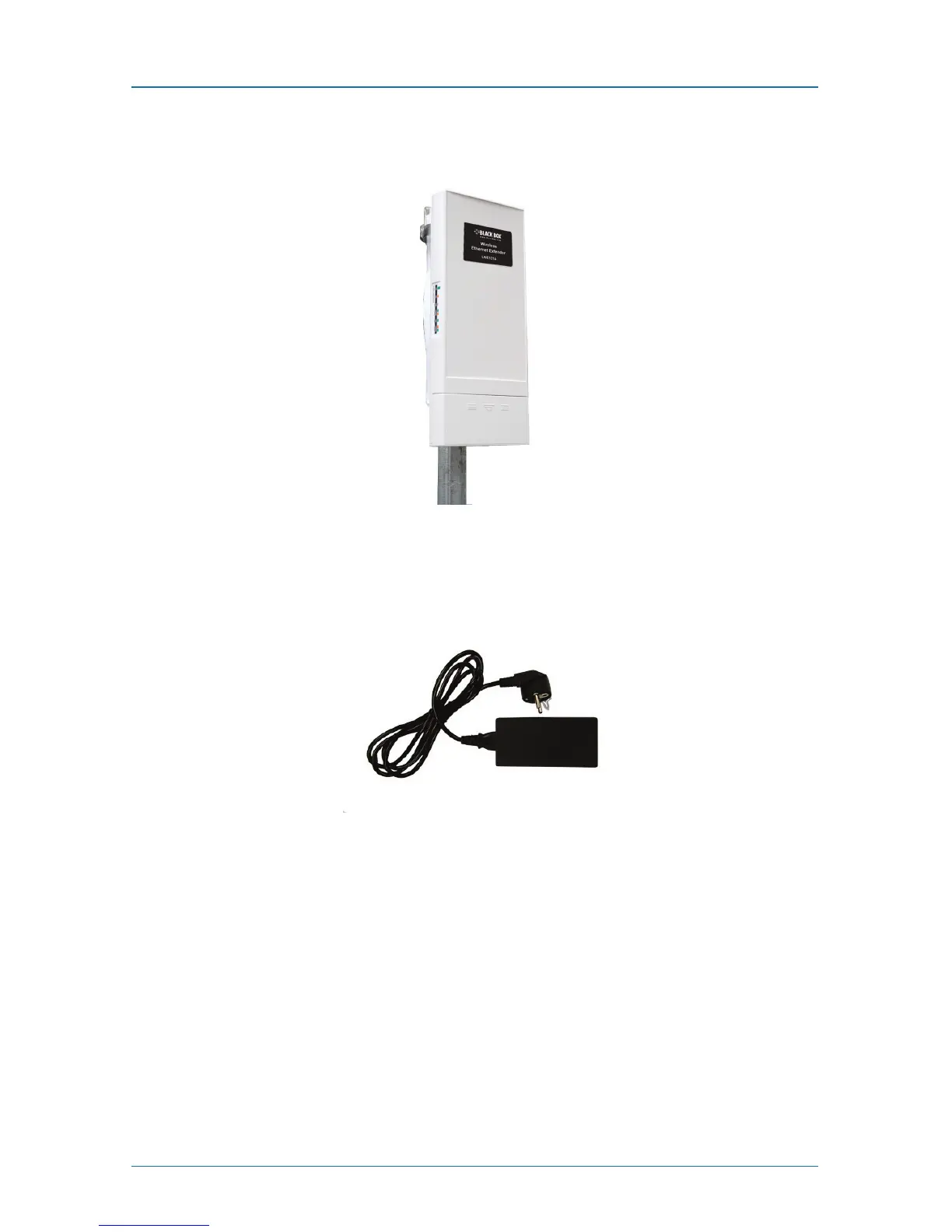
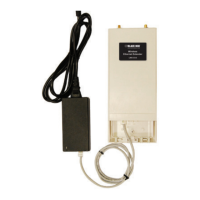
2. Mount the Wireless Ethernet Extender steadily to the pole by locking the pole
mounting ring tightly.
Figure 3-12. Extender mounted on a pole.
Power Up
1. Plug the power cord into the DC port of the PoE injector.
Figure 3-13. Power cord plugged into the injector’s DC port.
2. Connect the power plug to a power socket.



 To Next Page