Page 13
724-746-5500 | blackbox.com
Chapter 3: System Installation
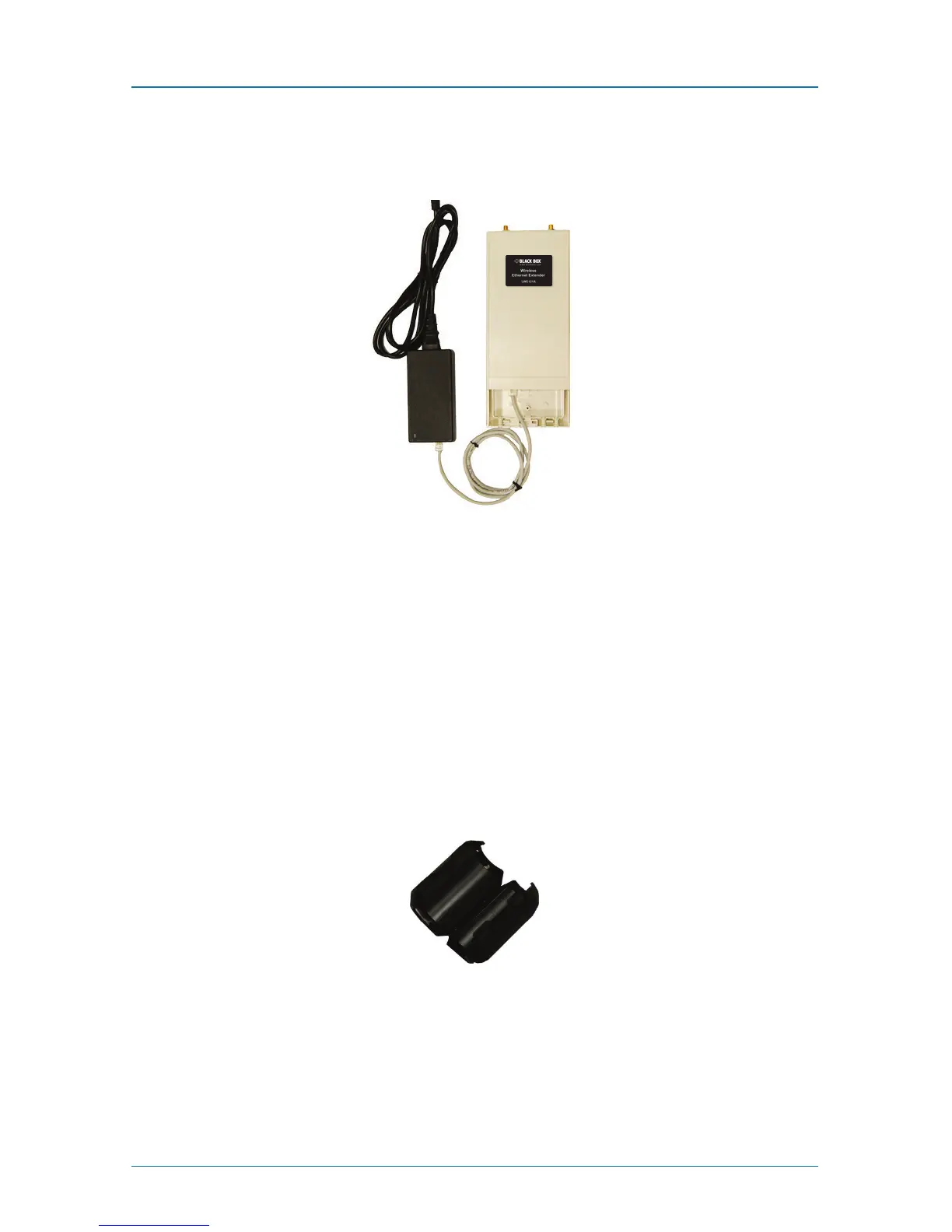
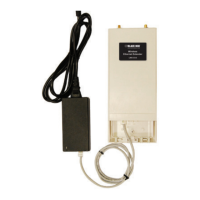
3. Use an Ethernet cable to connect the Wireless Ethernet Extender to the “POE”
port of the PoE injector as shown below.
Figure 3-14. Power up the extender.
4. Connect the power plug to a power socket. The Wireless Ethernet Extender will
be powered up immediately.
Connect to the Extender
To be able to configure and manage the extender, do the following:
1. Open the ferrite core by unsnapping the connector latches. The core will open,
revealing a concave surface.
Figure 3-15. Open the connector latches.



 To Next Page