Page 20
724-746-5500 | blackbox.com
Chapter 4: Configuration
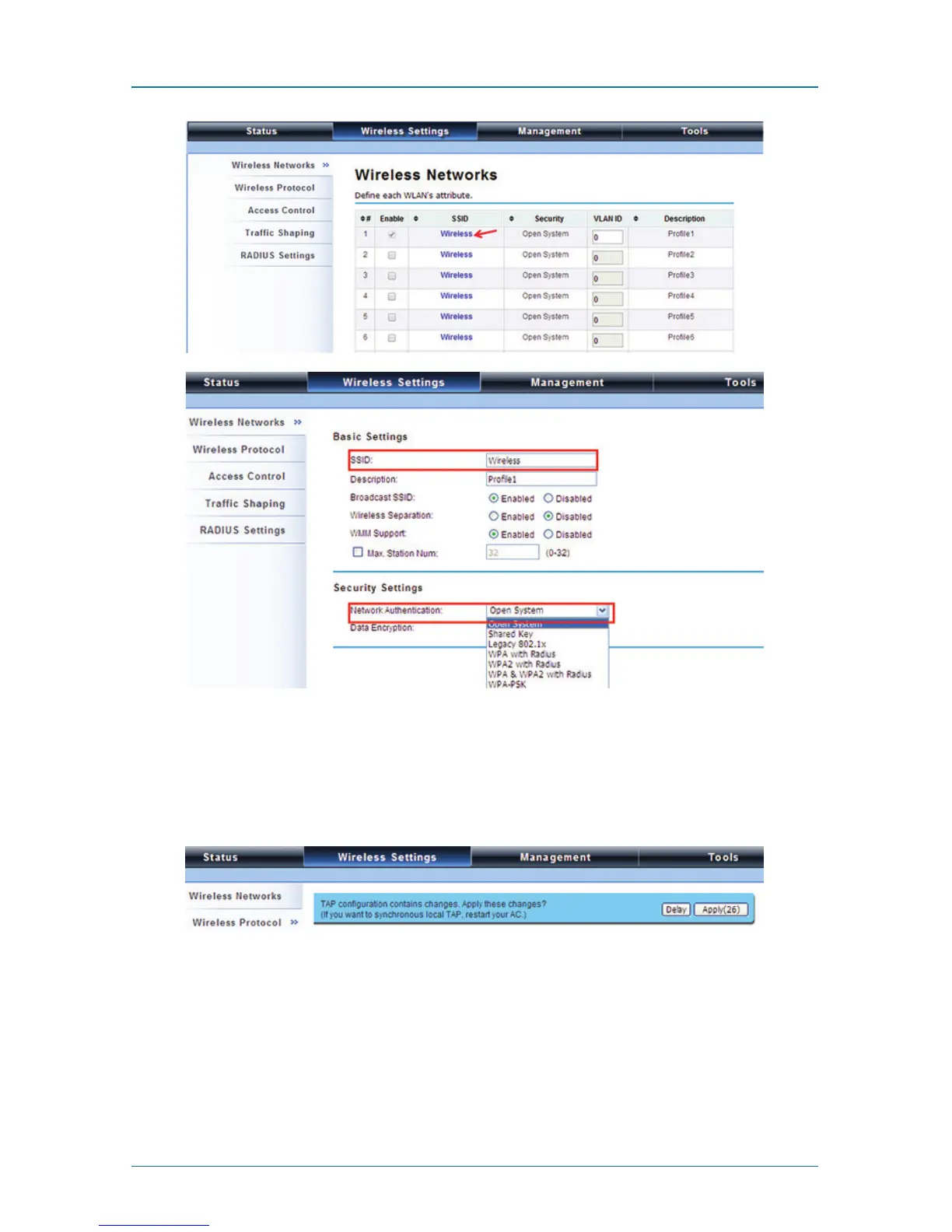
Figure 4-5. Wireless Networks screen.
The wireless setting will also apply to the VAC-managed APs. A dialog message
will pop up to remind you changes will also apply to other extender-managed
APs. Click “Apply” to apply the configuration immediately.
Figure 4-6. Wireless Settings screen.
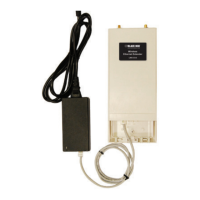
To make the change on the Wireless Ethernet Extender itself take effect, you need
to reboot the extender. To reboot the Wireless Ethernet Extender, go to
Management —> Configuration File and click the “Reboot” button. The reboot
process will take about 50 seconds.



 To Next Page