Page 34
724-746-5500 | blackbox.com
Chapter 4: Configuration
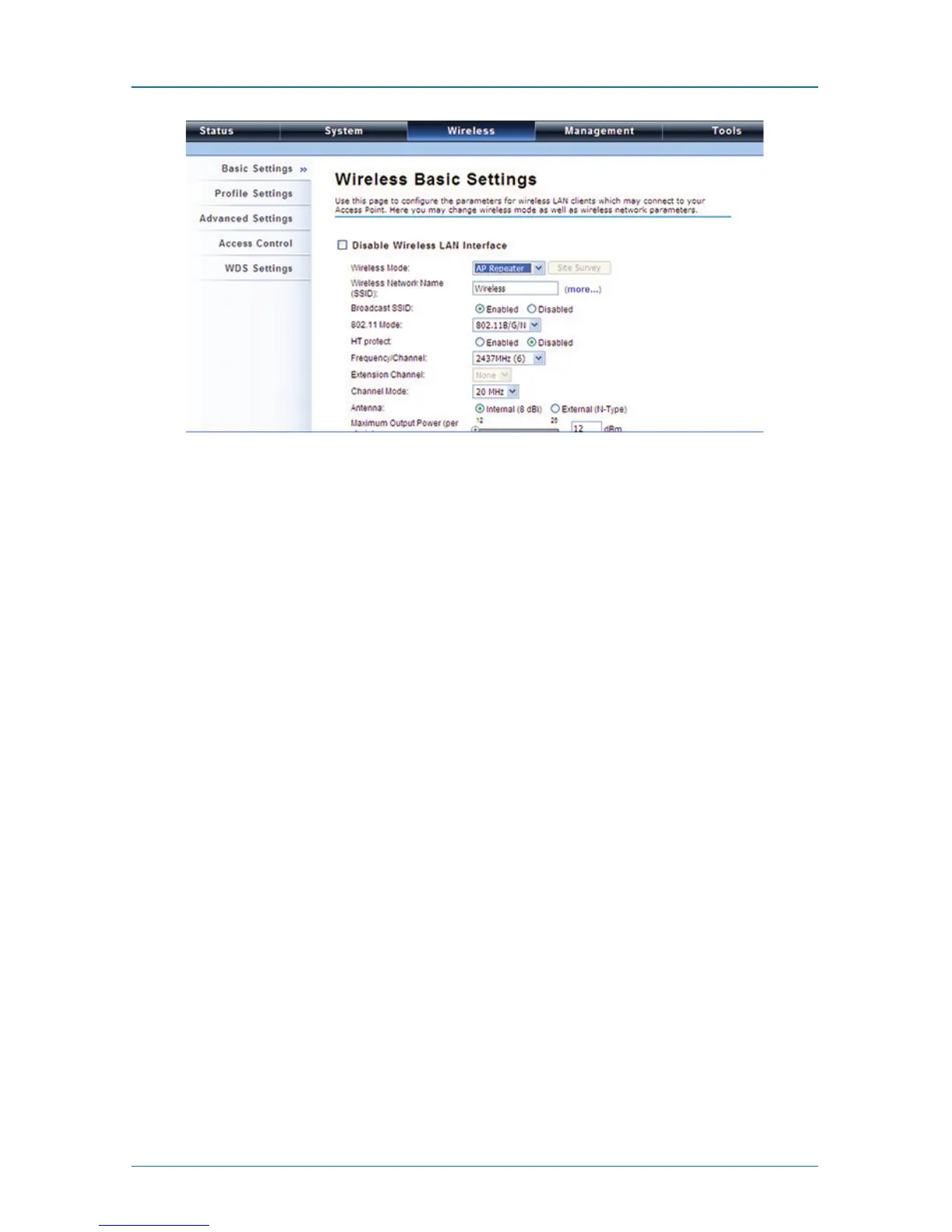
Figure 4-33. Wireless Basic Settings screen.
To establish a point-to-point bridge connection, follow the procedures described
in Bridge mode. To connect the wireless client to the AP, follow the procedures
described in Wireless Client mode.











 To Next Page