3
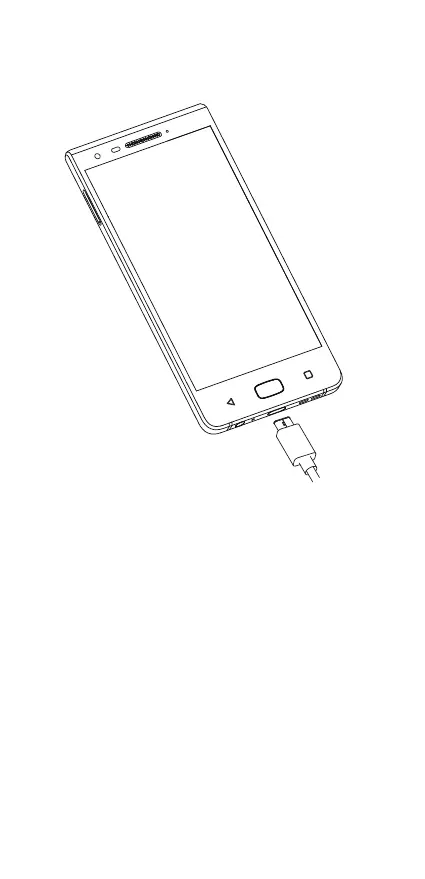
charging the battery
Connect the battery charger to your phone and power
source respectively, the LED indicator will light while
charging.
Tip: To reduce power consumption and energy
waste, when the battery is fully charged, disconnect
your charger; switch off Wi-Fi, GPS, Bluetooth or
background-running applications when not in use;
reduce the backlight time, etc.













 To Next Page