EasyManua.ls Logo

Blackberry Smart Card Reader - Reset Your BlackBerry Smart Card Reader

Blackberry Smart Card Reader
41 pages
Print Icon
To Next Page IconTo Next Page
To Previous Page IconTo Previous Page
Loading...
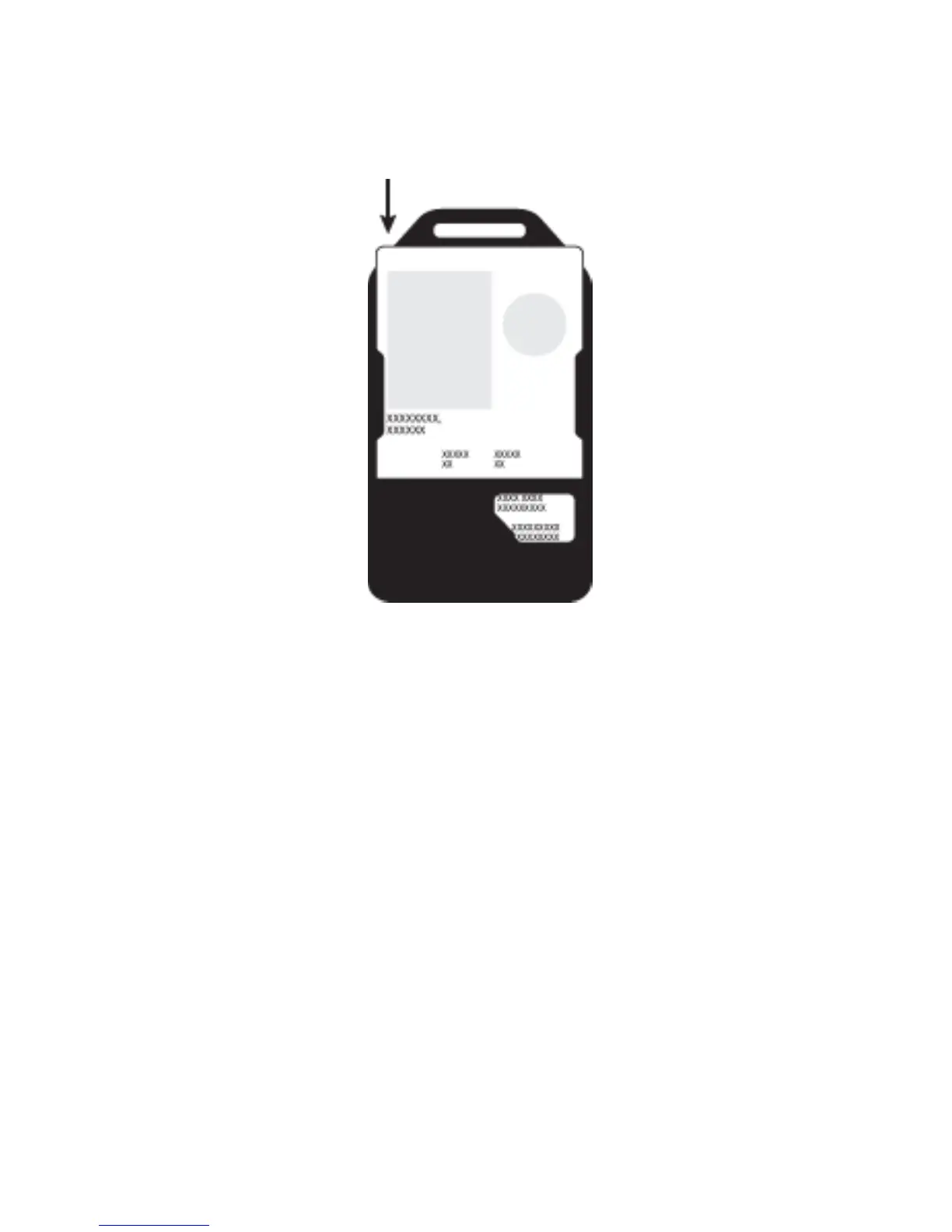
Figure 2. Insert a smart card
Reset your BlackBerry Smart Card
Reader
Verify that Bluetooth® technology on your
BlackBerry® Smart Card Reader is turned off.
If you are upgrading the BlackBerry Smart Card
Reader software from Version 1.0 to Version 1.5.1, you
14


Table of Contents

Other manuals for Blackberry Smart Card Reader