Need help?
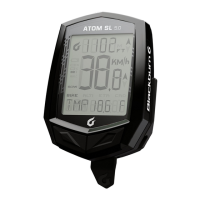
Do you have a question about the blackburn ATOM SL 5.0 and is the answer not in the manual?
Instructions for installing and replacing the battery in the cyclometer and wireless sensors.
Steps to install the wired speed sensor and mounting bracket on the front fork.
Steps to install the wireless speed sensor and mounting bracket on the front fork.
Steps to install wireless speed and cadence sensors and bracket on the rear fork.
Procedure for setting wheel size and other parameters for Atom 5.0/6.0.
Instructions for switching between Bike 1 and Bike 2 profiles on Atom 5.0/6.0.
Steps to set the current time on the cyclometer.
Instructions and chart for measuring and inputting wheel circumference.
How to reset ride data, trip distance, and average speed for Atom SL/3.0.
How to reset various data points like odometer, speed, and altimeter for Atom 5.0/6.0.
Guide on using the ETA function to estimate arrival time based on distance.
 General
| Max Lumens | 500 |
|---|---|
| Mounting | Handlebar |
| Color | Black |
| Type | Front Light |
| Battery | Lithium Polymer |
| Material | Aluminum |


 To Next Page