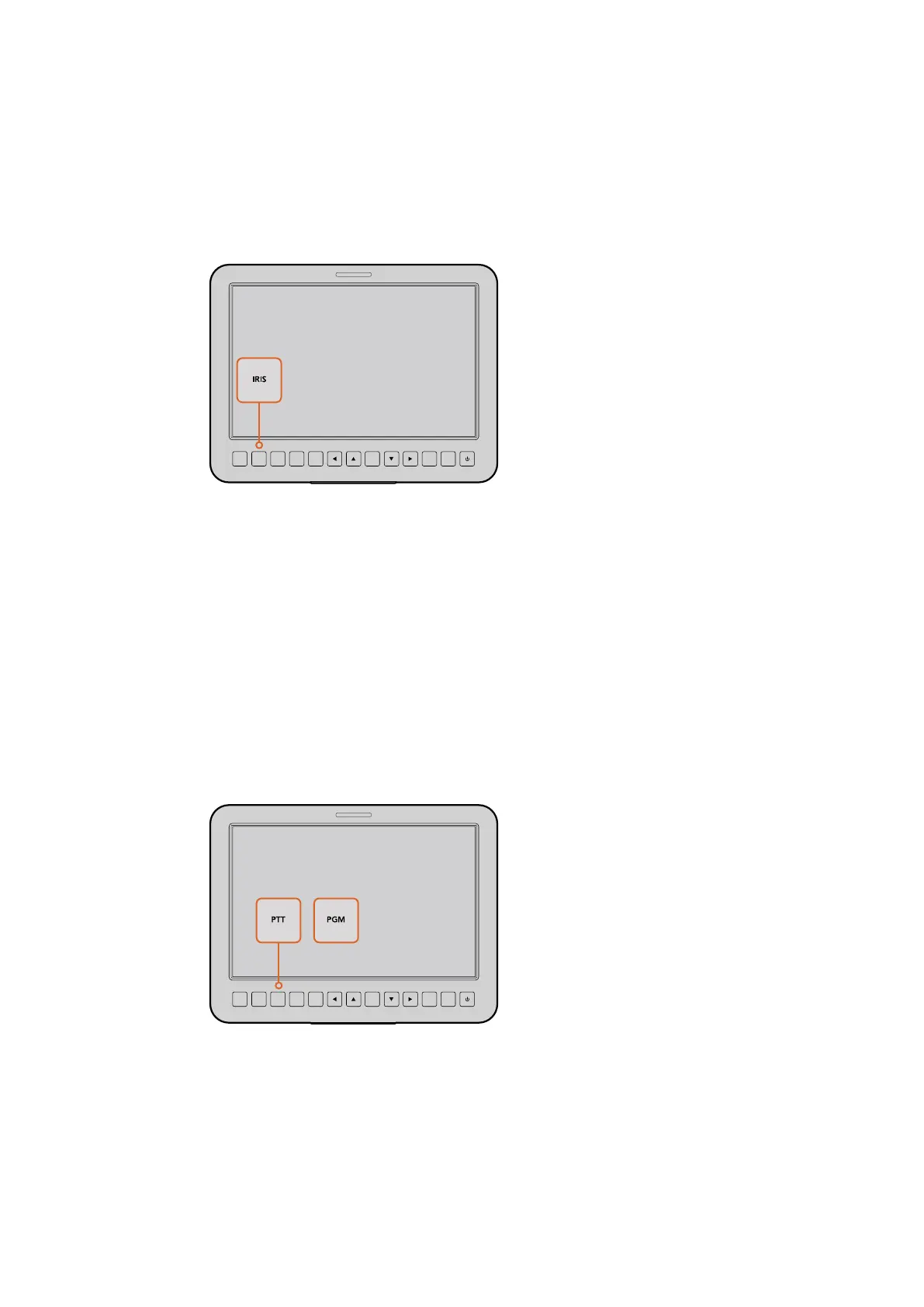
Iris Button
When using video dynamic range settings, a single press of the iris button will set an
average exposure based on the highlights and shadows in your shot. When using film
dynamic range settings, pressing the iris button sets your exposure to accommodate
the brightest highlight in your shot. To set your aperture manually on your Studio
camera, press the up and down menu navigation buttons.
Press the iris button for auto exposure or use the up and
down navigation controls for manual exposure.
Additional Settings
Push to Talk (PTT) Button
When doing live production it is vital that camera operators can talk to the director and
others within the control room. Simply press and hold the button to begin talking. Press
twice in quick succession for hands free communication. Press again to revert to the
default behavior.
Program (PGM) Button
It is sometimes important for camera operators to see the program output, rather than
just the view from their own camera. Press the button to toggle between live camera
output and the program output from a switcher control room. You can use either the
SDI input, or user upgradable optical fiber input to connect your external video source.
The Studio Camera features settings like PTT and PGM
which are essential for live production.
Look Up Table (LUT) Button
Currently not implemented.
Left, Up, Down, Right Buttons
Use these buttons to navigate the menus.
FOCUS
SDI OUT
OPTICA
L OUT
OPTICAL IN
SDI IN
REF
12V
IRIS PTT PGM LUT SET DISPLAY MENU
FOCUS
SDI OUT
OPTICA
L OUT
OPTICAL IN
SDI IN
REF
12V
IRIS PTT PGM LUT SET DISPLAY MENU
2727Settings



 To Next Page