The joystick is mapped as follows:
X axis adjusts the PTZ head’s pan.
Y axis adjusts the PTZ head’s tilt.
Pressing the joystick button tells the PTZ head to store the current X,
Ypositionin memory.
Pressing the switch recalls the stored position.
Controlling your Arduino
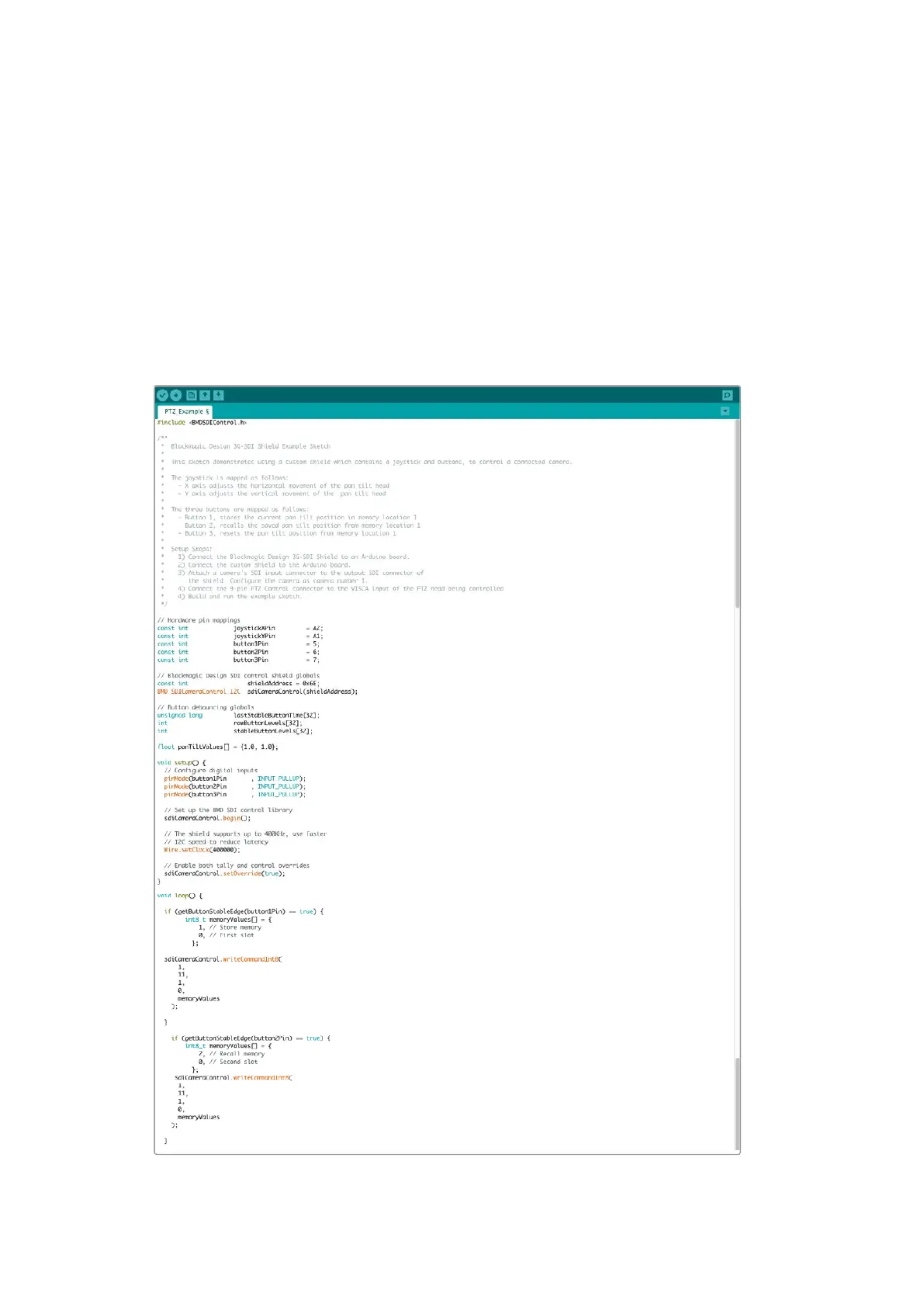
The following sketch demonstrates a simple example of using a joystick and button with
anArduino board and the Blackmagic 3G-SDI Arduino Shield, to control a PTZ head via a
Blackmagic Micro Studio Camera 4K.
44PTZ Control over SDI 44



 To Next Page