Using Blackmagic UltraScope
42
Zoom Function
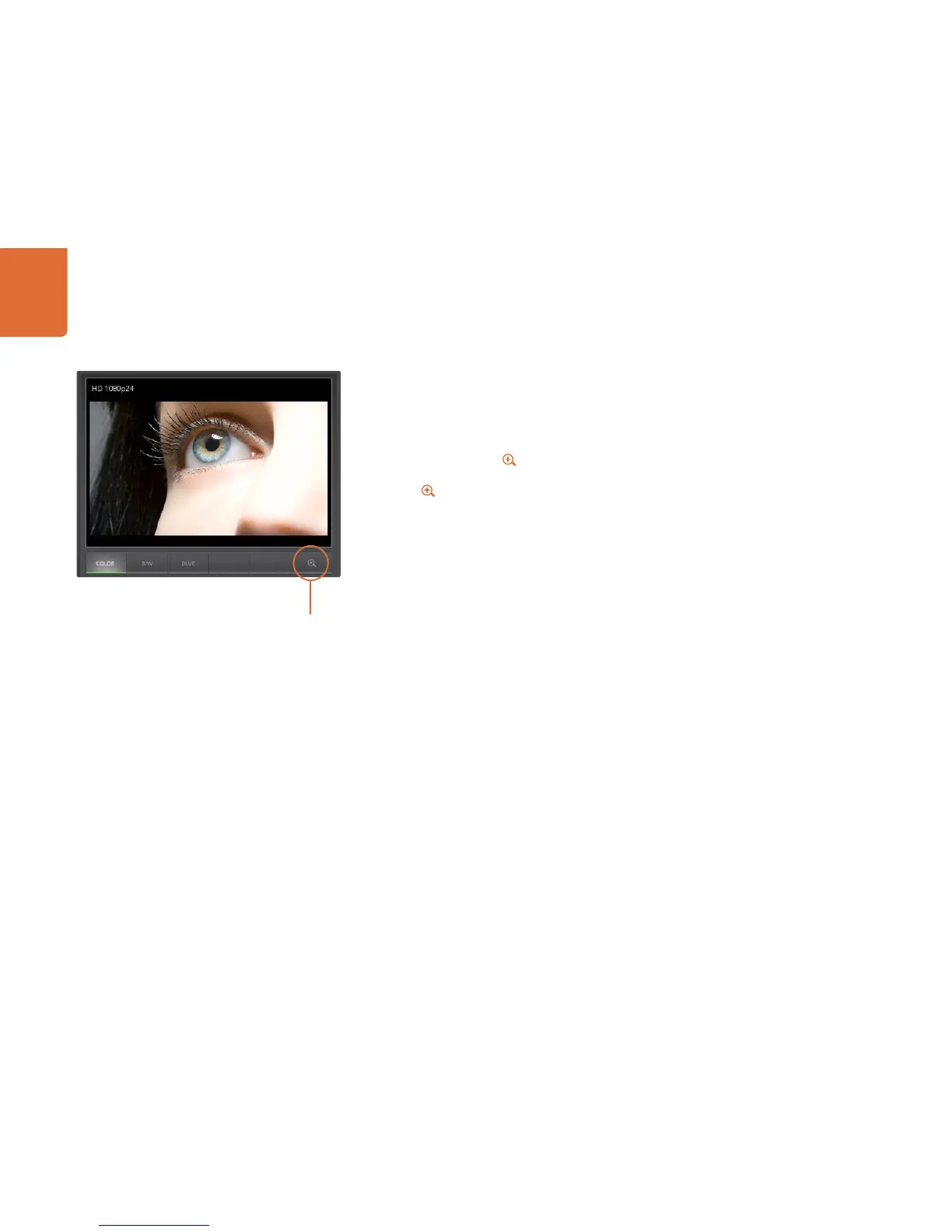
Blackmagic UltraScope allows you to zoom in on various displays for a more detailed analysis.
This helpful function will also pan and zoom the graticules for each display in high resolution.
The zoom function is available in the Parade, Waveform, Vectorscope and Picture displays.
To zoom in, simply click on the bottom right of each respective display. Now you will be able to
view the display in finer detail. Drag the mouse within the display area to pan around the zoomed display.
Clicking again will return the display back to its normal view.
Zoom button















 To Next Page