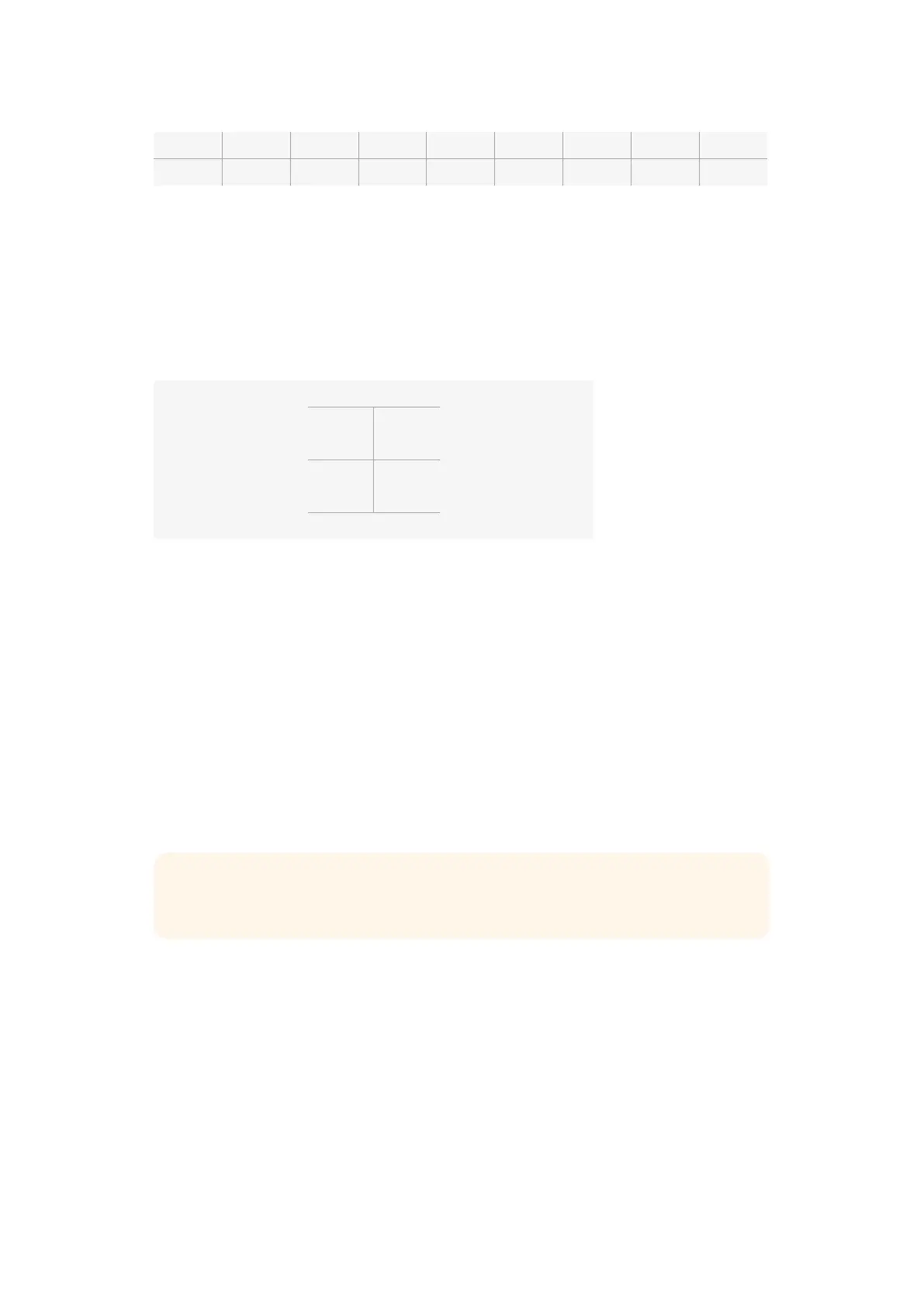
f1.8 f2 f2.8 f4 f5.6 f8 f11 f16 f22
44 - 61 62 - 79 80 - 97 98 - 115 116 - 133 134 - 151 152 - 169 170 - 197 198 - 212
The second type of control registers any change from the neutral value of 128 to a value above
or below and then back to the neutral point. This will be considered by the camera as a valid
toggle signal, which increases or decreases the assigned settings. Settings like the REC trigger,
autofocus, gain, shutter speed, white balance and frame rate work on this basis.
You could assign camera functions to a control like a spring loaded joystick which snaps back
to a neutral center point after each movement up or down. In this example a value of 44 would
represent the maximum downward position of the joystick and 212 would represent the
maximum upward position, while the center functions as a neutral point with a value of 128.
Maximum 212
Neutral Center Point
128
Minimum
44
For example, if your gain settings are mapped to a joystick in this way, then after each upward
movement of the joystick it would return to the neutral point in the center which toggles the
camera to increase gain by one increment, say from 0dB to 6dB.
You could also send this same information in numerical form to another type of controller that
uses numerical values. In this case you would send a value of 128, followed by a value above
128 such as 212, and then back to 128 again. The camera will register this as an increment
command and change the gain from 0dB to 6dB.
The way in which you assign commands will depend upon the kind of control system that you
are using to control your camera and the type of control that you want to assign. Spring loaded
controls that snap back to a neutral point are very common on radio control transmitters for
model aircraft and drones.
If you are using a Futaba style remote control, some functions will be more suited to the rotating
dials or analogue sticks, whilst other functions will be more suited to the switches.
On Screen Meters
Your Blackmagic Camera features meters such as recording time remaining, histogram and
peak audio to assist when setting optimum exposure, checking how much space is left on your
media, and to prevent your audio from clipping.
On screen meters can also be opened or hidden by selecting or deselecting the ‘meters’
feature on the dashboard.
On Blackmagic Micro Cinema Camera, HDMI meters can be found under the ‘monitoring’
section. Use the left and right arrow buttons to move and select your desired meters, then
press the ‘play’ button to confirm your selection.
TIP See the ‘Blackmagic Micro Cinema Camera Expansion Port and Expansion Cable’
section for more information about the expansion port and its specific connections.
32Menu Settings












 To Next Page