19Blackmagic Special Report • April 2017
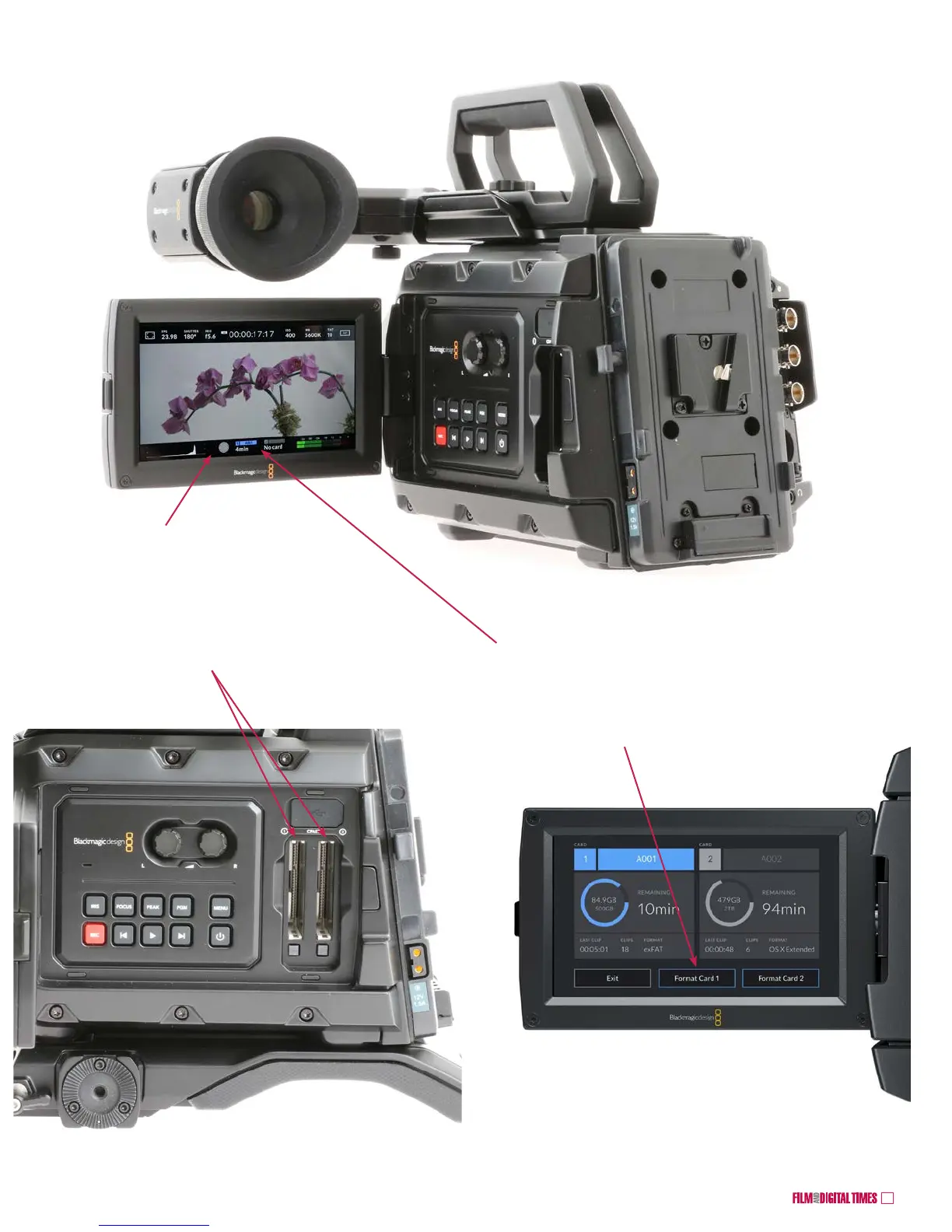
Insert a CFast 2.0 card in one or both slots
Tap either CFast icon at the bottom of the touchscreen to format card.
Select a card to format
Choose OS X Extended for Mac format
Choose exFAT for Windows or Mac.
Confirm and format.
Gray and blue indicate
camera is in standby
Blackmagic URSA Mini 4.6K










 To Next Page