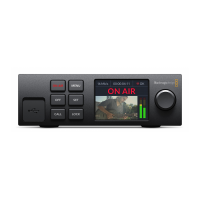
Off - To stop streaming, press the ‘off’ button.
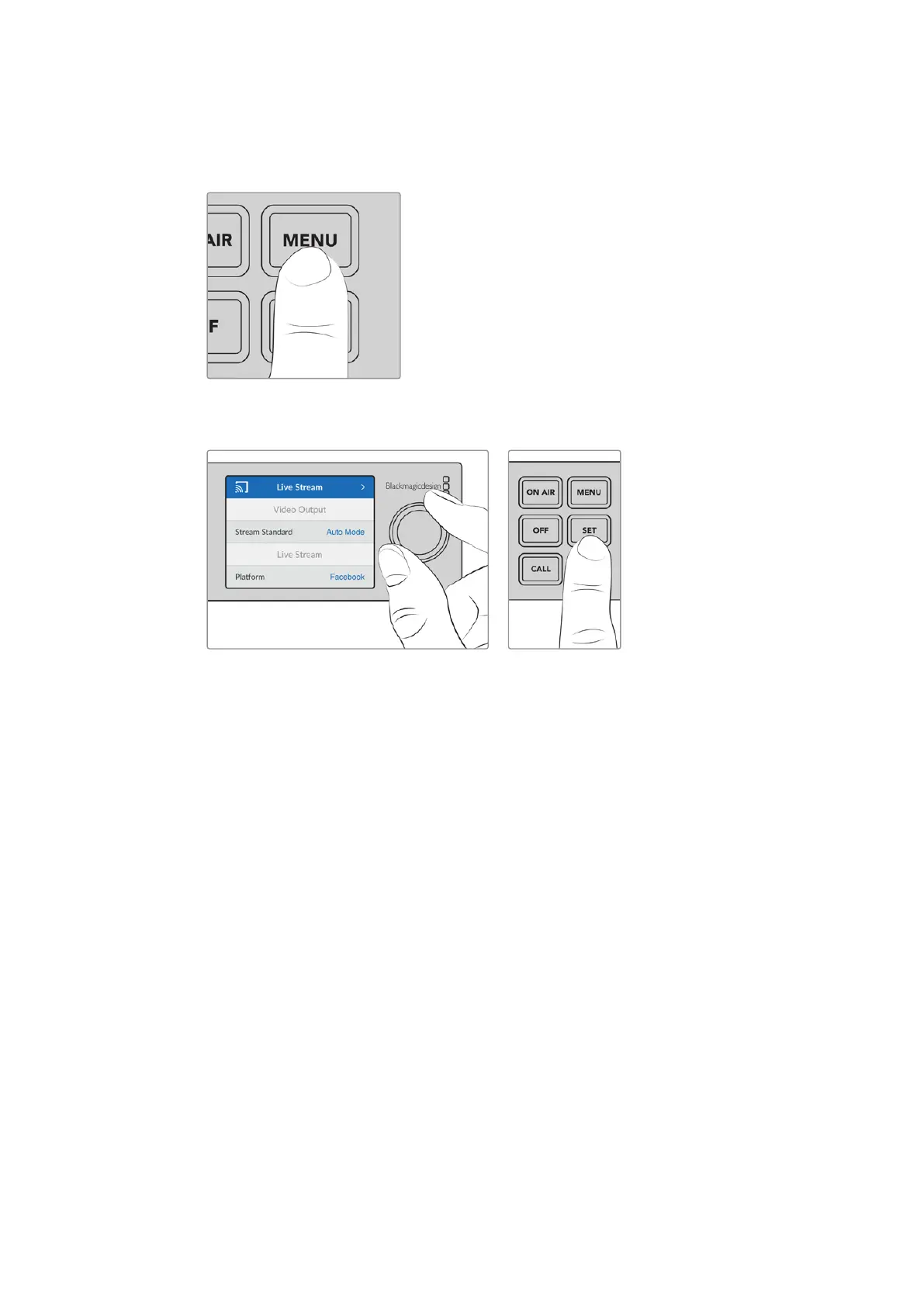
Menu - Press the menu button to open the settings on the LCD.
To change a setting:
1 Rotate the knob to select the setting you want to change, then press ‘set’.
2 Rotate the knob to change your setting.
3 Press ‘set’ again to confirm the change.
Press the menu button to step back through the menu items and return to the home screen.
Call - This feature will be enabled in a future update.
Lock - Press and hold this button for 1 second to lock the panel. This disables the buttons,
preventing anyone from accidentally going on air or stopping a stream. The button will
illuminate red when active.
Press and hold for 2 seconds to unlock the panel.
7Using Web Presenter HD’s Front Panel


 To Next Page