Internet Connection Icons
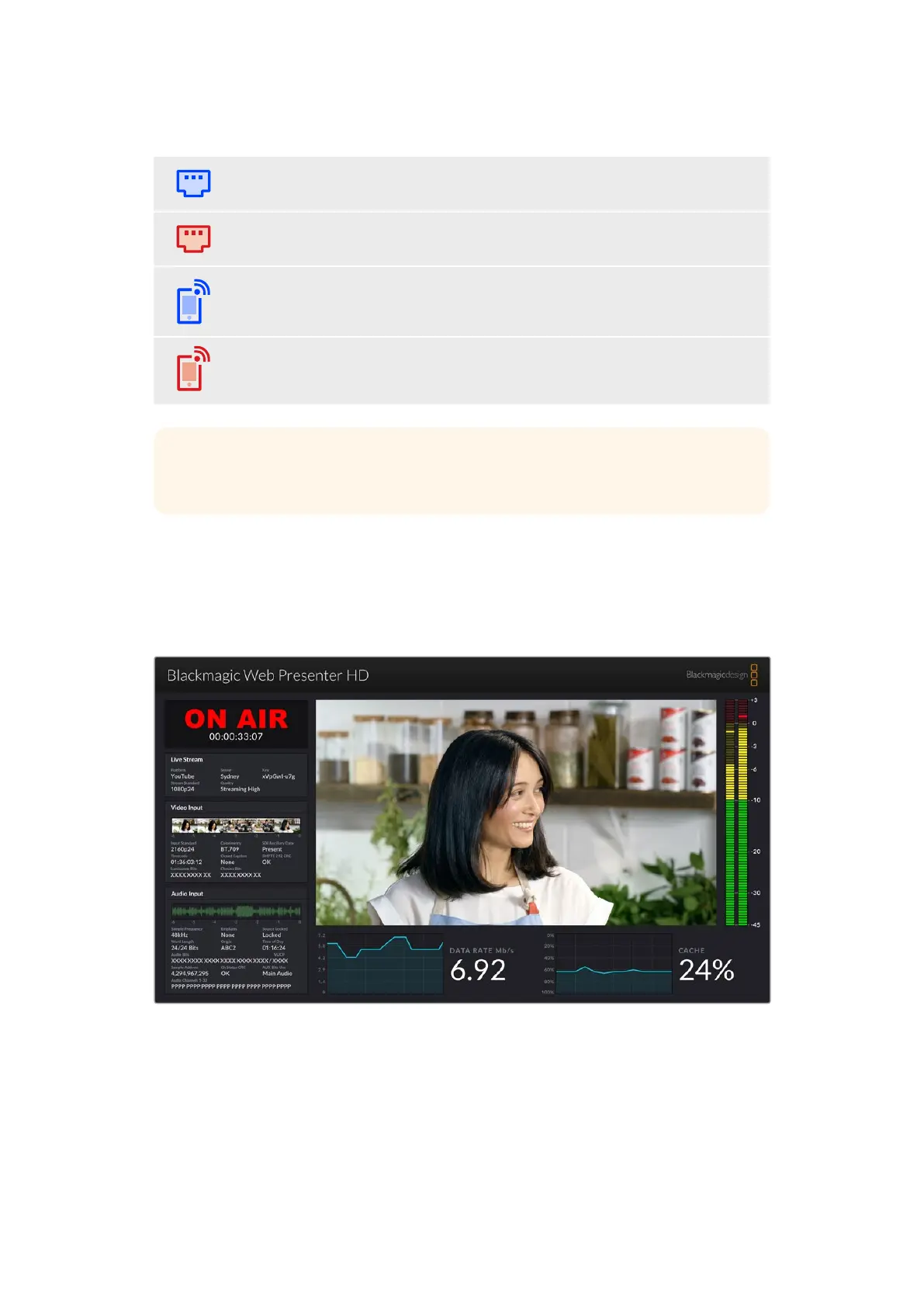
A blue Ethernet icon is displayed when an Ethernet cable is connected and the
Ethernetconnection will be used for streaming.
A red Ethernet icon is displayed when on air and streaming via Ethernet.
A blue smartphone icon is displayed when a tethered smartphone’s internet
connectionwill be used for streaming.
A red smartphone icon is displayed when on air and streaming via a tethered
smartphone.
TIP If no icon is displayed then your Web Presenter HD is not connected
to the network.
Using the Monitor Output
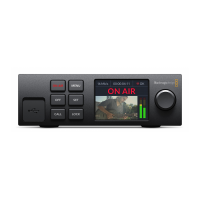
The monitor output lets you monitor the video input, audio levels, on air status, data rate and
cache levels, plus technical information about the SDI input.
The monitor out on Web Presenter HD provides comprehensive
information including data rate and cache status.
9Using the Monitor Output


 To Next Page