5
ENGLISH
(Original instructions)
u Injuries caused when changing any
parts, blades or accessories.
u Injuries caused by prolonged use
of a tool. When using any tool for
prolonged periods ensure you take
regular breaks.
u Impairment of hearing.
u Health hazards caused by breathing
dust developed when using your
tool (example:- working with wood,
especially oak, beech and MDF.)
Batteries
u Never attempt to open for any reason.
u Do not expose the battery to water.
u Do not store in locations where the
temperature may exceed 40 °C.
u Charge only at ambient temperatures
between 10 °C and 40 °C.
u Charge only using the charger
provided with the tool.
u If the appliance is to be stored unused
for a long period, the batteries should
be removed.
u When disposing of batteries, follow
the instructions given in the section
“Protecting the environment”.
p
Do not attempt to charge dam-
aged batteries.
Chargers
u Use your BLACK+DECKER charger
only to charge the battery in the tool
with which it was supplied. Other
batteries could burst, causing personal
injury and damage.
u Never attempt to charge non-
rechargeable batteries.
u Have defective cords replaced
immediately.
u Do not expose the charger to water.
u Do not open the charger.
u Do not probe the charger.
Electrical safety
Symbols on the charger
Read all of this manual carefully before using the
appliance.
#
This tool is double insulated; therefore no earth wire
is required. Always check that the power supply
corresponds to the voltage on the rating plate.
$
The charger is intended for indoor use only.
Labels on appliance
The following symbols appear on this appliance along with the
date code.
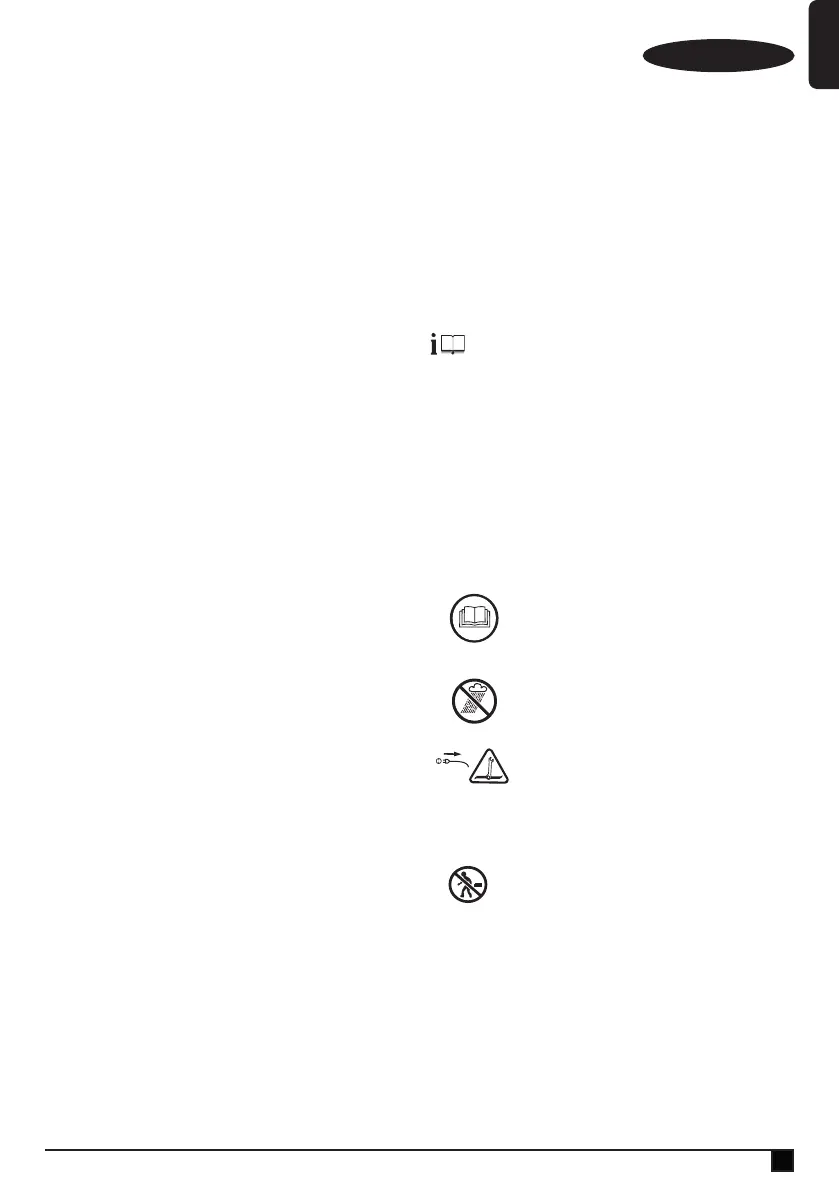
Warning! To reduce the risk
of injury, the user must read
the instruction manual.
Do not expose the appliance
to rain or high humidity.
Before performing mainte-
nance or cleaning on the
appliance, unplug the supply
cord.
Do not leave the inator
unattended.
#
Class II appliance
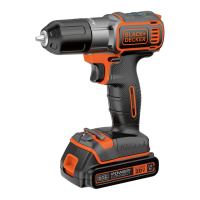
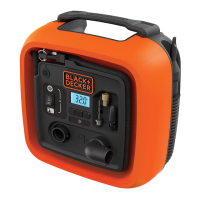
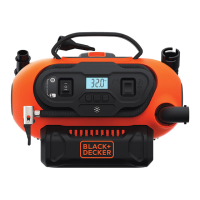
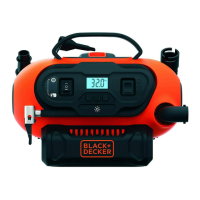
Features
This tool includes some or all of the following features.
1. AC/DC power switch
2. Mode power switch
3. LCD
4. Pressure setting buttons








 To Next Page